Before developing an app, you need to create it in AppGallery Connect.
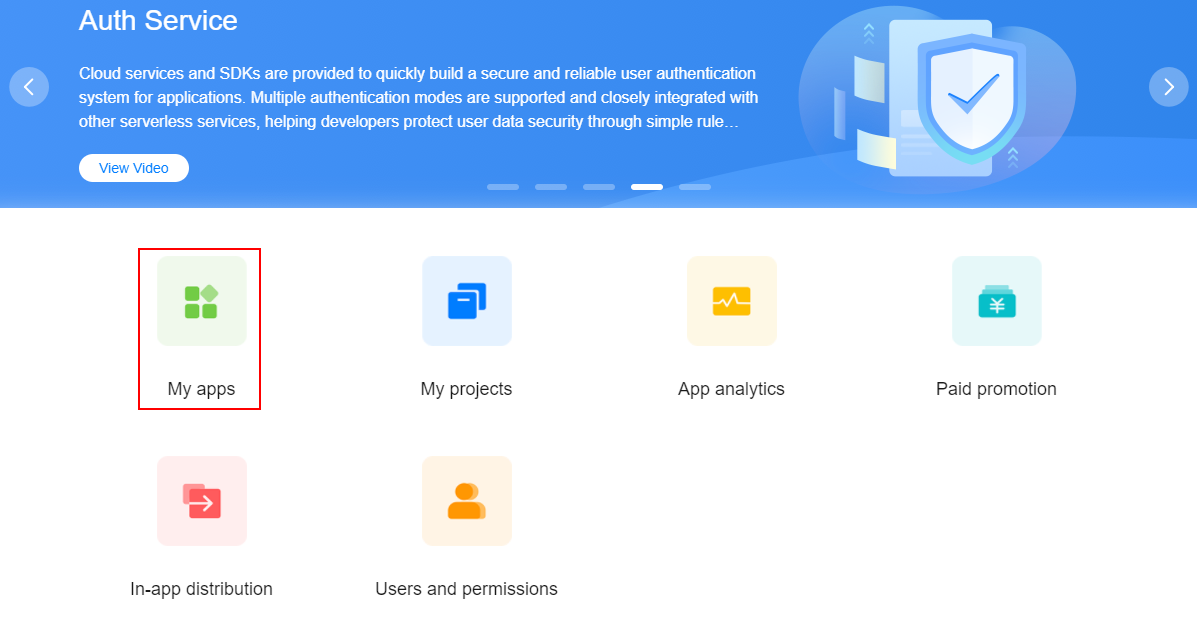
1. Sign in to AppGallery Connect and click My apps.
2. Click New app on the right of the page.

3. Fill in the app information and click OK. The app information page is displayed.
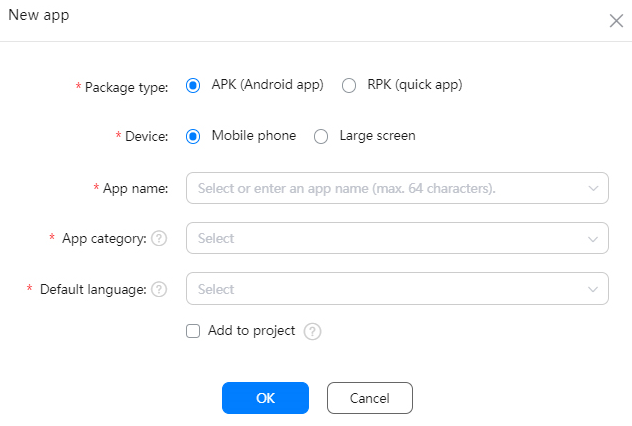
| Parameter | Description |
|---|---|
| Package type | Select a type as required. |
| Device | Device on which the released app will be running. Note: If your app is a large-screen app and you need to test it, submit a ticket on HUAWEI Developers, and then you will be provided with a remote test environment for large-screen apps. |
| App name |
|
| App category |
|
| Default language | Set the app's default language based on the country or region in which it is released. |
| Add to project |
For details about the concepts "project" and "app", please refer to Introduction to Projects. |
4. Return to the app list and view the created app. Click the app name to go to the details page.
If you have multiple apps with the same name, you can filter them by device type.
