Problem
Two error messages are displayed when a file fails to be uploaded using Cloud Storage:
-
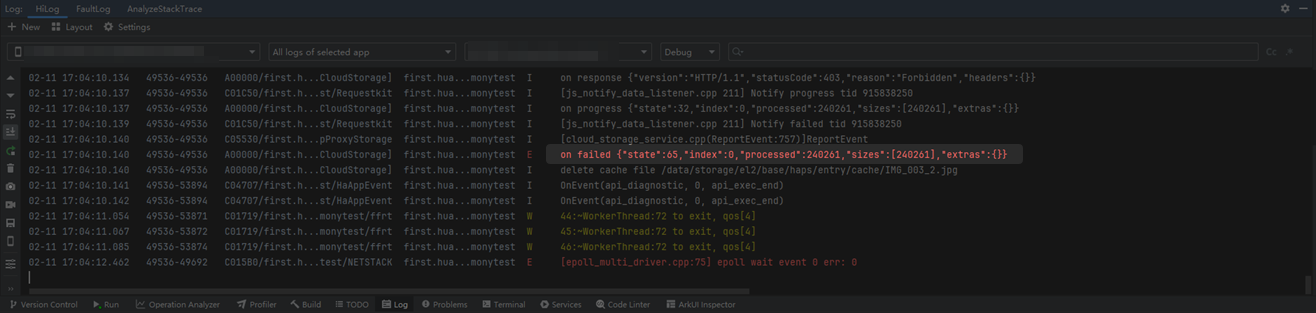
The app log displays ""state":65".
-
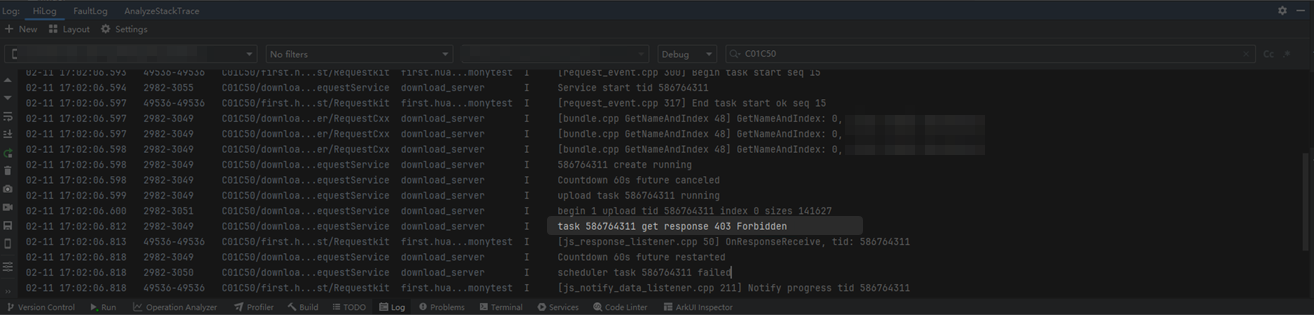
The upload process log displays "403 Forbidden". (You can set the No filters mode and search with keyword C01C50.)
Solution
To troubleshoot this issue, perform the following steps:
-
Verify that the app signing mode is correct. Currently, Cloud Foundation Kit supports two signing modes: automatically signing an app associated with a registered app or manual signing.
-
Ensure that you have obtained the user credential through AuthProvider. If no user credential has been configured, the server will return the "403 Forbidden" error message.