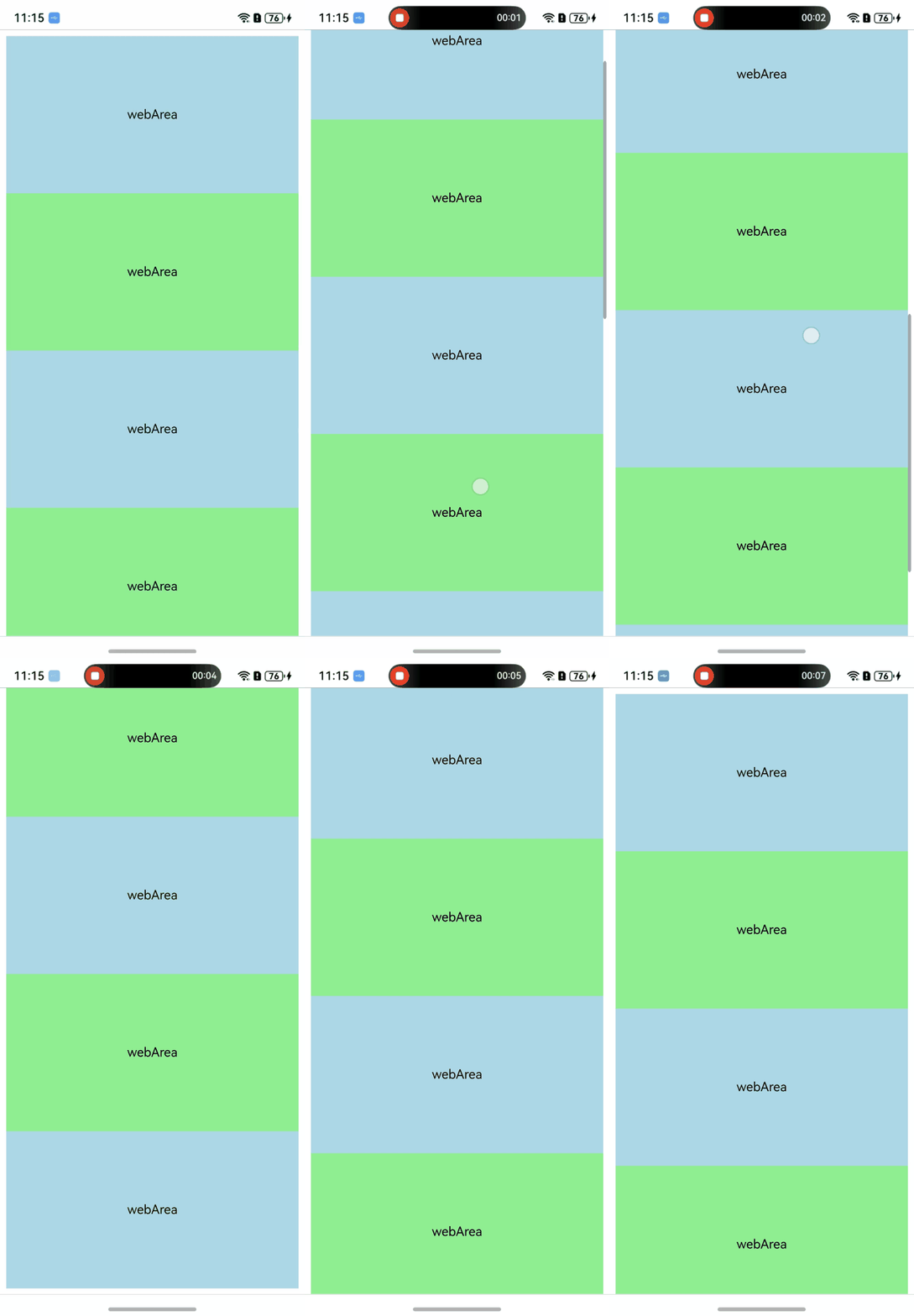
A web page can scroll only when its content height or width exceeds the visible area. Web page scrolling can be performed in several ways, including using external devices, calling ArkTS side interfaces, and calling JS side interfaces.
Using External Devices
You can control web page scrolling through the touchscreen, touchpad, and mouse wheel in the following ways.
- Through the touchscreen, you can swipe up, down, left, or right with a single finger to scroll the web page.
- Through the touchpad, you can swipe up, down, left, or right on the laptop to scroll the web page.
- Control web page scrolling through the mouse wheel: you can scroll up and down with the mouse wheel to control page scrolling.
Calling ArkTS APIs
-
scrollTo: scrolls the page to a specified absolute position within a specified period.
Return to the top of the page.
this.webController.scrollTo(0, 0);
-
scrollBy: scrolls the page by a specified offset within a specified period.
This API can be used to control the scrolling of Web components in nested scrolling. For details, see Distributing Scrolling Offsets Through the Parent Scroll Component
-
pageUp: scrolls up the Web component content by half of the viewport or jumps to the top of the page, controlled by the top input parameter.
-
pageDown: scrolls down the Web component content by half of the viewport or jumps to the bottom of the page, controlled by the bottom input parameter.
Calling JS APIs
-
scrollBy: scrolls by a certain distance relative to the current position (a positive number is downward/rightward, and a negative number is upward/leftward).
window.scrollBy(deltaX, deltaY);// deltaX is the distance to scroll the element along the horizontal axis, and deltaY is the distance to scroll the element along the vertical axis.
Progressive scrolling (such as the Read more button).
document.getElementById("read-more").addEventListener("click", ()=>{ window.scrollBy(0, 300); }) -
scrollTo: scrolls the page to the absolute coordinate position.
window.scrollTo(x, y);// x is the horizontal coordinate (in pixels) of the upper-left corner of the window after scrolling, and y is the vertical coordinate (in pixels) of the upper-left corner of the window after scrolling.
(1) Return to the top of the page.
window.scrollTo(0, 0);
(2) Jump to a specific position on the page.
window.scrollTo(0, 500); // Scroll to a fixed pixel position (for example, 500px).
Scrolling to the Top by Tapping the Status Bar
When the web page is not at the top or is being flung downward, you can use the backToTop method to return to the top of the web page. After it is enabled, tapping the status bar interrupts the fling and scrolls the web page to the top.
- The sample code is as follows:
// xxx.ets
import { webview } from '@kit.ArkWeb';

@Entry
@Component
struct WebComponent {
  controller: webview.WebviewController = new webview.WebviewController();

  build() {
    Column() {
      Web({ src: $rawfile("index.html"), controller: this.controller })
        .backToTop(true)
    }
  }
}
The loaded HTML file:
<!-- index.html -->
<!DOCTYPE html>
<html>
<head>
    <meta name="viewport" id="viewport" content="width=device-width, initial-scale=1.0">
    <style>
        .blue {
          background-color: lightblue;
        }
        .green {
          background-color: lightgreen;
        }
        .blue, .green {
         font-size:16px;
         height:200px;
         text-align: center;       /* Horizontally centered */
         line-height: 200px;       /* Vertically centered (the height matches the container height) */
        }
    </style>
</head>
<body>
<div class="blue" >webArea</div>
<div class="green">webArea</div>
<div class="blue">webArea</div>
<div class="green">webArea</div>
<div class="blue">webArea</div>
<div class="green">webArea</div>
<div class="blue">webArea</div>
<div class="green">webArea</div>
<div class="blue">webArea</div>
</body>
</html> -
Effect