















一、参考链接
https://ohpm.openharmony.cn/#/cn/detail/@ohos%2Flottie
参考案例:
https://gitee.com/harmonyos-cases/cases/tree/master/CommonAppDevelopment/feature/lottieview
二、示意图:
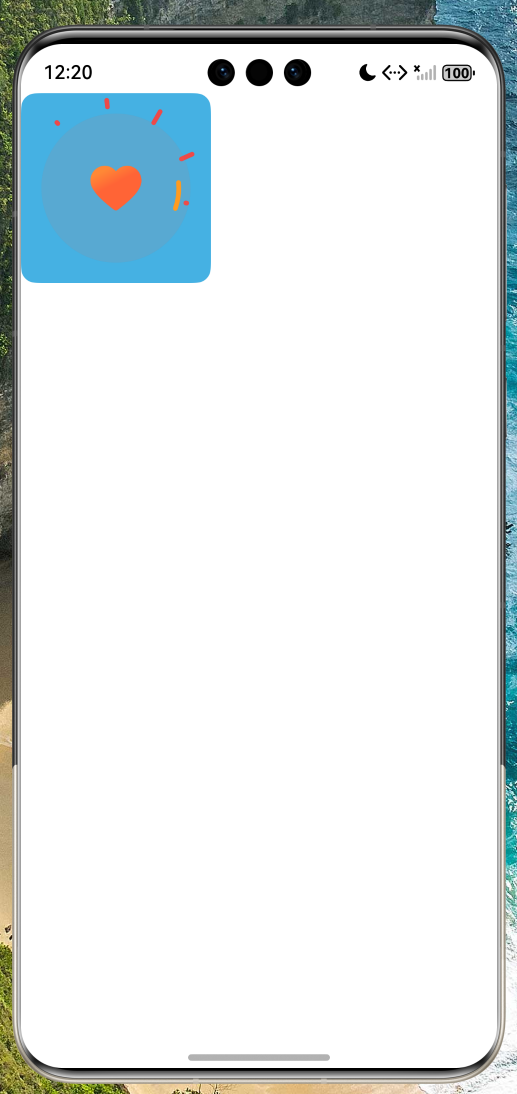
三、相关代码:
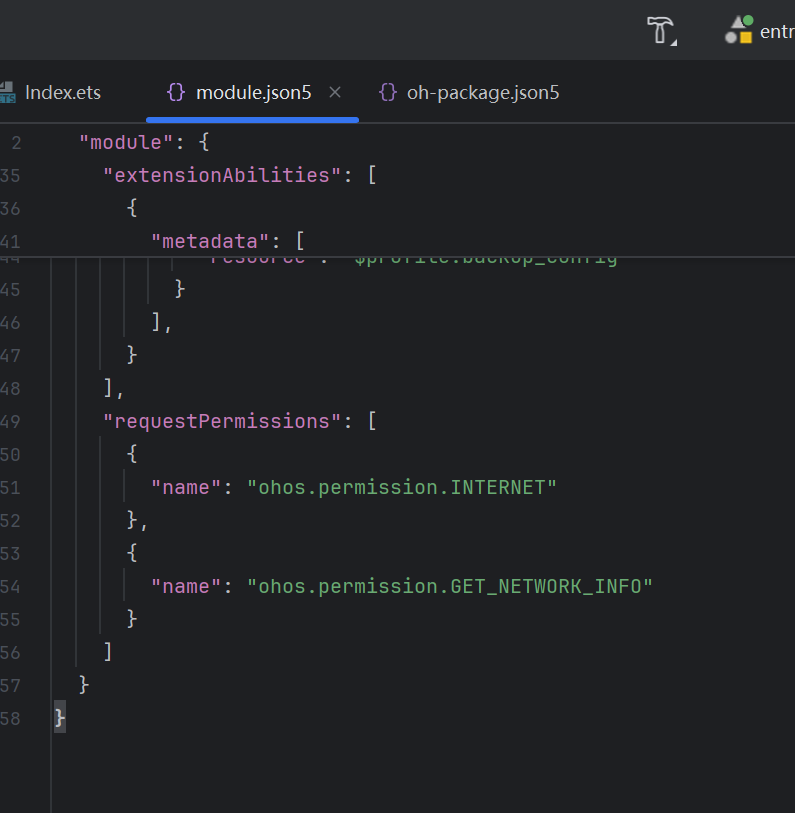
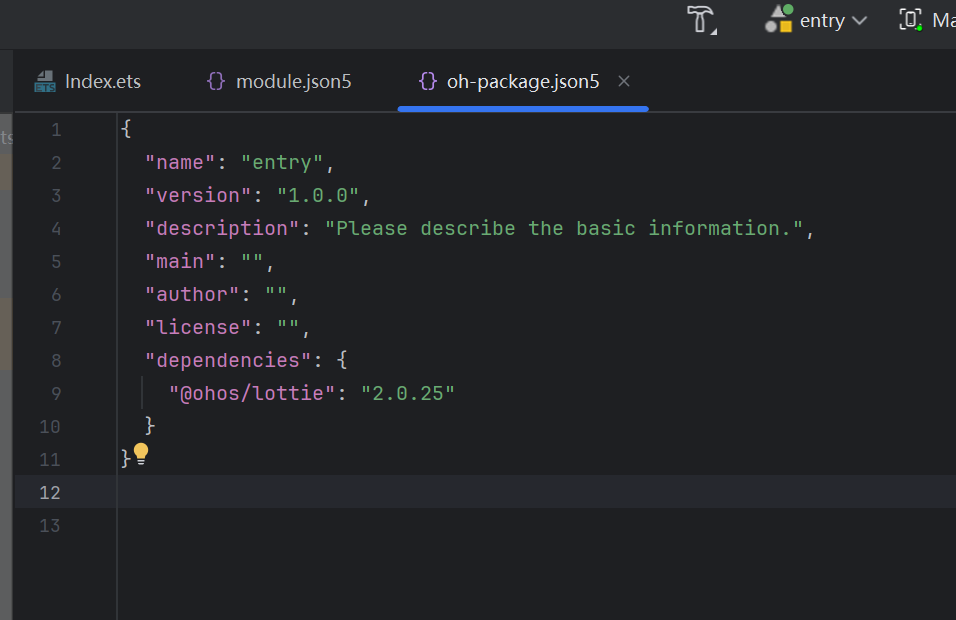
组件中使用:
@Entry
@Component
struct Index {
  build() {
    Column(){
      LottieView()
        .height('100%')
        .width('100%')
    }
  }
}

@Component
export struct LottieView {
  //用来配置CanvasRenderingContext2D对象的参数,包括是否开启抗锯齿,true表明开启抗锯齿。
  private settings: RenderingContextSettings = new RenderingContextSettings(true);
  //用来创建CanvasRenderingContext2D对象,通过在canvas中调用CanvasRenderingContext2D对象来绘制。
  private context: CanvasRenderingContext2D = new CanvasRenderingContext2D(this.settings);
  private politeChicky: string = 'politeChicky'; // 动画名称
  private politeChickyPath:string = "https://assets7.lottiefiles.com/packages/lf20_sF7uci.json" // uri路径,仅支持json格式
  private animateItem: AnimationItem | undefined = undefined; // 初始化loadAnimation接口的返回对象

  aboutToDisappear(): void {
    if (this.animateItem !== undefined) {
      this.animateItem.destroy(this.politeChicky);
    }
  }

  build() {
   Column(){
     Canvas(this.context)
       .width(150)
       .height(150)
       .backgroundColor('#46B1E3')
       .borderRadius(12)
       .onReady(() => {
         // 必须要Canvas组件初始化之后才能执行lottie.loadAnimation方法去加载动画。
         this.initAnimation();
       })
   }
  }

  /**
   * 加载动画
   * @param autoplay 控制动画是否自动播放参数
   */
  initAnimation() {
    //抗锯齿的设置
    this.context.imageSmoothingEnabled = true;
    this.context.imageSmoothingQuality = 'medium';
    // TODO:知识点:lottie.loadAnimation将json数据生成动画
    this.animateItem = lottie.loadAnimation({
      container: this.context,  // 渲染上下文
      renderer: 'canvas',                          // 渲染方式
      loop: true,                                  // 是否循环播放,默认true
      autoplay: true,                              // 是否自动播放,默认true
      name: this.politeChicky,                     // 动画名称
      contentMode: 'Contain',                      // 填充的模式
      frameRate: 30,                               //设置animator的刷帧率为30
      uri: this.politeChickyPath,                  // json路径
    })
  }
}


 上一篇


 苏公安网备 32011402010933号