


智能客服
你问我答,随时在线为你解决问题















智慧手势是智能穿戴设备除屏幕交互、表冠交互和按键交互外的独特感知交互方式,应用如何进行适配?
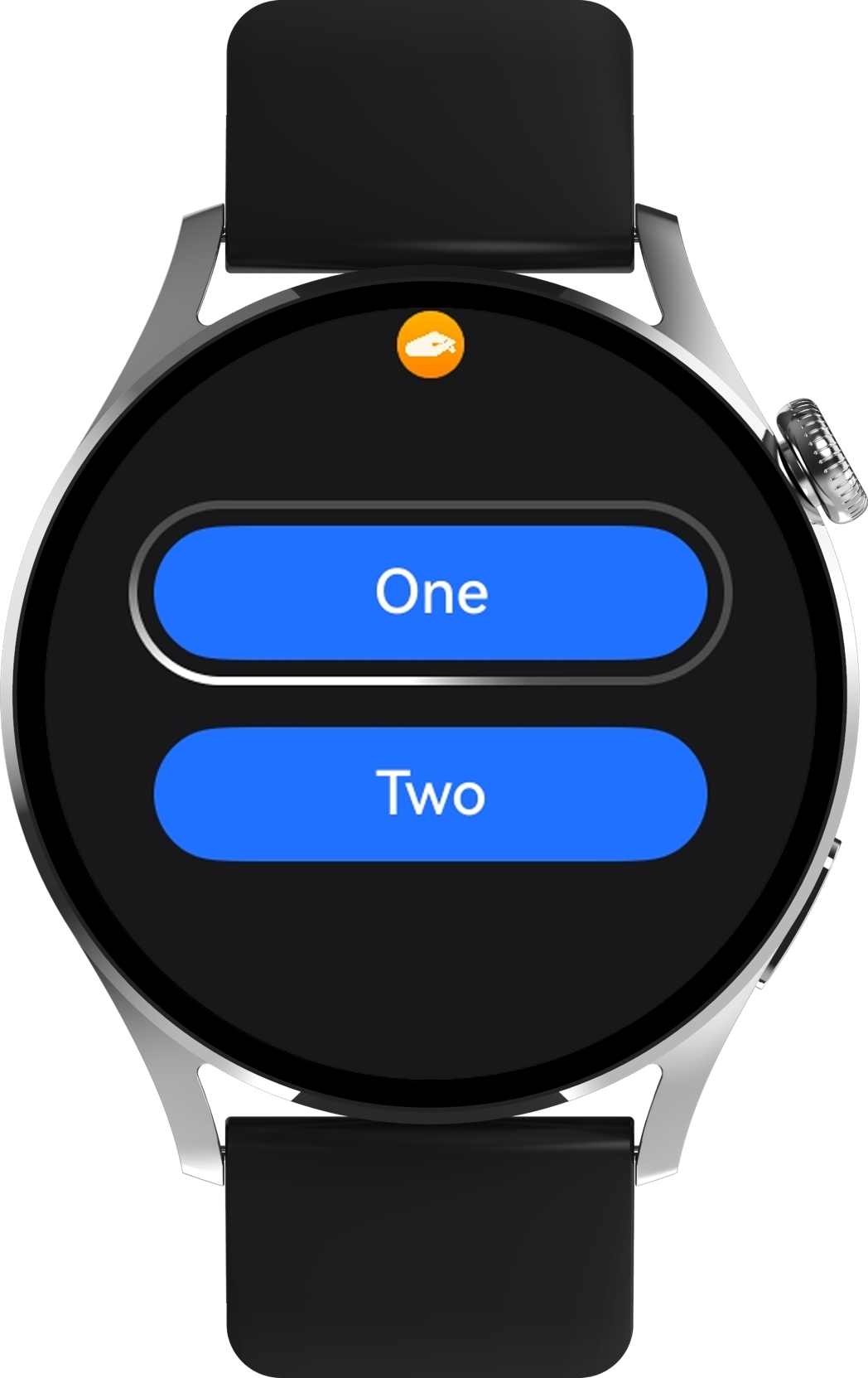
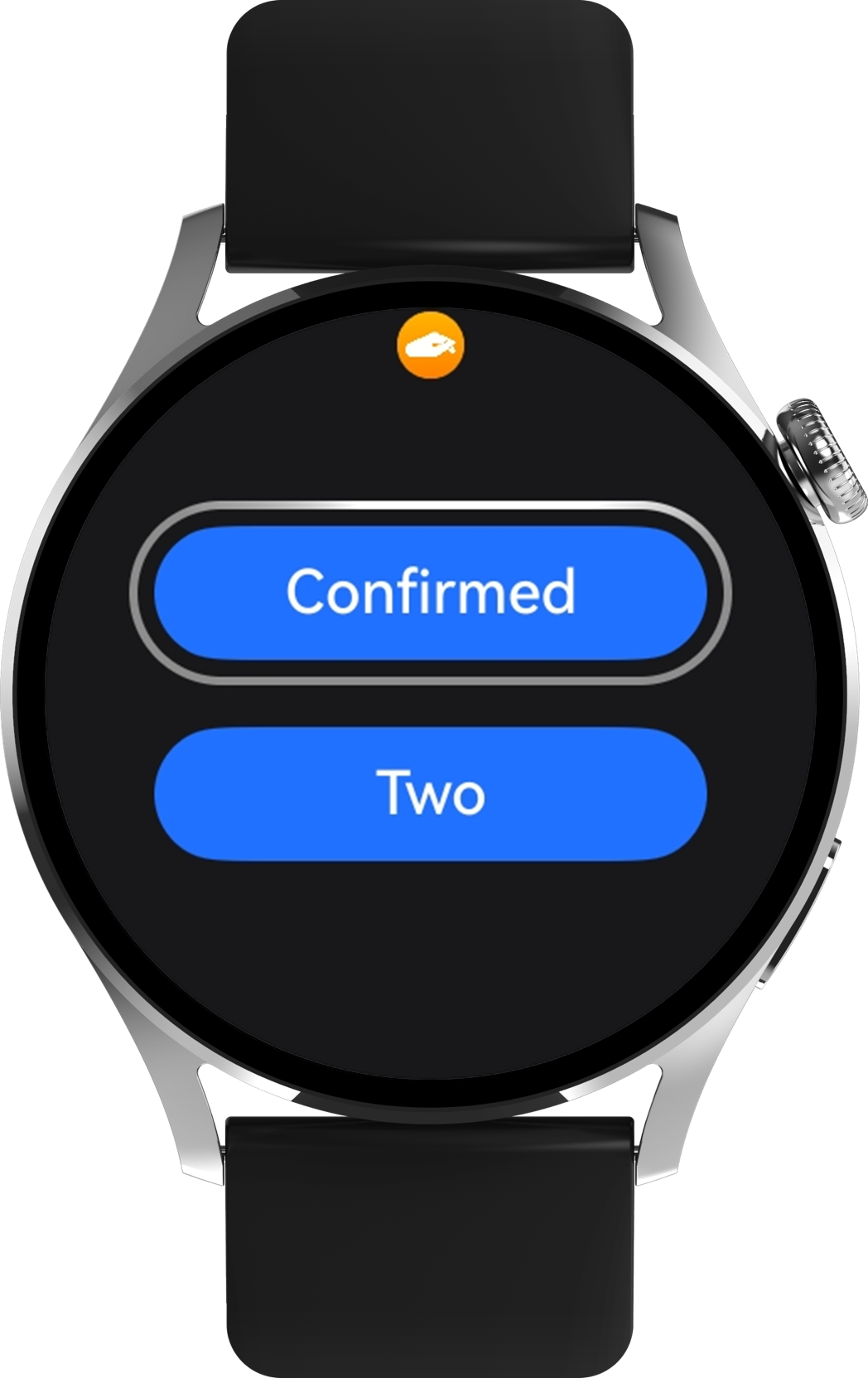
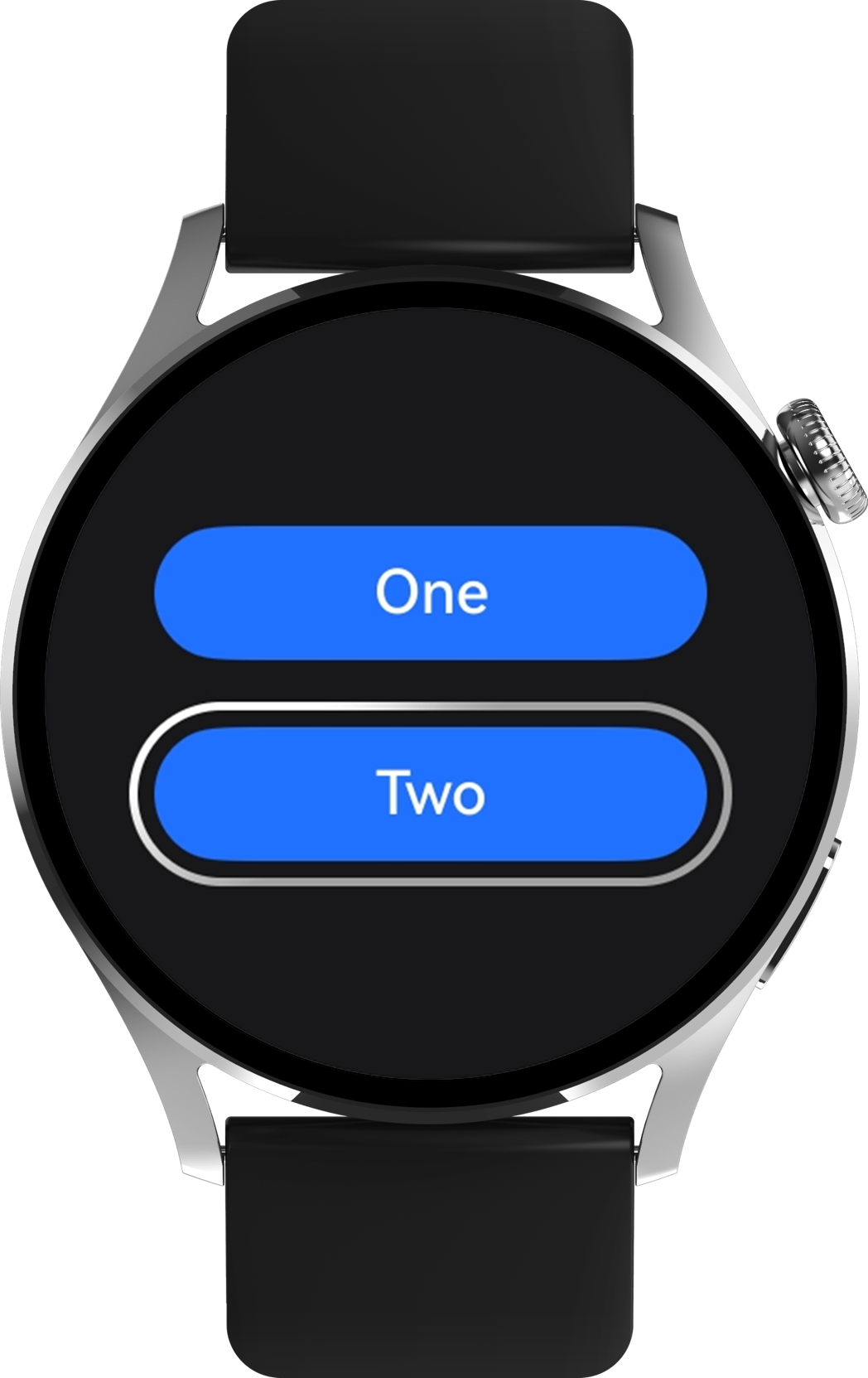
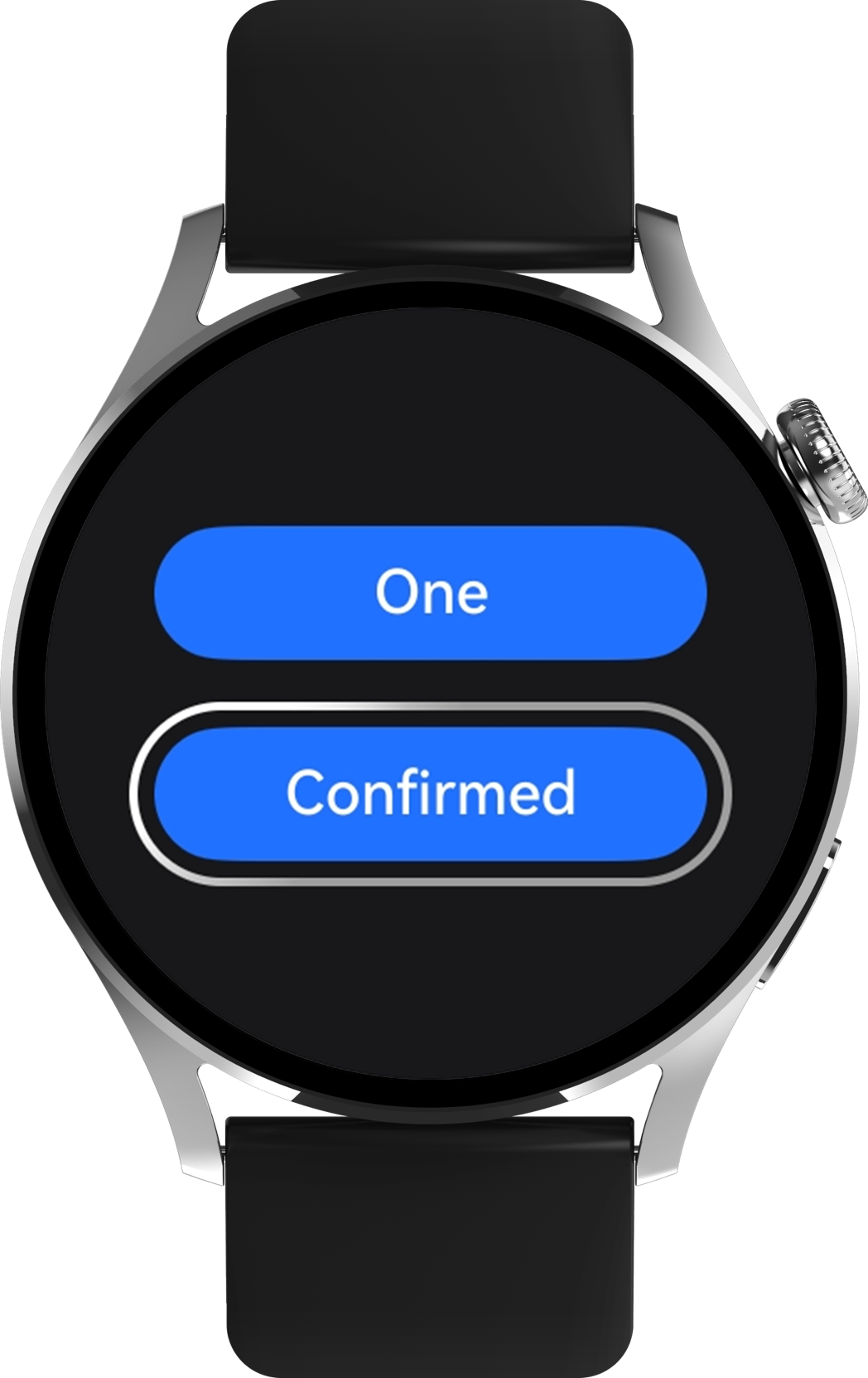
- aboutToAppear(): void {
- this.getUIContext().getFocusController().activate(true, false);
- }
- onDidBuild(): void {
- try {
- // register a button to get focus by default.
- this.getUIContext().getFocusController().requestFocus('btn1');
- } catch (error) {
- console.error(`requestFocus function error. Code is ${error.code}, message is ${error.message}.`);
- }
- }
- .onKeyEvent((event: KeyEvent) => {
- if (event.keyCode === KeyCode.KEYCODE_ENTER && event.type === KeyType.Down) {
- // Trigger the pinching gesture
- this.oneButton1Text = 'Confirmed';
- }
- });
- .onFocus(() => {
- this.oneButton1Text = 'One';
- this.oneButton2Text = 'Two';
- })
- .onBlur(() => {
- this.oneButton1Text = 'One';
- })
- aboutToDisappear(): void {
- this.getUIContext().getFocusController().activate(false);
- }
完整示例参考如下:
- import { KeyCode } from '@kit.InputKit';
- import { ColorMetrics, LengthMetrics } from '@kit.ArkUI';
-
-
- @Entry
- @Component
- struct Index {
- @State oneButton1Text: string = 'One';
- @State oneButton2Text: string = 'Two';
-
- aboutToAppear(): void {
- this.getUIContext().getFocusController().activate(true, false);
- }
-
-
- onDidBuild(): void {
- try {
- // register a button to get focus by default.
- this.getUIContext().getFocusController().requestFocus('btn1');
- } catch (error) {
- console.error(`requestFocus function error. Code is ${error.code}, message is ${error.message}.`);
- }
- }
-
-
- aboutToDisappear(): void {
- this.getUIContext().getFocusController().activate(false);
- }
-
-
- build() {
- NavDestination() {
- Scroll() {
- Column({ space: 20 }) {
- Button(this.oneButton1Text)
- .width(165)
- .height(40)
- .focusBox({
- margin: LengthMetrics.px(10),
- strokeColor: ColorMetrics.rgba(255, 255, 255),
- strokeWidth: LengthMetrics.px(5)
- })
- .defaultFocus(true)
- .id('btn1')
-
- .onFocus(() => {
- this.oneButton1Text = 'One';
- this.oneButton2Text = 'Two';
- })
- .onBlur(() => {
- this.oneButton1Text = 'One';
- })
- .onKeyEvent((event: KeyEvent) => {
- if (event.keyCode === KeyCode.KEYCODE_ENTER && event.type === KeyType.Down) {
- // Trigger the pinching gesture
- this.oneButton1Text = 'Confirmed';
- }
- });
- Button(this.oneButton2Text)
- .width(165)
- .height(40)
- .focusBox({
- margin: LengthMetrics.px(10),
- strokeColor: ColorMetrics.rgba(255, 255, 255),
- strokeWidth: LengthMetrics.px(5)
- })
- .onFocus(() => {
- this.oneButton1Text = 'One';
- this.oneButton2Text = 'Two';
- })
- .onBlur(() => {
- this.oneButton2Text = 'Two';
- })
- .onKeyEvent((event: KeyEvent) => {
- if (event.keyCode === KeyCode.KEYCODE_ENTER && event.type === KeyType.Down) {
- // Trigger the pinching gesture
- this.oneButton2Text = 'Confirmed';
- }
- });
-
- }
- .alignItems(HorizontalAlign.Center)
- .justifyContent(FlexAlign.Center)
- .width('100%')
- .height('100%');
- };
- }
- .hideTitleBar(true)
- .width('100%')
- .height('100%');
- }
- }