


智能客服
你问我答,随时在线为你解决问题















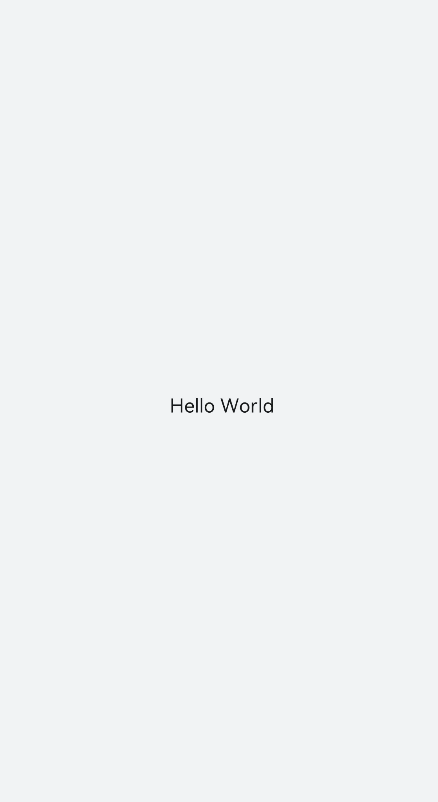
text是文本组件,用于呈现一段文本信息。具体用法请参考text的API文档。
在pages/index目录下的hml文件中创建一个text组件。
- <!-- xxx.hml -->
- <div class="container" style="text-align: center;justify-content: center; align-items: center;">
- <text>Hello World</text>
- </div>
- /* xxx.css */
- .container {
- width: 100%;
- height: 100%;
- flex-direction: column;
- align-items: center;
- justify-content: center;
- background-color: #F1F3F5;
- }
添加文本样式
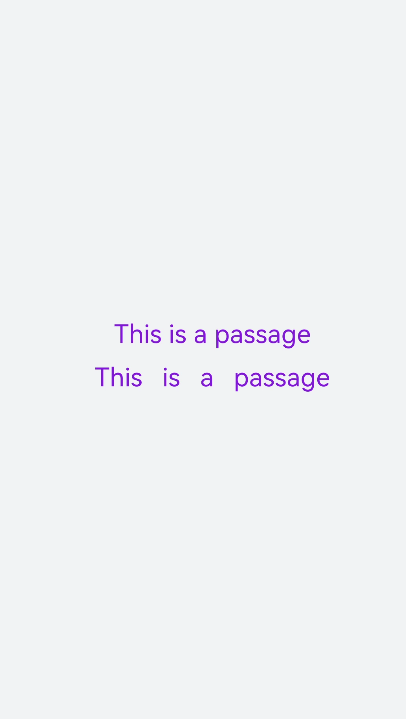
设置color、font-size、allow-scale、word-spacing、text-align属性分别为文本添加颜色、大小、是否允许缩放、文本之间的间距和文本在水平方向的对齐方式。
- <!-- xxx.hml -->
- <div class="container" style="background-color:#F1F3F5;flex-direction: column;justify-content: center; align-items: center;">
- <text style="color: blueviolet; font-size: 40px; allow-scale:true">
- This is a passage
- </text>
- <text style="color: blueviolet; font-size: 40px; margin-top: 20px; allow-scale:true;word-spacing: 20px;text-align: center">
- This is a passage
- </text>
- </div>
- /* xxx.css */
- .container {
- display: flex;
- width: 100%;
- height: 100%;
- flex-direction: column;
- align-items: center;
- justify-content: center;
- background-color: #F1F3F5;
- }
添加划线
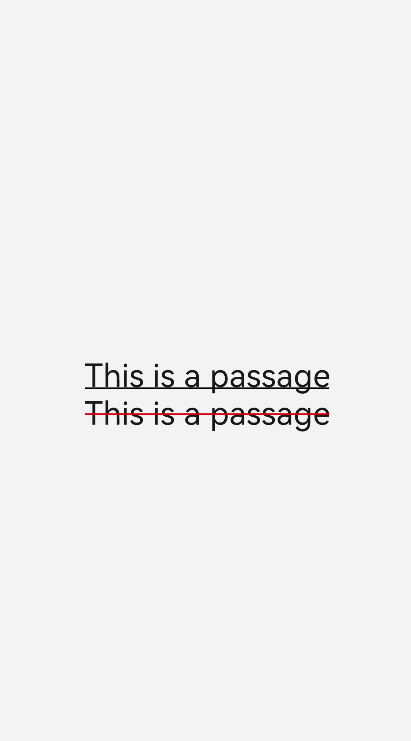
设置text-decoration和text-decoration-color属性为文本添加划线和划线颜色,text-decoration枚举值请参考text自有样式。
- <!-- xxx.hml -->
- <div class="container" style="background-color:#F1F3F5;">
- <text style="text-decoration:underline">
- This is a passage
- </text>
- <text style="text-decoration:line-through;text-decoration-color: red">
- This is a passage
- </text>
- </div>
- /* xxx.css */
- .container {
- width: 100%;
- height: 100%;
- flex-direction: column;
- align-items: center;
- justify-content: center;
- }
- text{
- font-size: 50px;
- }
隐藏文本内容
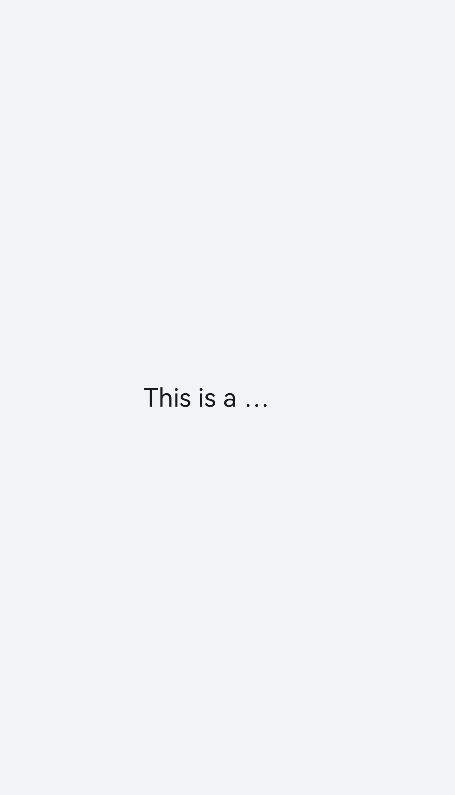
当文本内容过多而显示不全时,添加text-overflow属性将隐藏内容以省略号的形式展现。
- <!-- xxx.hml -->
- <div class="container">
- <text class="text">
- This is a passage
- </text>
- </div>
- /* xxx.css */
- .container {
- width: 100%;
- height: 100%;
- flex-direction: column;
- align-items: center;
- background-color: #F1F3F5;
- justify-content: center;
- }
- .text{
- width: 200px;
- max-lines: 1;
- text-overflow:ellipsis;
- }
text组件支持span子组件
- <!-- xxx.hml -->
- <div class="container" style="justify-content: center; align-items: center;flex-direction: column;background-color: #F1F3F5; width: 100%;height: 100%;">
- <text style="font-size: 45px;">
- This is a passage
- </text>
- <text style="font-size: 45px;">
- <span style="color: aqua;">This </span><span style="color: #F1F3F5;"> 1
- </span>
- <span style="color: blue;"> is a </span> <span style="color: #F1F3F5;"> 1 </span>
- <span style="color: red;"> passage </span>
- </text>
- </div>
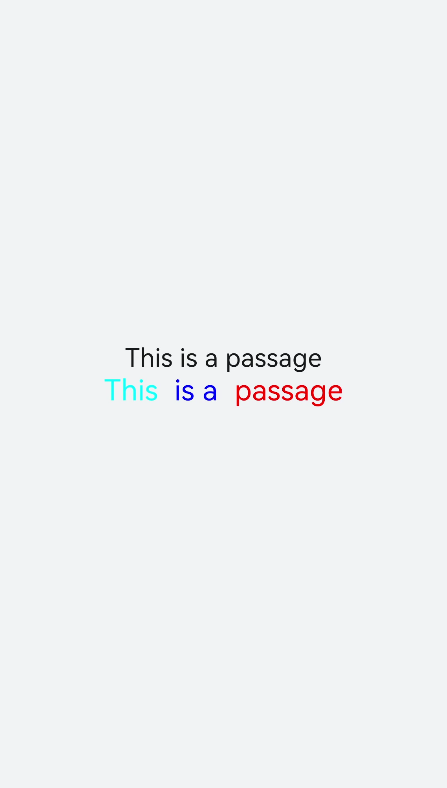
当使用span子组件组成文本段落时,如果span属性样式异常(例如:font-weight设置为1000),将导致文本段落显示异常。
在使用span子组件时,注意text组件内不能存在文本内容,如果在text组件同时包含文本内容和span子组件,则仅会显示子组件span中的内容。
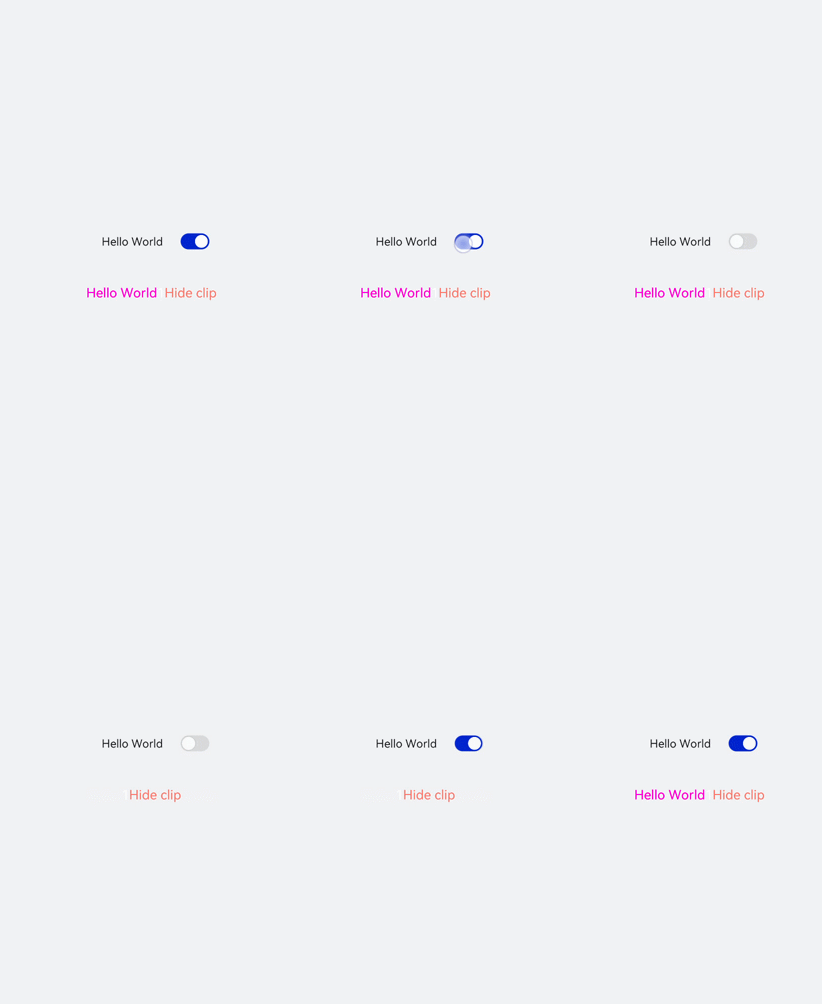
text组件通过数据绑定展示文本内容,span组件通过设置show属性来实现文本内容的隐藏和显示。
- <!-- xxx.hml -->
- <div class="container">
- <div style="align-items: center;justify-content: center;">
- <text class="title">
- {{ content }}
- </text>
- <switch checked="true" onchange="test"></switch>
- </div>
- <text class="span-container" style="color: #ff00ff;">
- <span show="{{isShow}}"> {{ content }} </span>
- <span style="color: white;">
- 1
- </span>
- <span style="color: #f76160">Hide clip </span>
- </text>
- </div>
- /* xxx.css */
- .container {
- width: 100%;
- height: 100%;
- align-items: center;
- flex-direction: column;
- justify-content: center;
- background-color: #F1F3F5;
- }
- .title {
- font-size: 26px;
- text-align:center;
- width: 200px;
- height: 200px;
- }
- // xxx.js
- export default {
- data: {
- isShow:true,
- content: 'Hello World'
- },
- onInit(){ },
- test(e) {
- this.isShow = e.checked
- }
- }
智能客服
你问我答,随时在线为你解决问题
合作咨询
我们的专家服务团队将竭诚为您提供专业的合作咨询服务
解决方案
精准高效的一站式服务支持,助力开发者商业成功