


Intelligent Assistant
Chat with our virtual assistant to get answers promptly.
If you do not have a HUAWEI ID, click Register to register one first.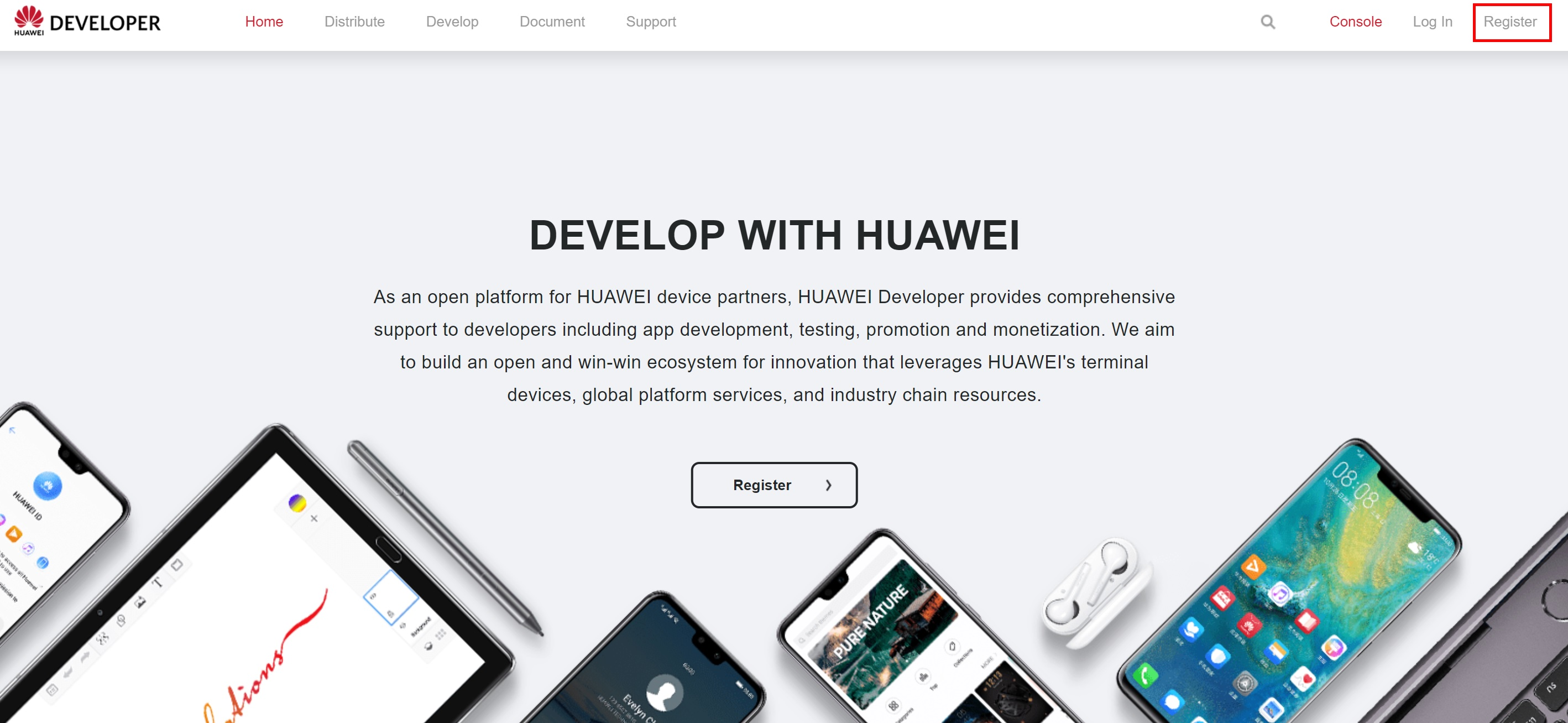
You may register with your phone number or email address. Log in using a HUAWEI ID or by scanning the QR code.
For registration details and the login process, see Register a HUAWEI ID.
After successful registration, you may directly begin identity verification. After completing verification, you will get access to all of the capabilities and services offered by HUAWEI Developer. For details, see Identity Verification.
If you have not completed the identity verification after successful registration, open the official website of HUAWEI Developer and click Console. If you have not logged in, you will be prompted to log in. Once you have logged in, the page for choosing between company identity verification and individual identity verification will be displayed. Please select Company Developer for identity verification. For details, see Identity Verification.
If you have logged in to HUAWEI Developer, you may click Console or Join HUAWEI Developer in the upper right corner to go to the Identity Verification page. Please select Company Developer for identity verification. For details, see Identity Verification.
Go to Console > Settings > Merchant Service. Enter the required information. After confirming the information and carefully reading the HUAWEI Developer Merchant Service Agreement, submit your information for review. HUAWEI Developer will complete the review within 1 to 2 business days. Once the review has been completed, an email notification will be sent to the email address provided in the contact information.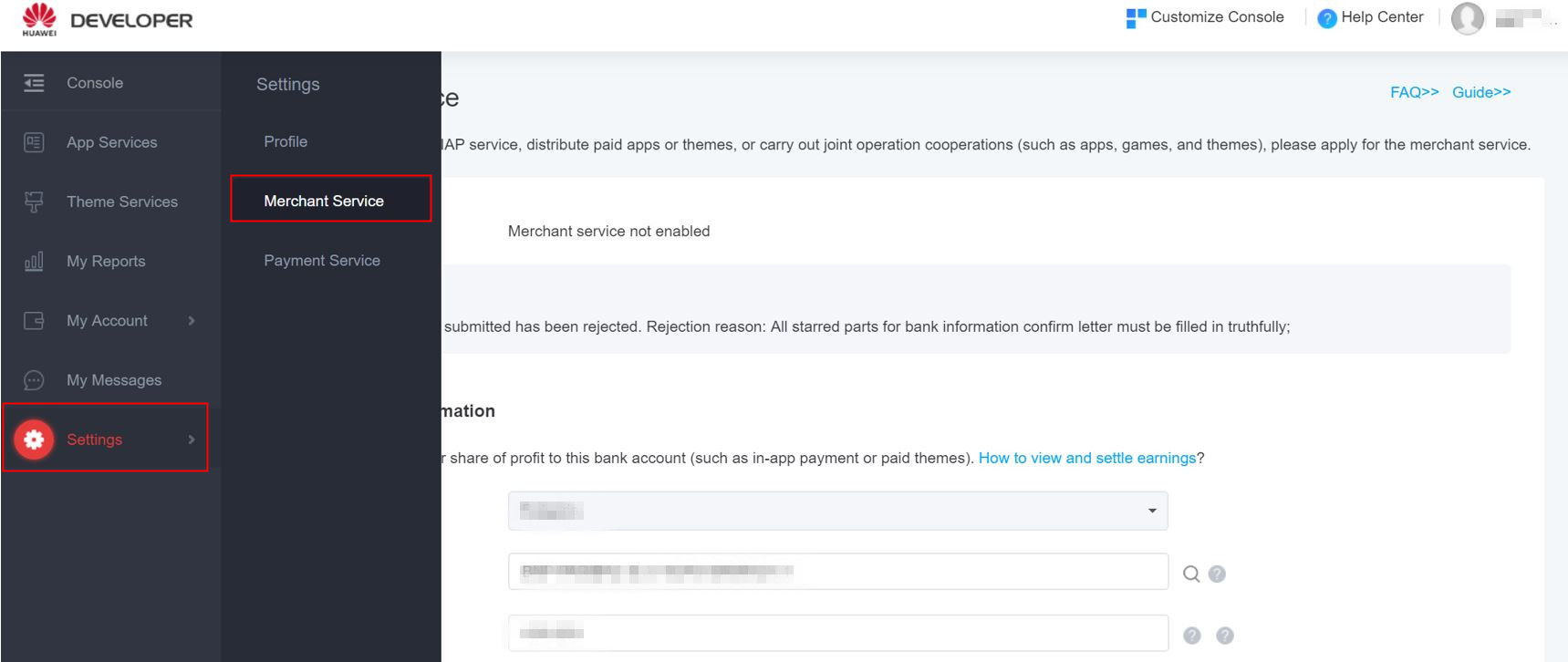
If your app contains virtual goods purchase services, you should integrate the HUAWEI ID and HUAWEI payment SDKs according to the joint operations requirements. For detailed instructions, see AppGalleryKit for App.
If you are developing a game, see AppGalleryKit for Game.
To release a paid app, you should integrate the AppGallery DRM service SDK. (The AppGallery DRM service SDK protects apps' copyrights, by allowing access of only users who have purchased the specific apps). For details, please refer to Huawei Paid Apps.
If your app has an account management system, integrate the HUAWEI ID Service so that users may use their Huawei IDs to log in to your app.
After testing and verifying the functions and services of your app, submit the app in Console of HUAWEI Developer. The approved app will be released.
For details, click App Creation and Management Guide.
Check Item | Sub-Item | Mandatory (Chinese mainland) | Mandatory (Countries/Regions Outside the Chinese Mainland) | Requirement |
Basic information | App ID | Yes | Yes | The value must be the app ID allocated by AppGallery Connect during app creation. |
Package name | No | No | The package does not have to end with .huawei or .HUAWEI. | |
Third-party SDK | Yes | No | Apps released in the Chinese mainland: − Third-party ad SDKs are not allowed. − Third-party aggregation SDKs are not allowed. − Third-party payment SDKs are not allowed (exceptions to this requirement must be approved by Huawei operations personnel in advance). Apps released outside the Chinese mainland: − Third-party SDKs are allowed, but Huawei devices support only HUAWEI In-App Purchases. | |
HUAWEI Account Kit | Integration with the HMS Core Account SDK | Conditionally mandatory | No | Apps released in the Chinese mainland: Integrate the HMS Core Account SDK if your app has an account system. Apps released outside the Chinese mainland: Integration with the HMS Core Account SDK is optional. |
Sign-in entry | Yes | No | Apps released in the Chinese mainland: Users can only sign in with HUAWEI IDs. Apps released outside the Chinese mainland: Multiple sign-in entries are allowed. However, it is recommended that the HUAWEI ID sign-in entry be placed at the first. | |
HUAWEI In-App Purchases | Integration with the HMS Core IAP SDK | Yes | Yes | Apps must integrate the HMS Core IAP SDK. |
Payment channel | Yes | Yes | Only HUAWEI Wallet or SMS payment is supported. | |
Update | API call | Yes | No | Apps released in the Chinese mainland: The update check API must be called upon app launch. Apps released outside the Chinese mainland: The function for calling the update check API upon app launch is optional. |
Check Item | Sub-Item | Mandatory (Chinese Mainland) | Mandatory (Countries/Regions Outside the Chinese Mainland) | Requirement |
Basic information | Copyright and copyright number | Yes | No | Games released in the Chinese mainland: For details about the materials to be submitted, please refer to Submission of Copyright and Copyright Numbers. Games released outside the Chinese mainland: Relevant materials are optional. |
App ID | Yes | Yes | The value must be the app ID allocated by AppGallery Connect during app creation. | |
Package name | Yes | Yes | You are advised to end your package name with.huawei or.HUAWEI(case-sensitive). Otherwise, please ensure that your primary package has a different signature from those of channel packages. | |
Startup notification | Yes | No | Games released in the Chinese mainland: When a game is launched, the ICP number, game copyright owner, publisher, approved publication number, CN number, and gaming advice should be displayed and kept visible for a reasonable period of time. Games released outside the Chinese mainland: Relevant information is optional. | |
Third-party SDK | Yes | No | Games released in the Chinese mainland: − Third-party ad SDKs are not allowed. − Third-party aggregation SDKs are not allowed. − Third-party payment SDKs are not allowed (exceptions to this requirement must be approved by Huawei operations personnel in advance). Games released outside the Chinese mainland: − Third-party SDKs are allowed, but Huawei devices support only HUAWEI In-App Purchases. | |
HUAWEI Account Kit | Integration with the HMS Core Account SDK | Conditionally mandatory | Conditionally mandatory | Apps with an account system must integrate the HMS Core Account SDK. |
Sign-in entry | Yes | No | Games released in the Chinese mainland: Players can only sign in with HUAWEI IDs. Games released outside the Chinese mainland: Multiple sign-in entries are allowed. However, it is recommended that the HUAWEI ID sign-in entry be placed at the first. | |
HUAWEI In-App Purchases | Integration with the HMS Core IAP SDK | Yes | Yes | Games must integrate the HMS Core IAP SDK. |
Payment channel | Yes | Yes | Only HUAWEI Wallet or SMS payment is supported. | |
Game Service | Integration with the HMS Core Game Service SDK | Yes | No | Games released in the Chinese mainland: Integration with the HMS Core Game Service SDK is mandatory. Games released outside the Chinese mainland: Integration with the HMS Core Game Service SDK is optional. |
Game exit | Yes | No | Games released in the Chinese mainland: You must provide a game exit button and implement the exit function by yourself. Games released outside the Chinese mainland: The game exit function is optional. | |
Update | API call | Yes | No | Games released in the Chinese mainland: The update check API must be called upon game launch. Games released outside the Chinese mainland: The function for calling the update check API upon game launch is optional. |
After your app is released, pay attention to and manage the comments every day. Go to HUAWEI Developer > Console > Joint Operations > Comment Management. You can easily view and reply to user comments, and post or update comments.More details,please refer to Interactive Comment Operation Guide.