Q:需要使用GIF动图为UI组件设置动态背景,但backgroundImage无法正常显示GIF动图,应该如何解决?
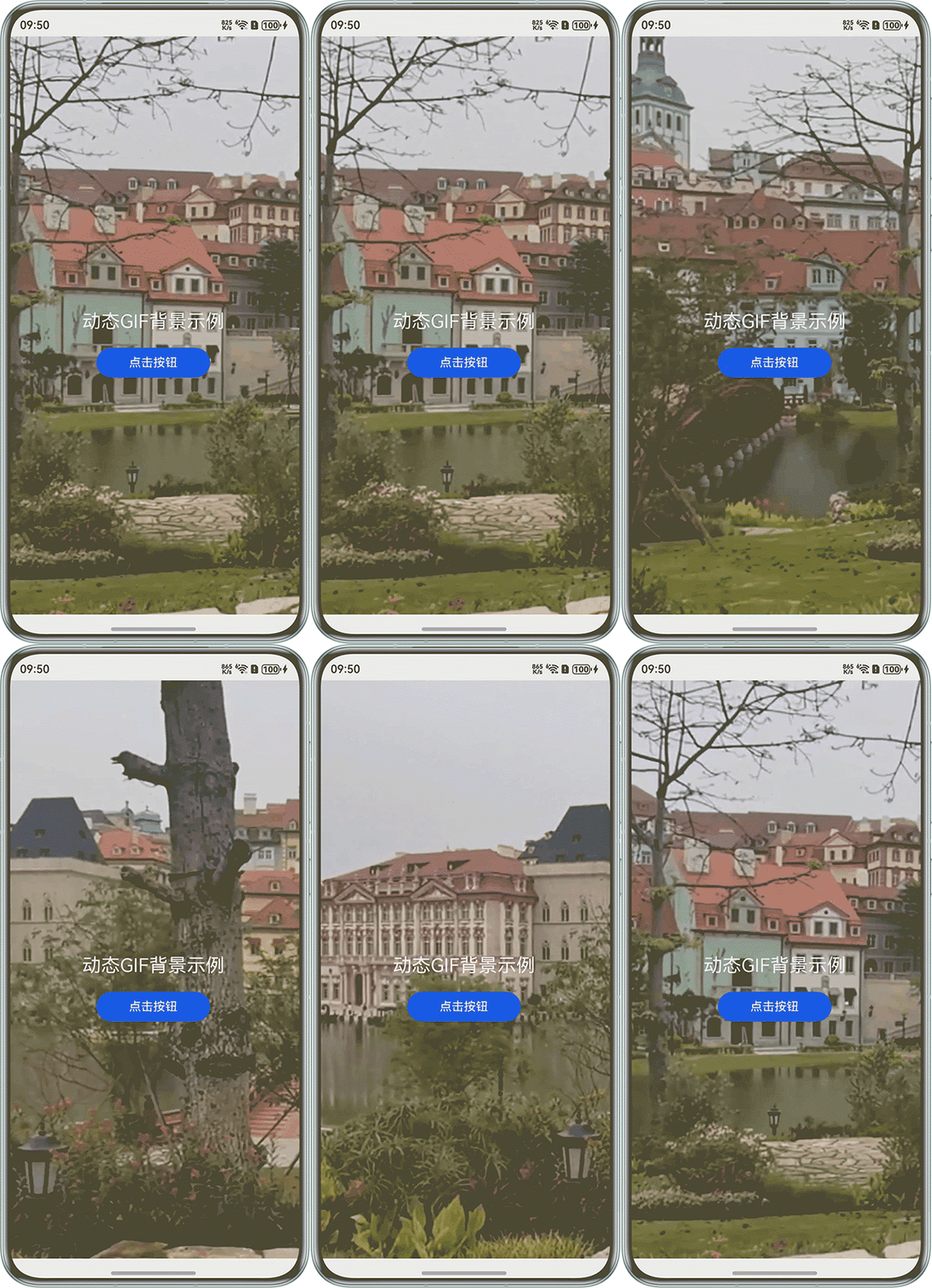
A:使用Stack结合Image组件,将动图覆盖整个页面,并设置objectFit(ImageFit.Cover)来模拟背景效果。示例代码如下:
@Entry
@Component
struct GIFBackgroundDemo {
  build() {
    Stack() {
      // 此处图片实际使用过程中替换为真实GIF动图
      Image($r('app.media.startIcon'))
        .width('100%')
        .height('100%')
        .objectFit(ImageFit.Cover)

      // 在GIF上方叠加其他内容
      Column() {
        Text('动态GIF背景示例')
          .fontSize(25)
          .fontColor(Color.White)
          .margin({ bottom: 20 })

        Button('点击按钮')
          .width(150)
          .height(40)
      }
      .alignItems(HorizontalAlign.Center)
      .margin({ top: 50 })
    }
    .width('100%')
    .height('100%')
  }
}
效果图:
Q:元服务开发中可以加入GIF格式的动图并且正常循环播放吗?
A:能加入动图,且可以循环播放。