Sign in to HUAWEI Developers with a verified HUAWEI ID. For information about registration, login, and identity verification, see Registration and Verification.
Software: EMUI 10.1 or later.
Hardware: The phone should support NFC and can read NFC. The collaborating device needs to have an NFC tag.
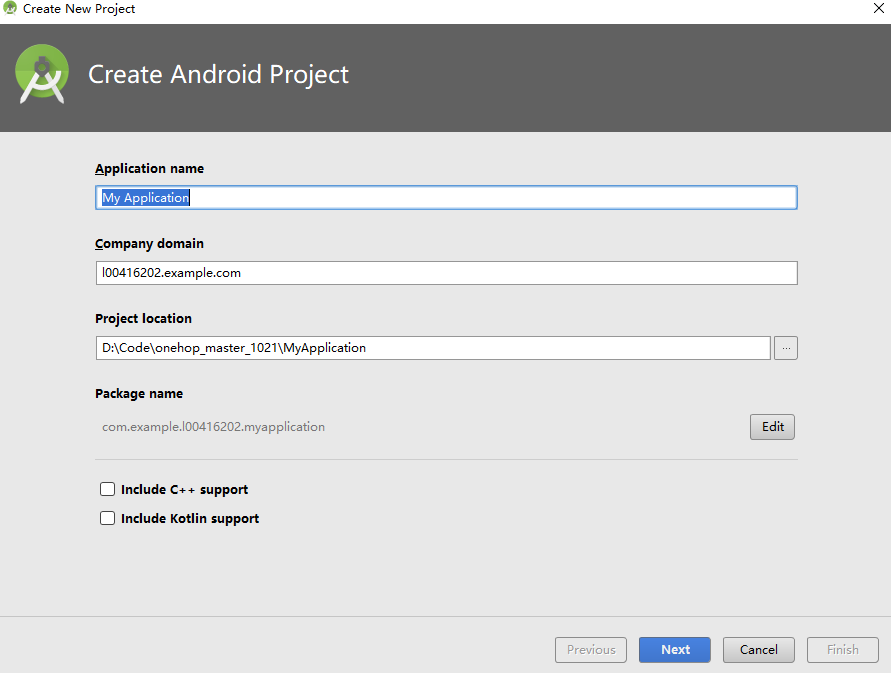
Create a project and enter the app name and package name.
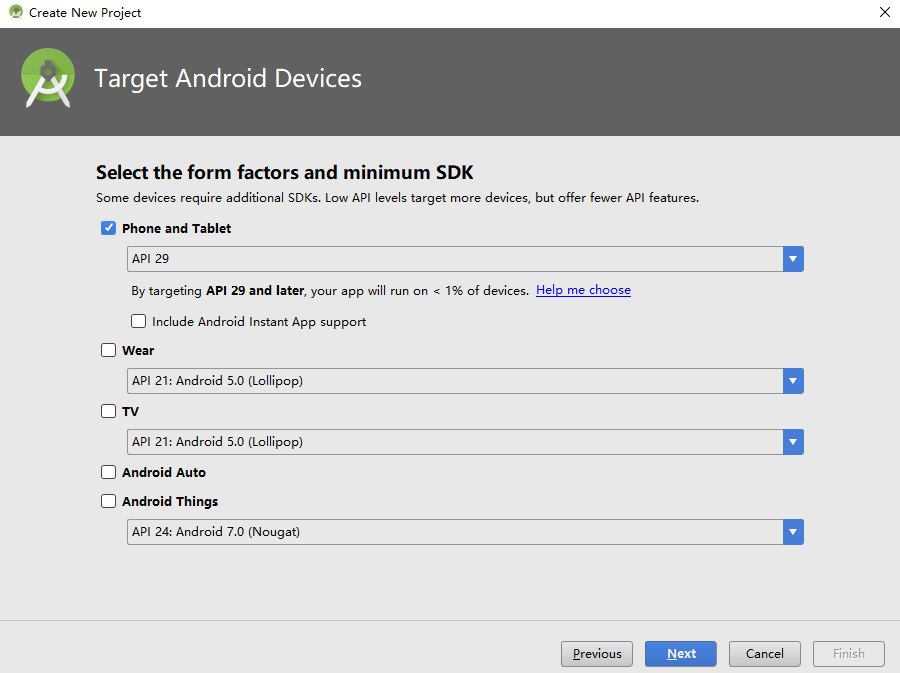
Specify the supported SDK version.
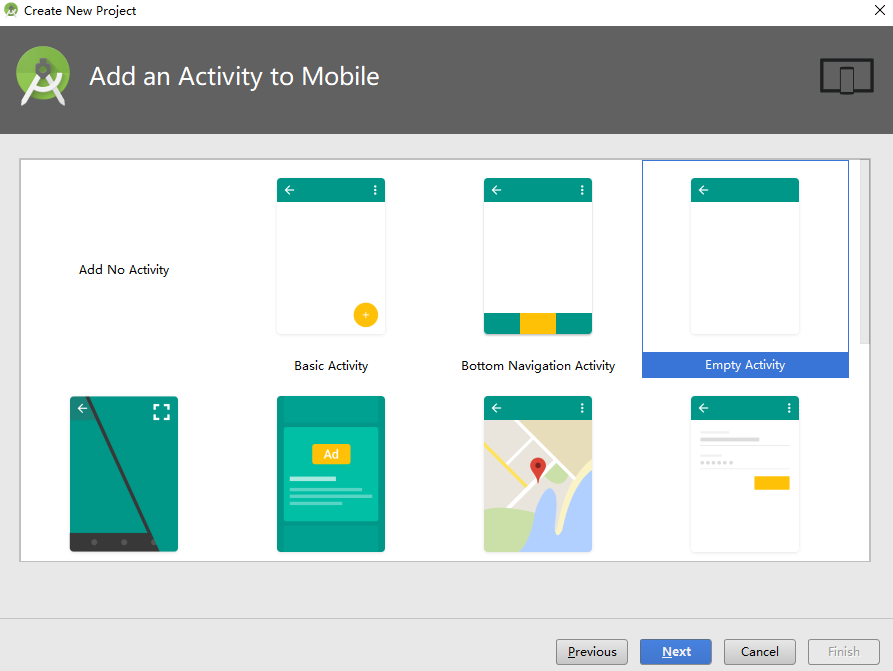
Select Empty Activity.
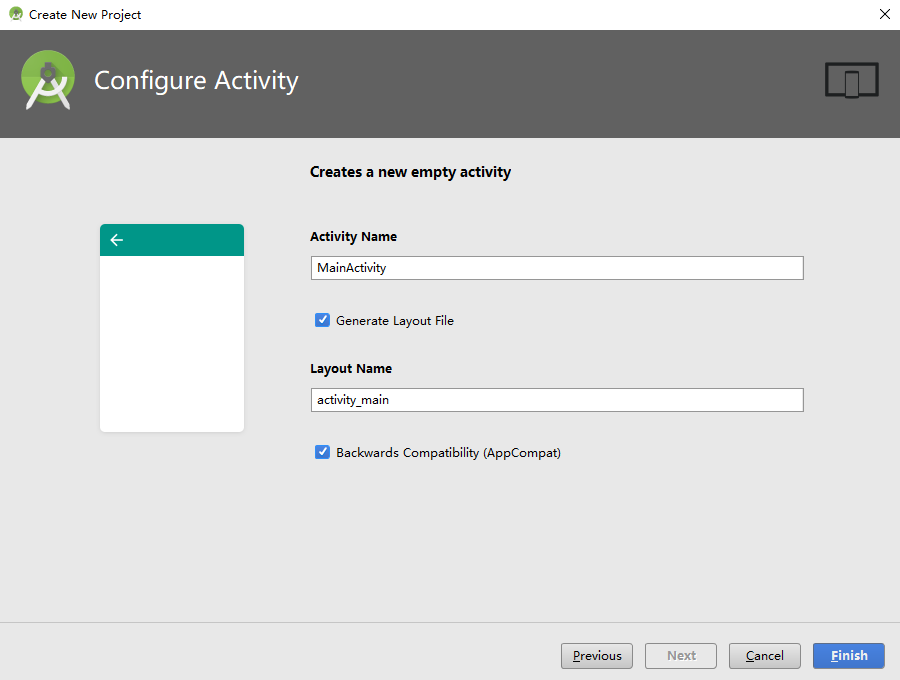
Configure the activity.
Wait until the project building is complete.
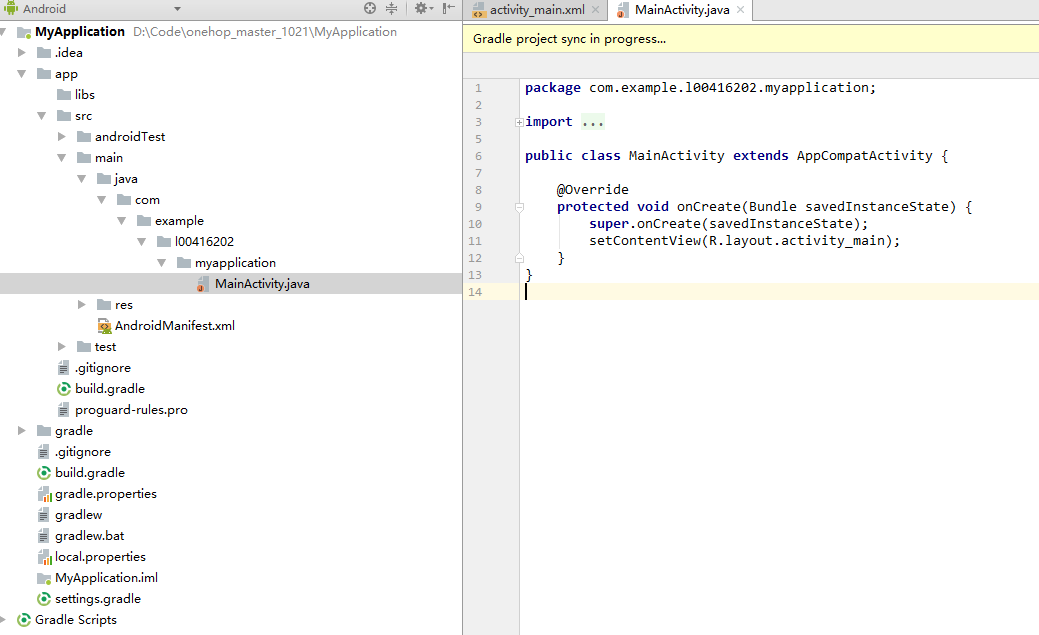
Open the build.gradle file in the root directory of your Android Studio project. Go to allprojects > repositories and configure the Maven repository address for OneHop Engine.
allprojects {
     repositories {
           google()
           jcenter()
            maven {url 'https://developer.huawei.com/repo/'}
     }
  }
Go to buildscript > repositories and add dependency configurations.
    buildscript {
      repositories {
         maven {url 'https://developer.huawei.com/repo/'}
         google()
         jcenter()
    }
   }
Note: The Maven repository address cannot be accessed from a browser. It can only be configured in the IDE. Open the build.gradle file in the app-level directory.
Configure build dependencies as follows:
dependencies {
    implementation 'com.huawei.onehop:onehopEngine:{version}'
}
Note: Replace {version} with the actual Engine version number, for example, com.huawei.onehop:onehopEngine:10.1.0.101.