


Intelligent Assistant
Chat with our virtual assistant to get answers promptly.
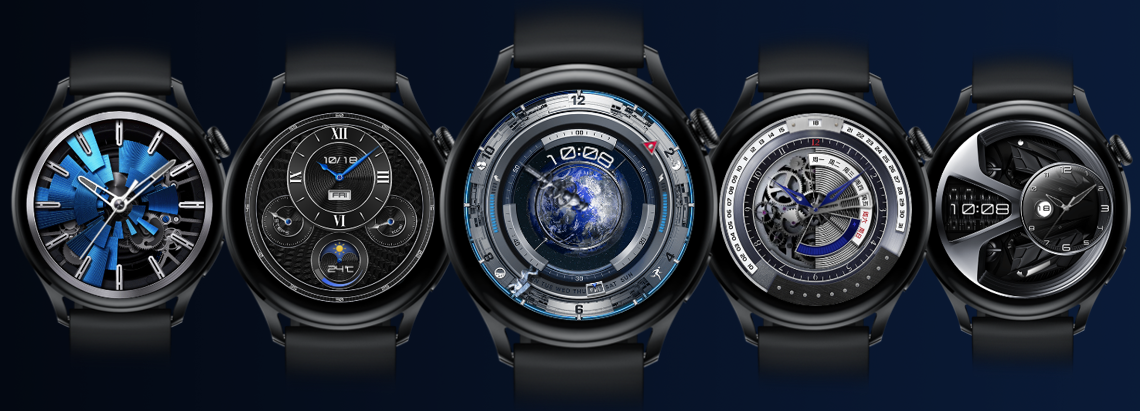
A watch face refers to the visual interface shown on Huawei smart watches or bands when the screen is on or off. Personalized watch faces can be designed visually using Theme Studio. These watch faces are provided for users through the watch face store in the HUAWEI Themes and HUAWEI Health apps to enrich their wearable experience.
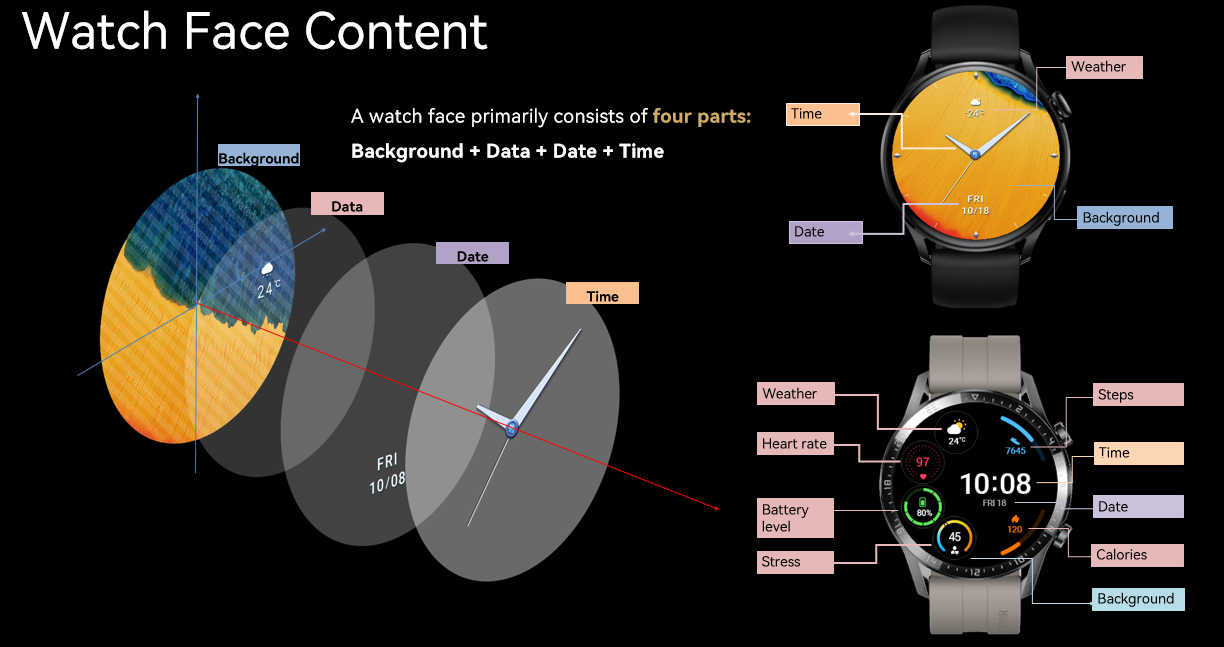
Watch face content consists of the following four elements:
A watch face resource package contains designs for both active and AOD modes.
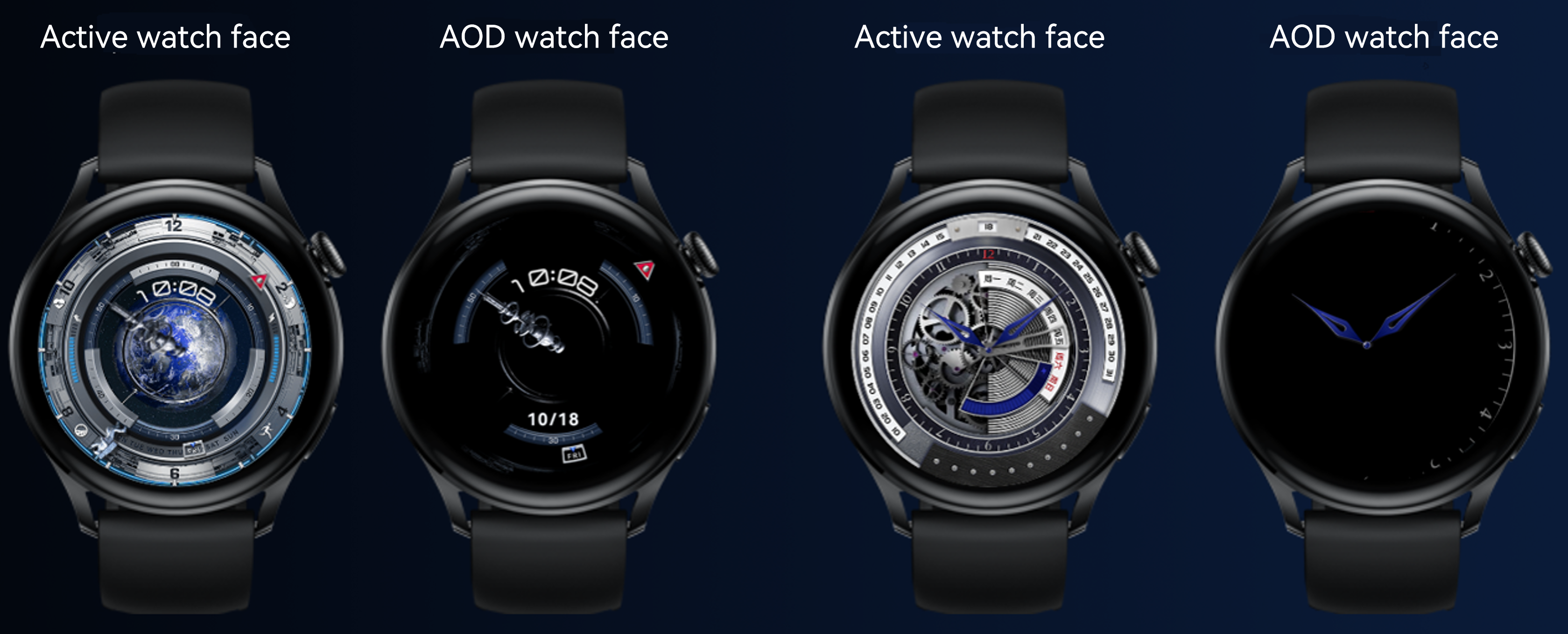
Active watch face: The watch face displayed when the screen is on consists of the background, time, date, and data.
Usage scenario: Raise the wrist, press the crown, or tap the screen to fully illuminate the display and show the active watch face. If no further action is taken, the screen will automatically turn off after a short period, and the active watch face will disappear.
Always On Display (AOD) Watch Face: The watch face displayed when the screen is off consists of only limited information.
Usage scenario: After the full screen is turned off, the device supports partially lighting up the display, allowing the AOD watch face to appear. The AOD watch face remains always on.
Only certain watch models support the AOD watch face. For details, please refer to Resolutions and Version Numbers. On these watches, the AOD watch face appears only after users enable the AOD feature.