We use essential cookies for the website to function, as well as analytics cookies for analyzing and creating statistics of the website performance. To agree to the use of analytics cookies, click "Accept All". You can manage your preferences at any time by clicking "Cookie Settings" on the footer. More Information.
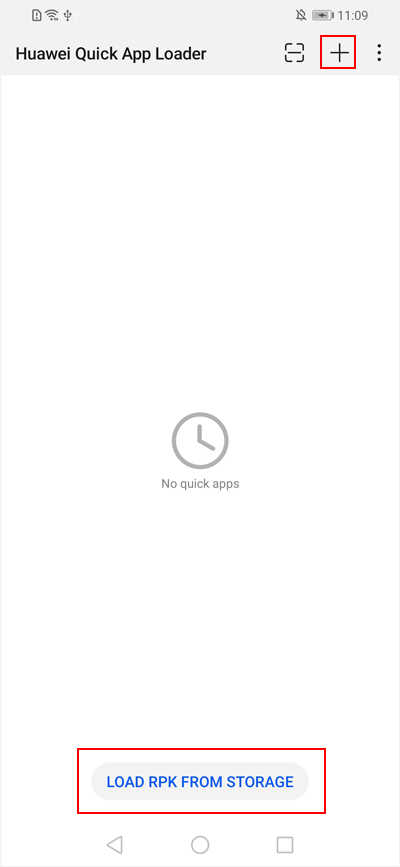
Open Huawei Quick App Loader, and tap LOAD RPK FROM STORAGE (available only when the quick app is loaded for the first time) or touch + in the upper right corner to select the RPK of the quick app from your mobile phone.
Tap in the upper right corner to scan the QR code of the quick app.
Managing a Quick App
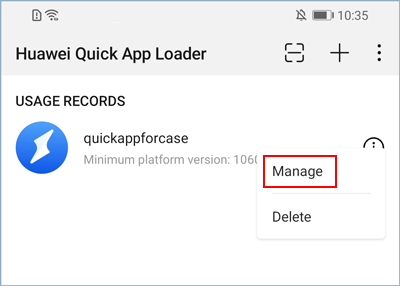
Touch and hold the quick app that you want to manage, and tap Manage.
Manage the stored data and permissions and obtain the app signature information as needed.
Setting a Quick App
Tap in the upper right corner and tap Settings.
Set the release countries/regions, resolution, and whether to hide the menu.


 in the upper right corner to scan the QR code of the quick app.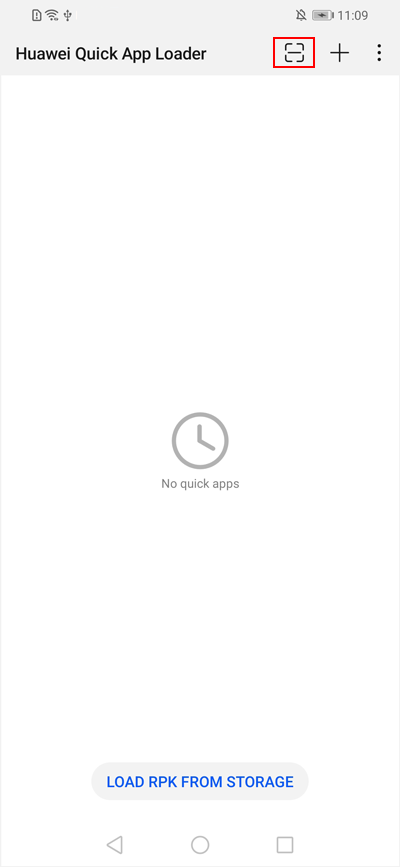

 in the upper right corner and tap Settings.
