Intelligent Assistant
Chat with our virtual assistant to get answers promptly.
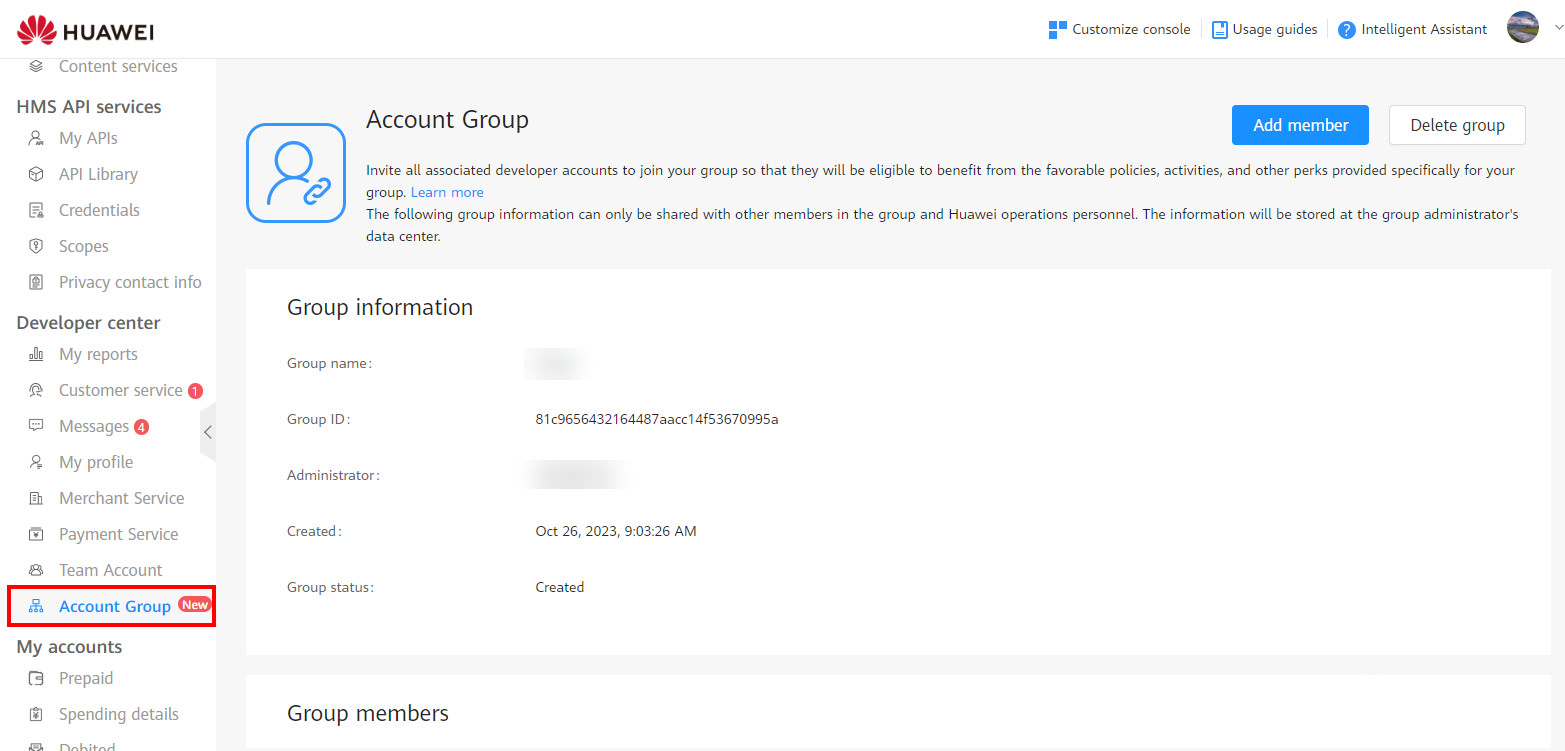
During this process, you need to send an invitation to a member, and the member needs to accept the invitation. After that, the member will be added successfully to your group.
Step 1: Add a member to the account group.
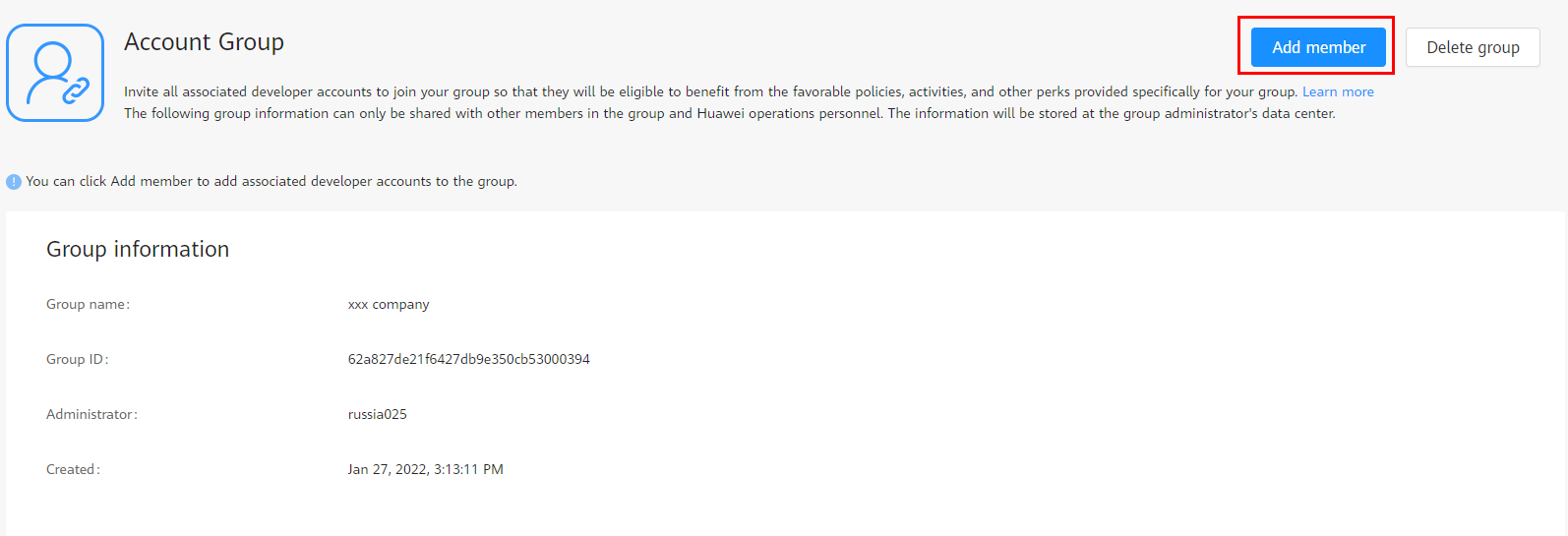
1. Click Add member.
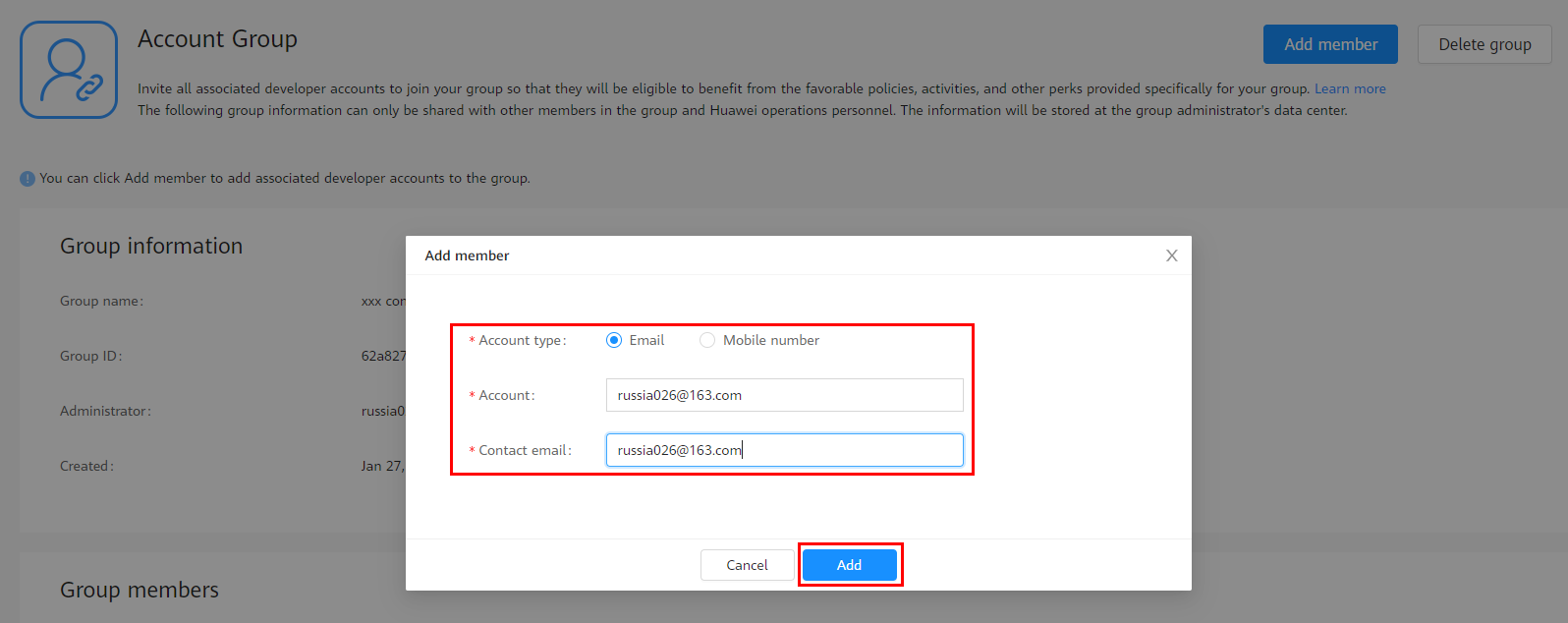
2. Select an account type, enter a HUAWEI ID and contact email address, and click Add. An invitation email will be sent to the contact email address.
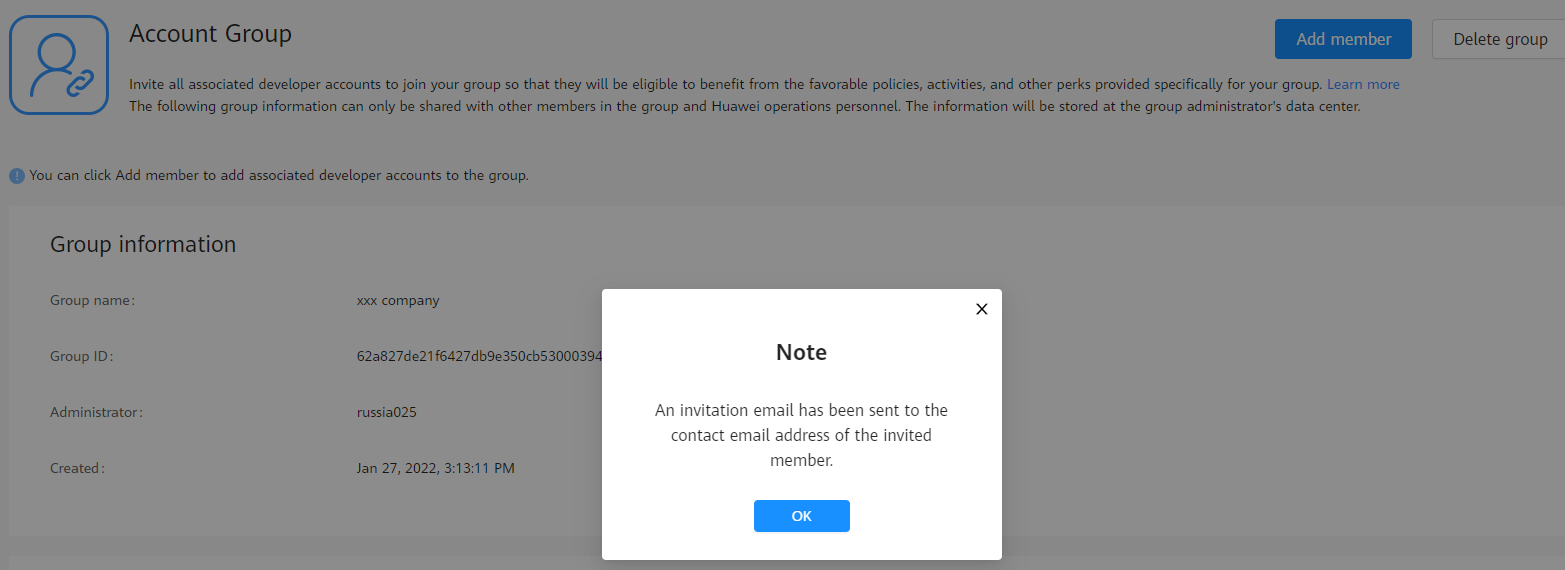
Currently, there are restrictions on the registration countries/regions of associated developer accounts. That is, a developer from the Chinese mainland can only invite developers from the Chinese mainland, a developer from Russia can only invite developers from Russia, while a developer from any other country/region can invite developers from any country/region except the Chinese mainland and Russia.
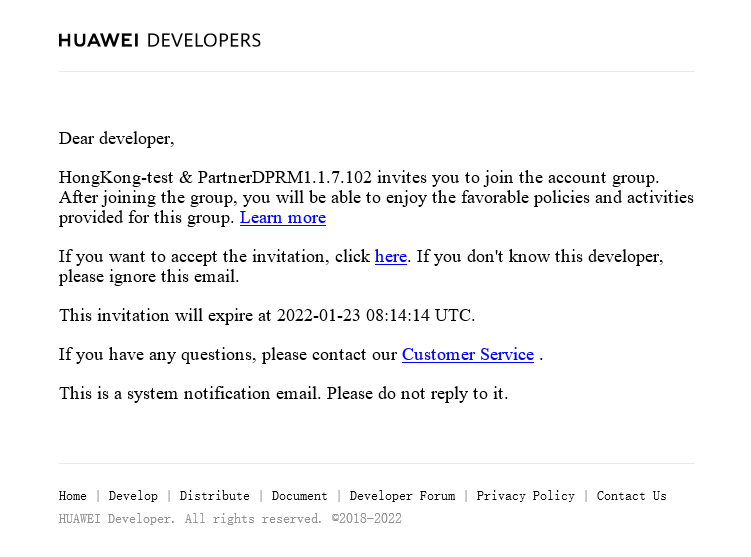
1. Find the invitation email in your contact email box. Read the email carefully and click the invitation link in the email.
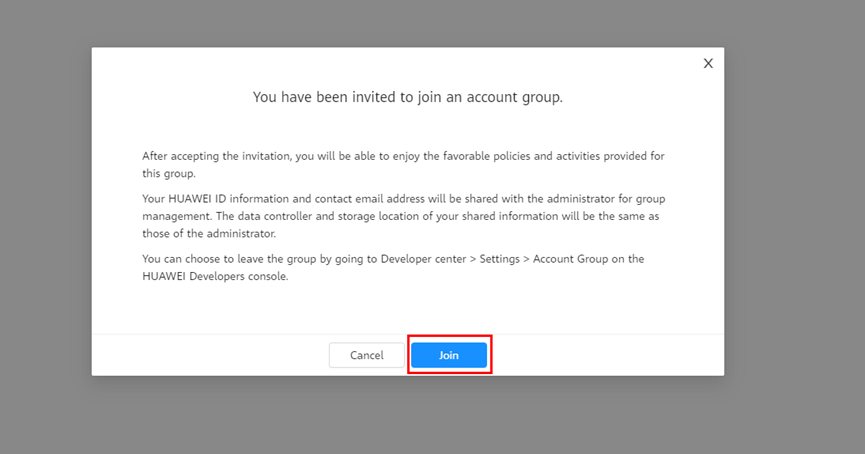
2. Sign in to the HUAWEI Developers console and read the invitation information in the dialog box. If you agree to join the account group, click Join.
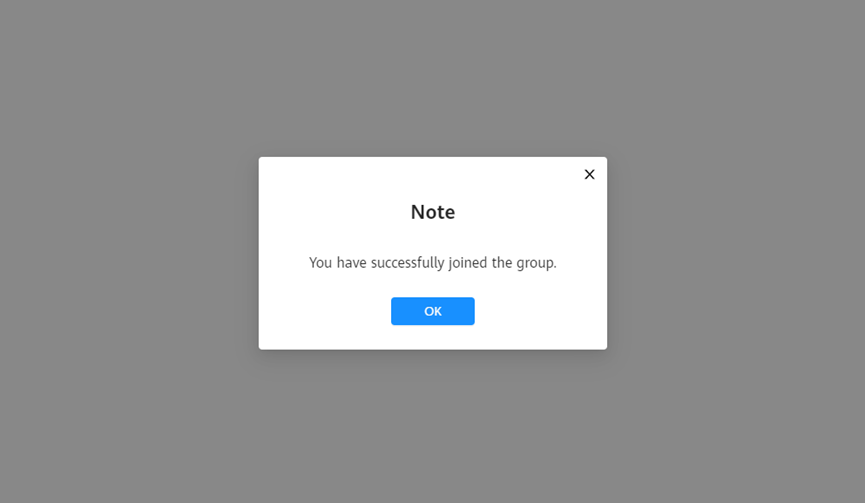
After you join an account group, the Account Group page will look like the following figure.