


Intelligent Assistant
Chat with our virtual assistant to get answers promptly.
HUAWEI IDs are accounts used for accessing all Huawei services on HUAWEI Developers, enabling a simple and secure sign-up and sign-in.
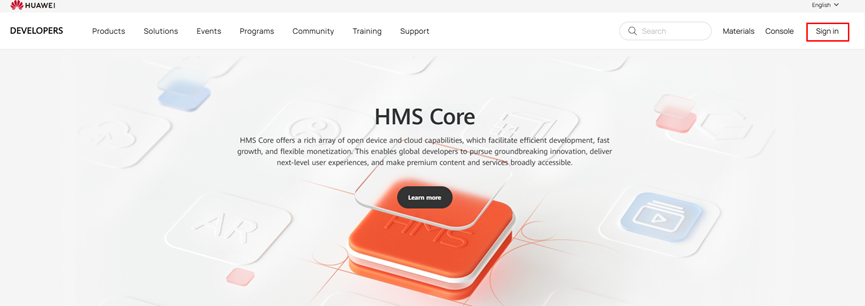
If you already have a HUAWEI ID, you can click Sign in in the upper right corner to sign in to HUAWEI Developers.
If you do not have a HUAWEI ID, register here:
Step 1: Click Sign in in the upper right corner to enter the registration page.
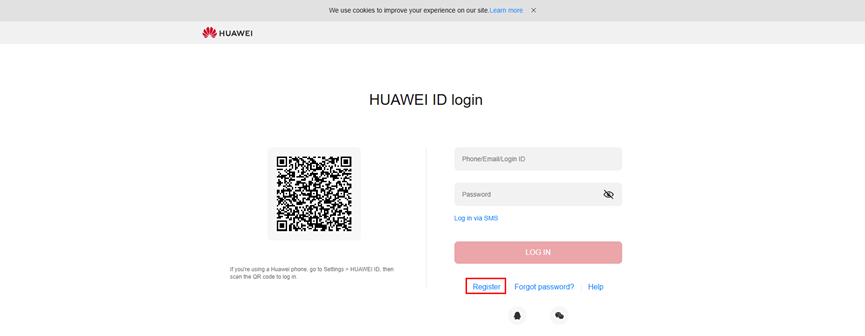
Step 2: Register a HUAWEI ID with your email address or mobile phone number.
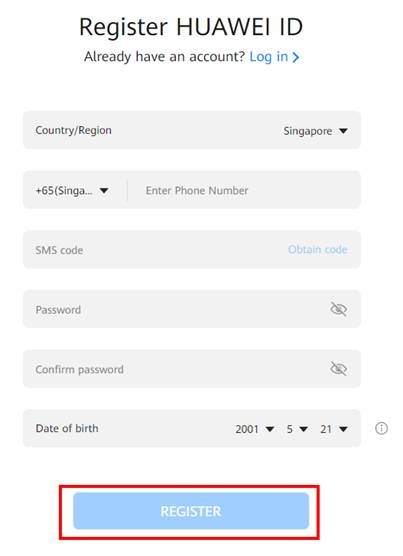
If you are registering with your email address, enter a valid email address and verification code (mobile phone number and date of birth are required in some countries or regions). After setting a password, click REGISTER.
If you are registering with your mobile number, enter a valid mobile number and verification code, set the password, and click REGISTER.
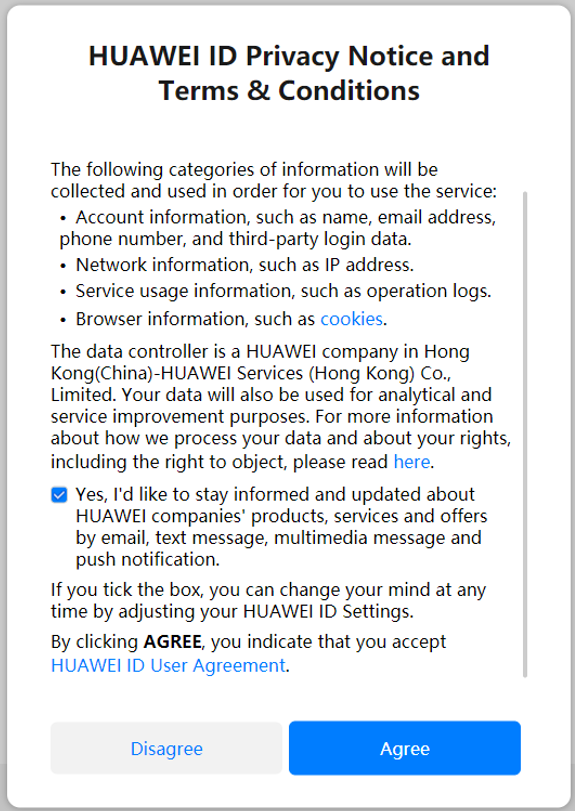
Step 3: Read and confirm the HUAWEI ID Privacy Notice and Terms & Conditions, and click Agree.
After successful registration, you need to get your identity verified.
HUAWEI Developers supports two types of developers: enterprise developers and individual developers. Enterprise developers have access to more services than individual developers. Select a developer type based on your needs. Click here to learn more about developer rights.
If you are an enterprise developer, please refer to Identity Verification for Enterprise Developers for identity verification.
If you are an individual developer, please refer to Identity Verification for Individual Developers for identity verification.