Cross-resolution Insertion
Function description: Support cross-resolution project insertion to improve the watch face design efficiency.
Function demonstration: Insert a 466 x 466 px watch face resource package into a project with a resolution of 454 x 454 px.
- Export the 466 x 466 px watch face resource package as an .hwt file.

- Create a project with a resolution of 454 x 454 px. Choose Import > Insert into current dial to insert the 466 x 466 px watch face resource package.
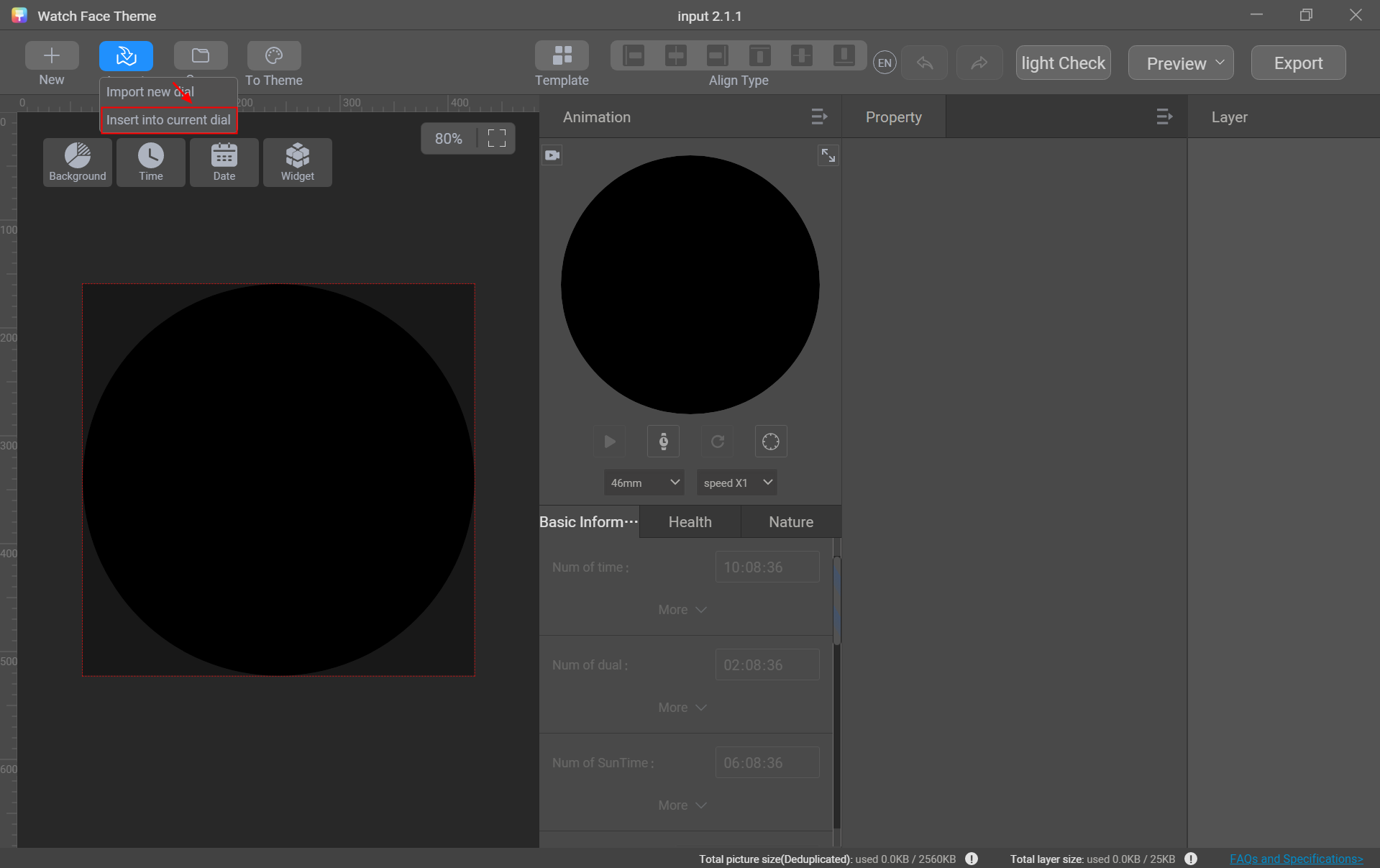
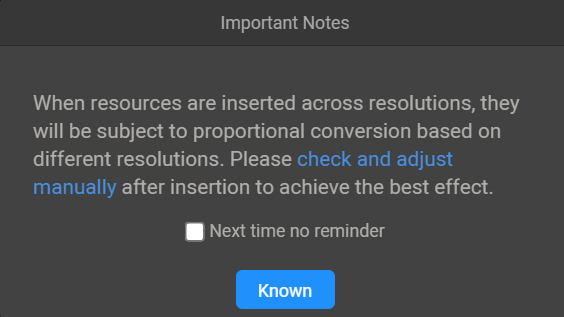
After the insertion, a message is displayed, indicating that the resources will be proportionally converted based on its resolution. You need to manually check and adjust the resources to achieve the optimal effect.
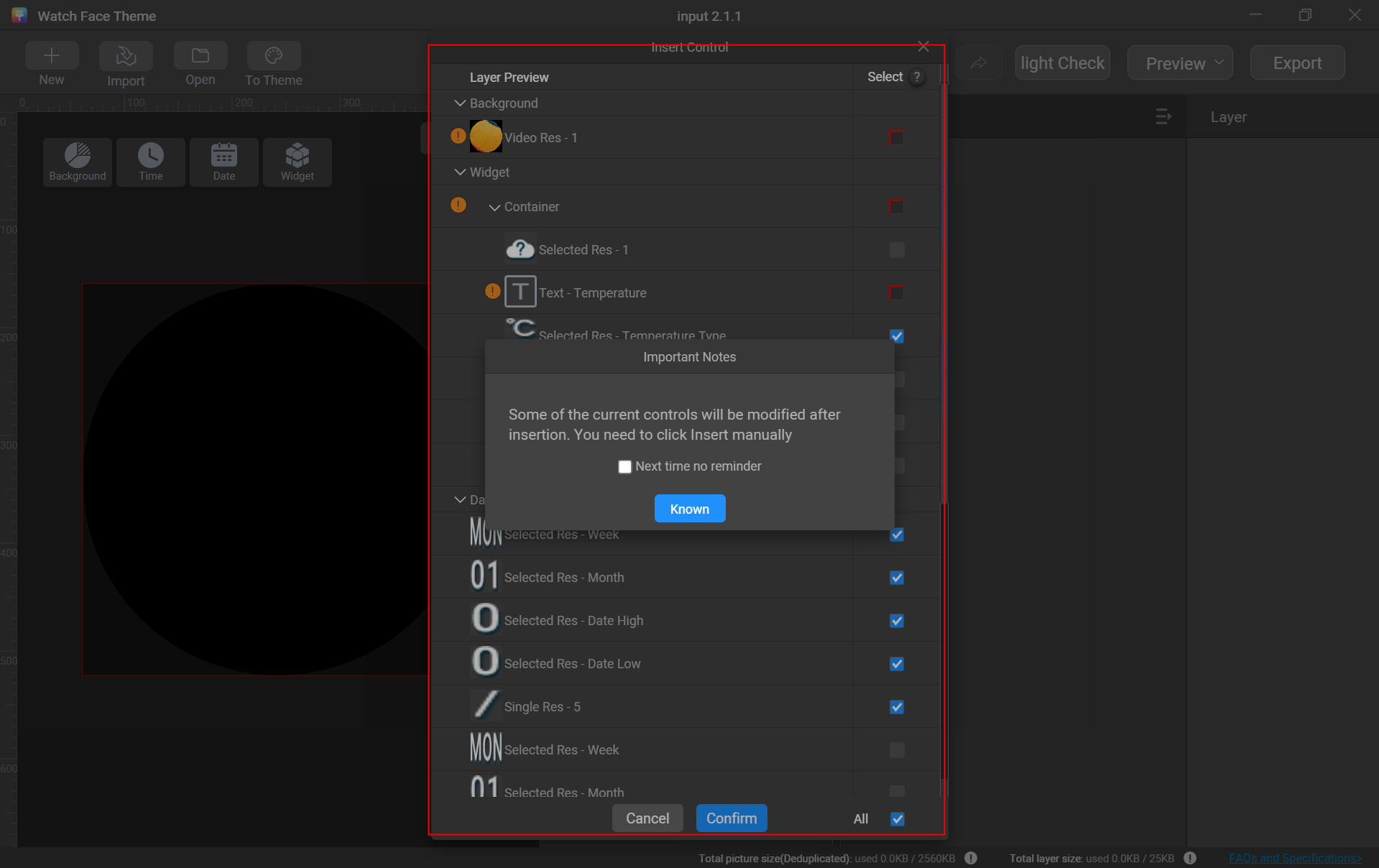
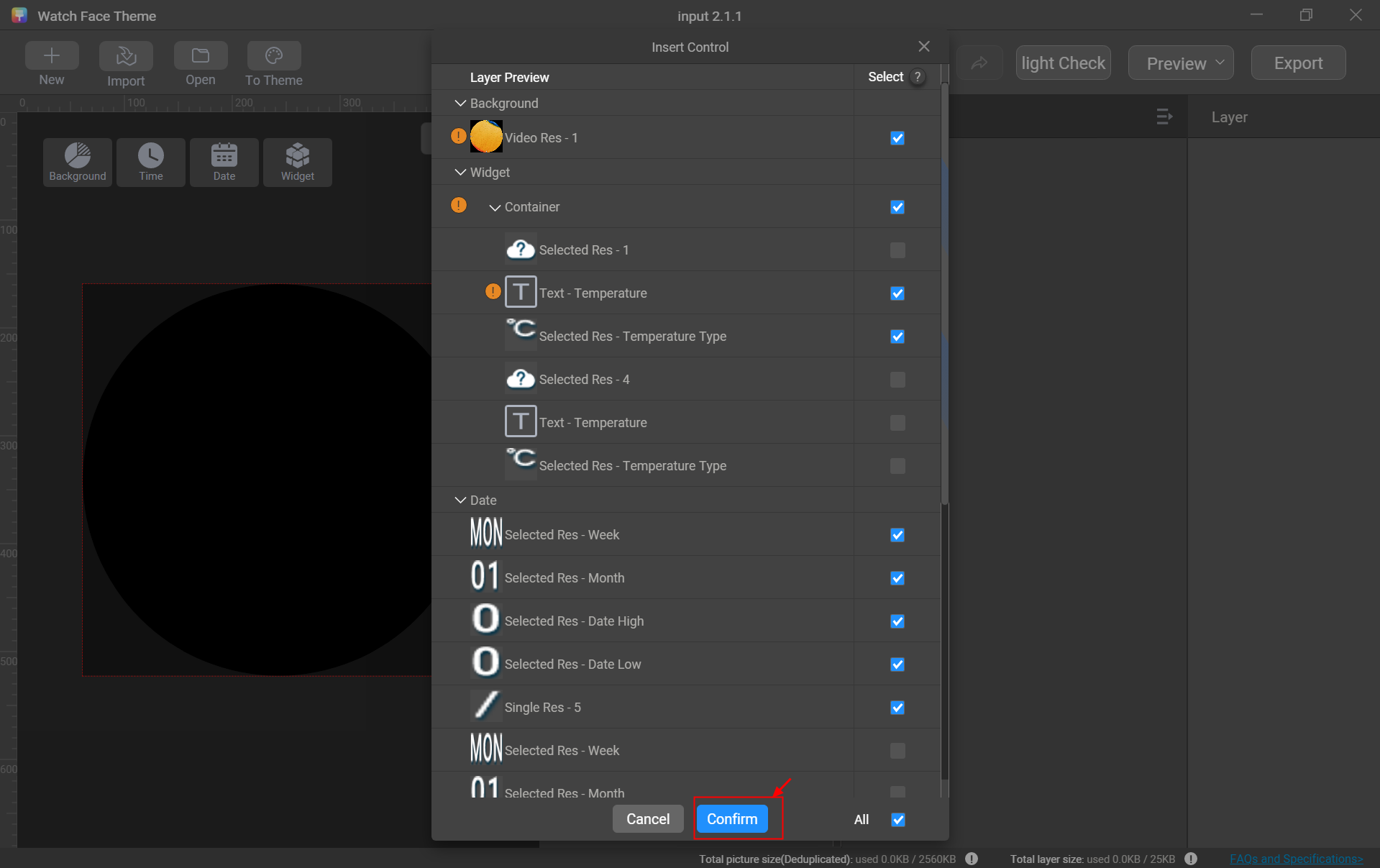
After the message is closed, all materials in the 466 x 466 px watch face resource package are displayed. The materials supported by the 454 x 454 px resolution are selected automatically for reuse. Unsupported materials are not available. For some incompatible materials, you can opt to convert them and then choose a replacement.
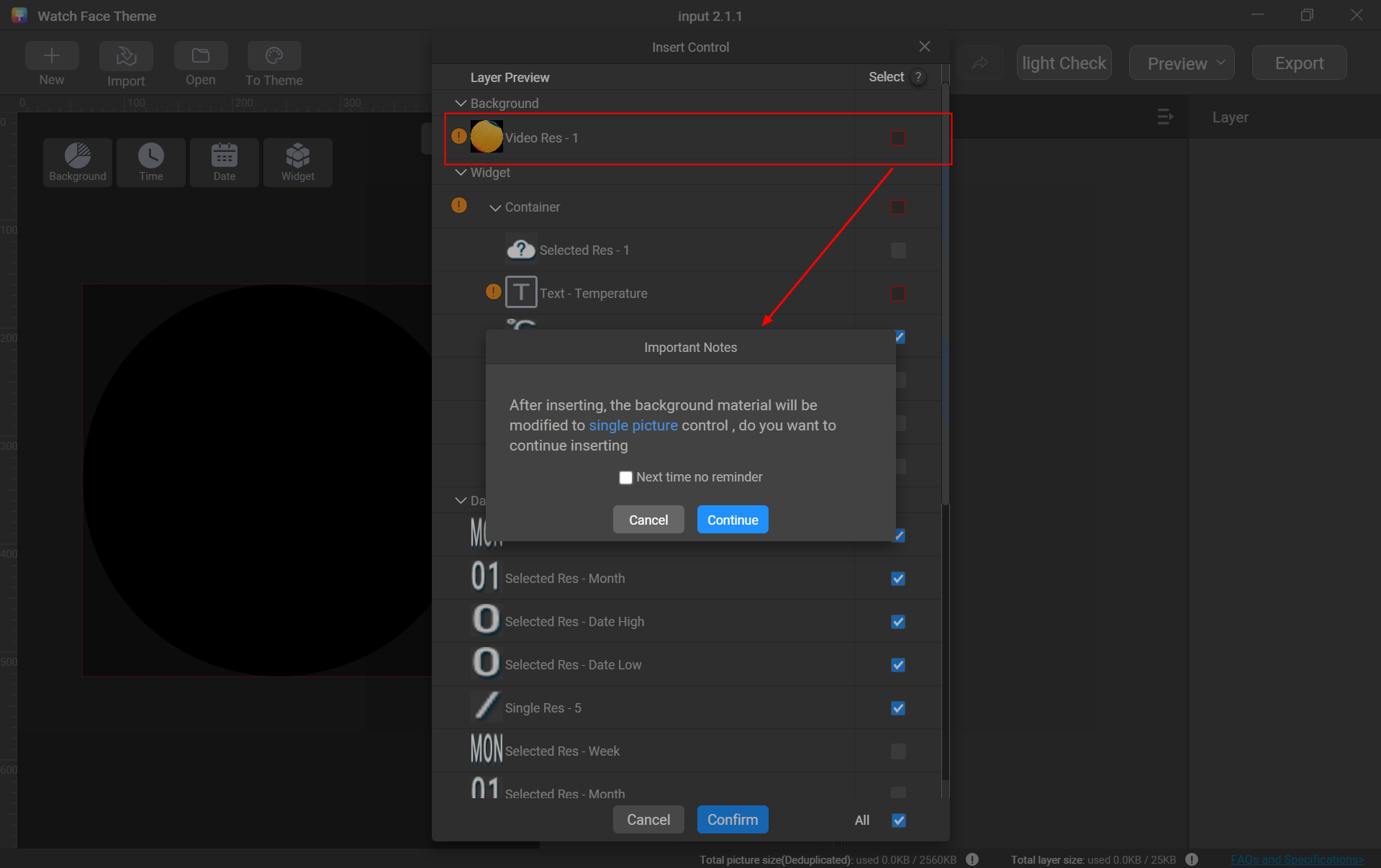
Example: The video cannot be directly used in the 454 x 454 px resolution. You can manually select it and confirm its conversion to a single image.
After the layers are selected, click Confirm.
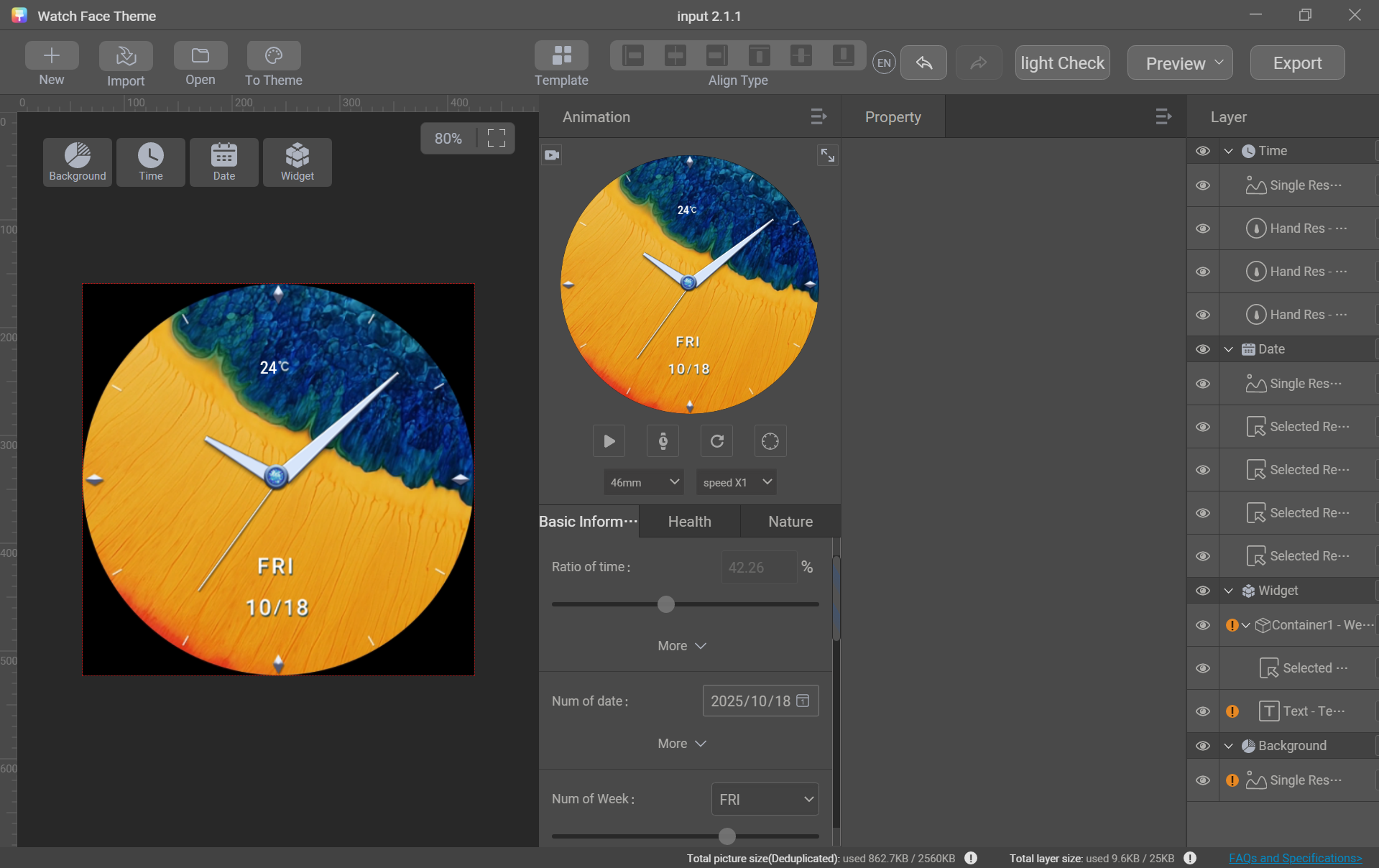
- After the insertion is complete, manually check and adjust the layers to achieve the optimal effect.
Watch Face Template
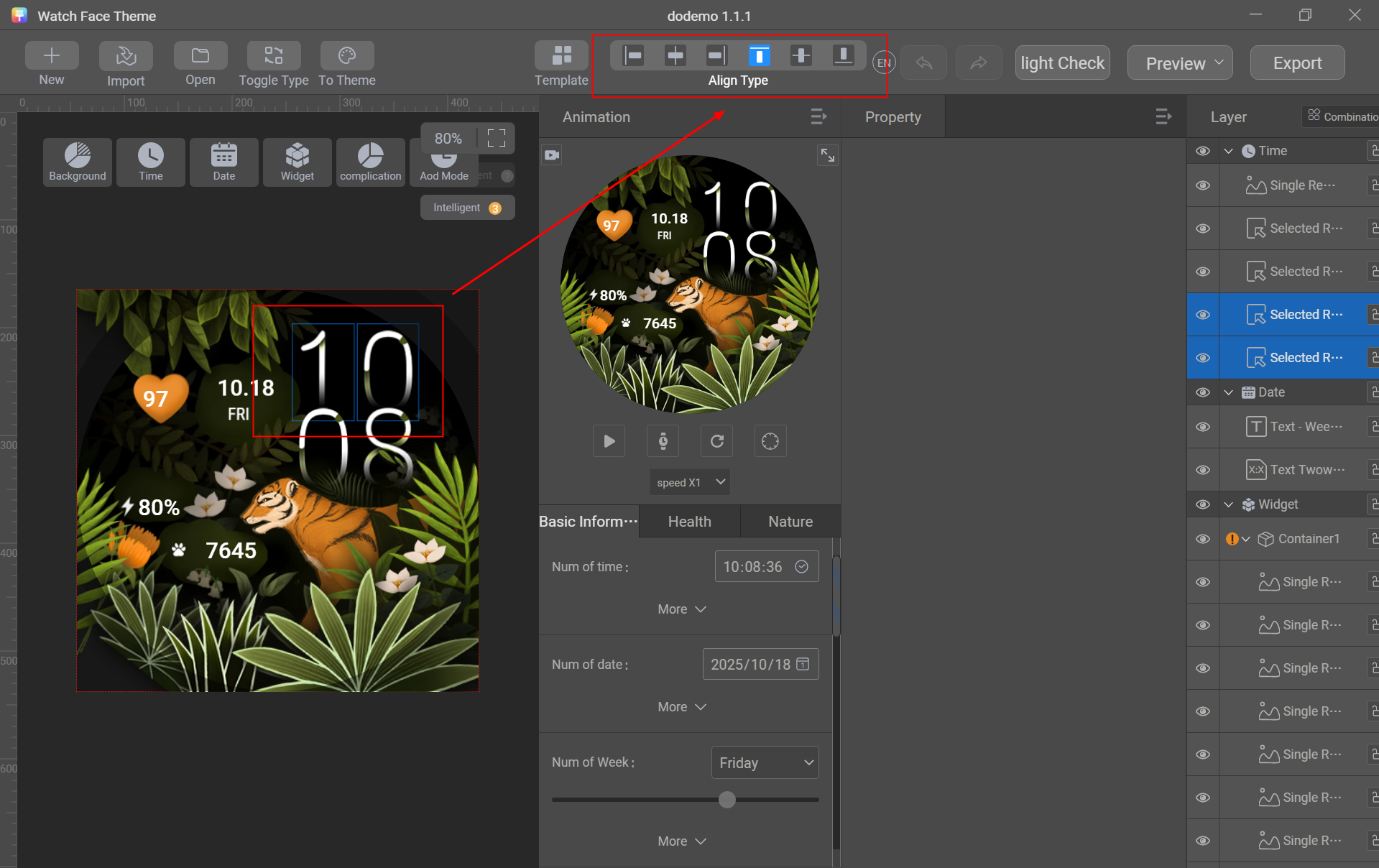
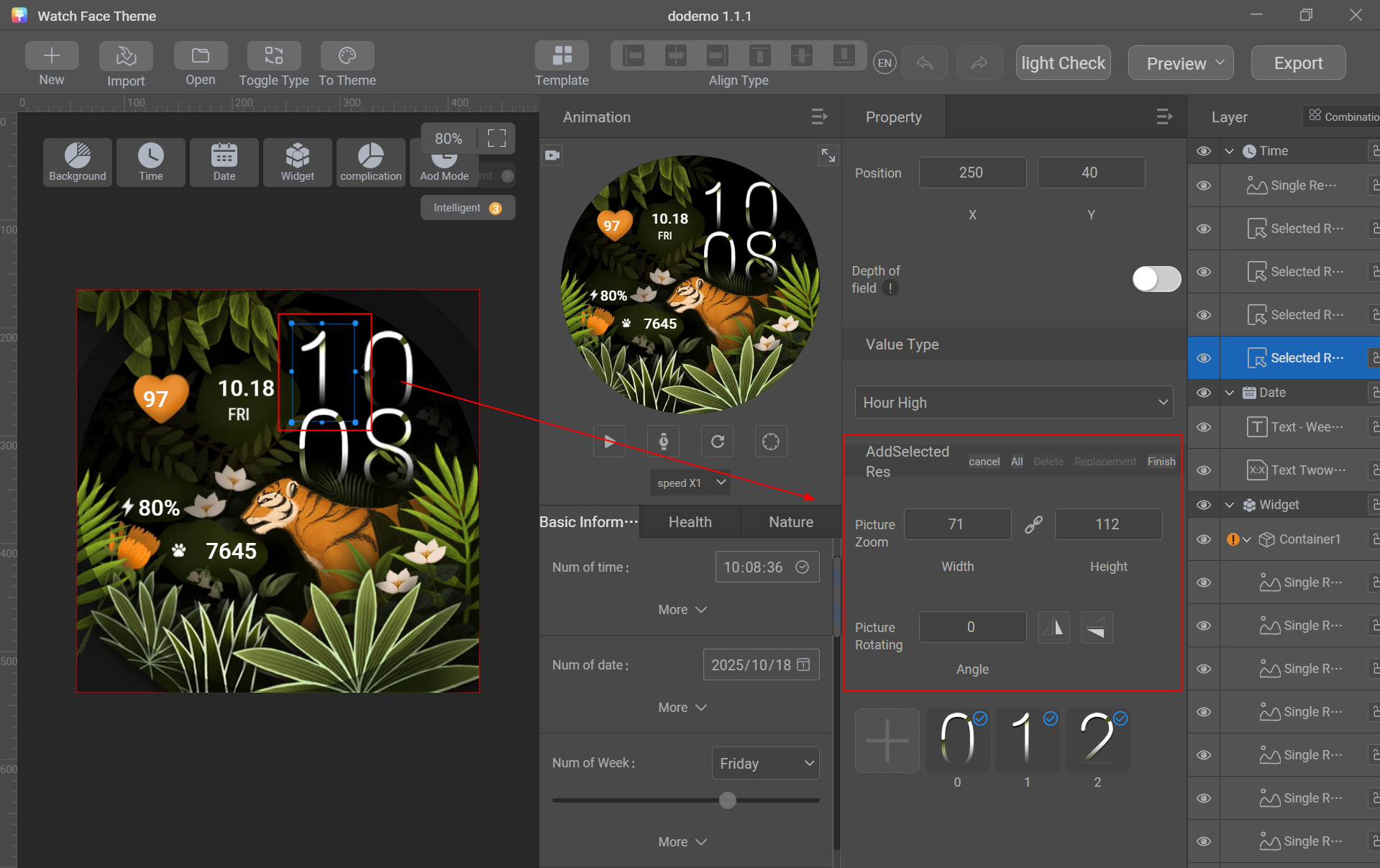
Theme Studio provides built-in watch face templates. You can use a template and replace some materials in it to efficiently design a watch face.
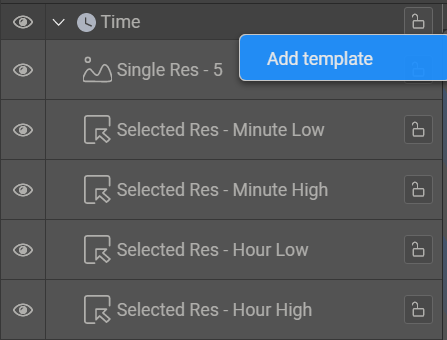
You can also add an entire watch face or a single module (background, time, date, or control module) as a template for future reuse.
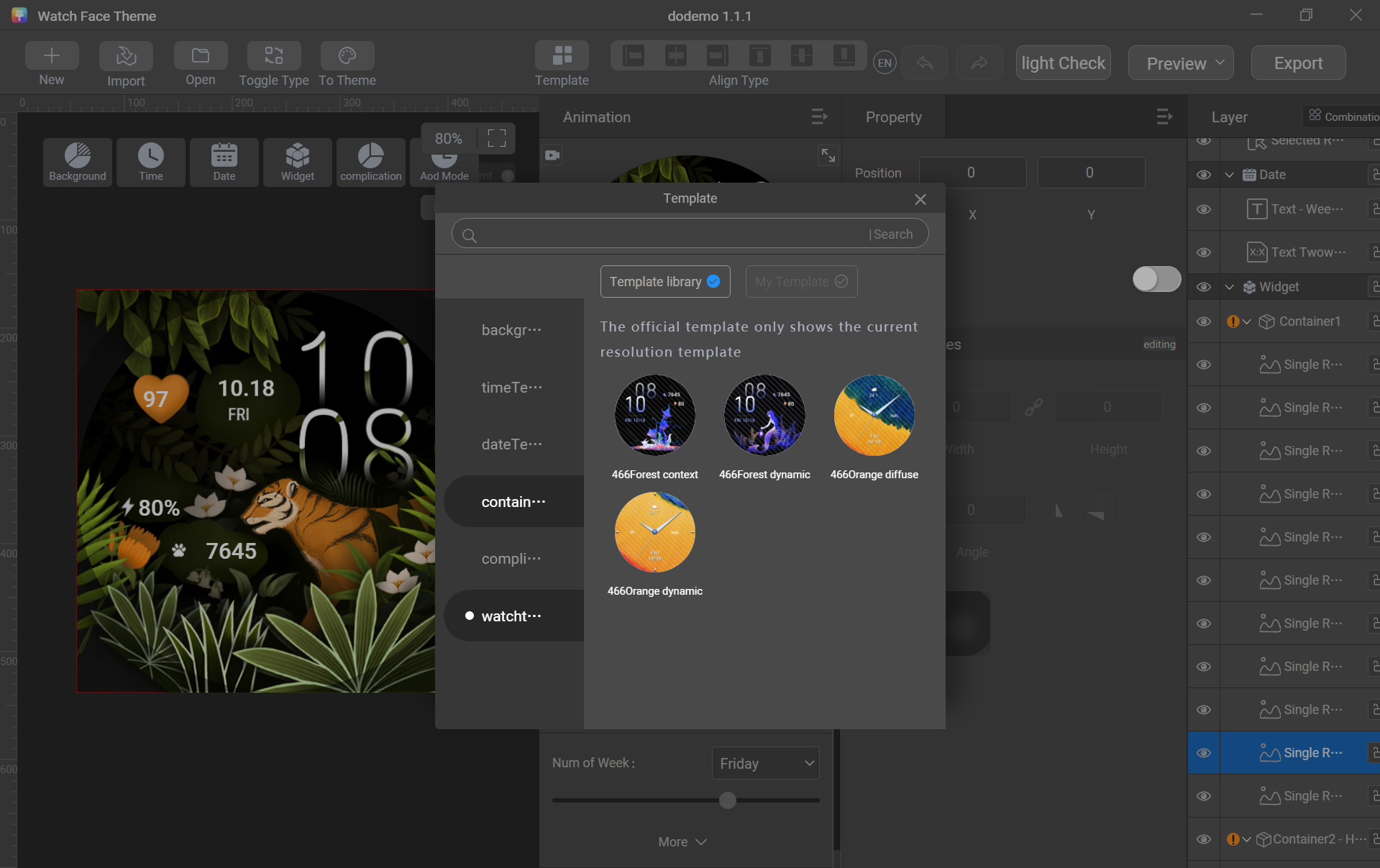
Example: Add an entire watch face as a template.
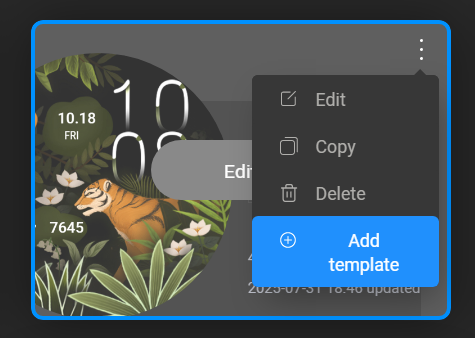
Example: Add the time module as a template.
Theme Studio Shortcut Keys
Operation | Shortcut Key (Windows) | Shortcut Key (macOS) |
|---|---|---|
Delete layer | Delete | Delete |
Copy layer | Ctrl+C | Command+C |
Paste layer | Ctrl+V | Command+V |
Move up/down/left/right by 1 pixel | ↑/ ↓ / ← / → | ↑/ ↓ / ← / → |
Move up/down/left/right by 10 pixels | Shift+↑/ ↓ / ← / → | Shift+↑/ ↓ / ← / → |
Undo | Ctrl+Z | Command+Z |
Redo | Ctrl+Shift+Z | Command+Shift+Z |

- The system globally supports 10 steps of undo and redo.
- After you switch the smart watch type or template, all the previous operations performed with the shortcut keys will be reset.