Packaging a Formal Version
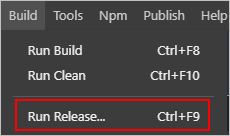
- Go to Build > Run Release in Huawei Quick App IDE.
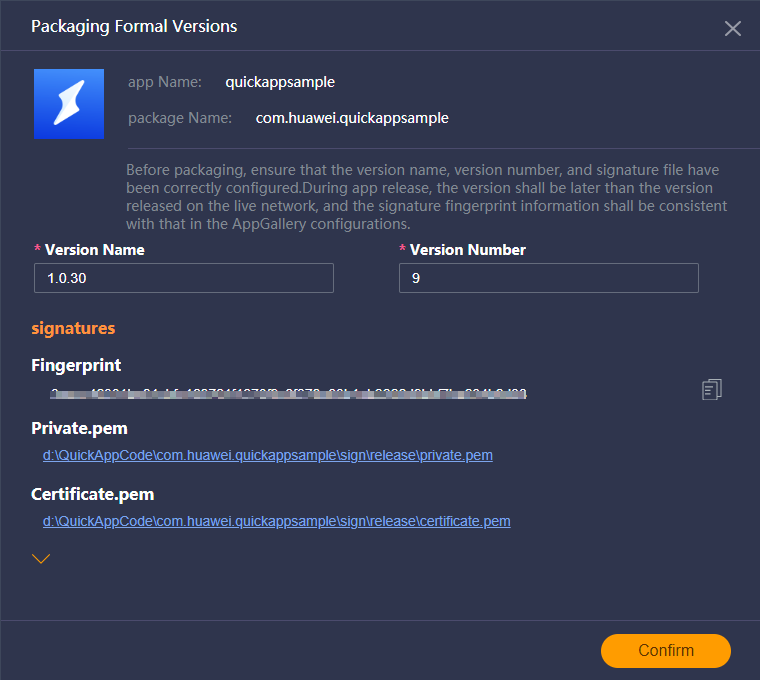
- In the displayed dialog box containing signature information, confirm the version information and click Confirm.
- After the packaging is complete, the dist folder of the project is automatically opened. Find the RPK file, which is the formal version package.