


智能客服
你问我答,随时在线为你解决问题















image是图片组件,用来渲染展示图片。具体用法请参考image组件。
在pages/index目录下的hml文件中创建一个image组件。
- <!-- index.hml -->
- <div class="container">
- <image style="height: 30%;" src="common/images/bg-tv.jpg"> </image>
- </div>
- /* xxx.css */
- .container {
- width: 100%;
- height: 100%;
- flex-direction: column;
- justify-content: center;
- align-items: center;
- background-color: #F1F3F5;
- }
通过设置width、height和object-fit属性定义图片的宽、高和缩放样式。
- <!-- index.hml -->
- <div class="container">
- <image src="common/images/bg-tv.jpg"> </image>
- </div>
- /* xxx.css */
- .container {
- width: 100%;
- height: 100%;
- flex-direction: column;
- align-items: center;
- justify-content: center;
- background-color:#F1F3F5;
- }
- image{
- width: 80%;
- height: 500px;
- border: 5px solid saddlebrown;
- border-radius: 20px;
- object-fit: contain;
- match-text-direction:true;
- }

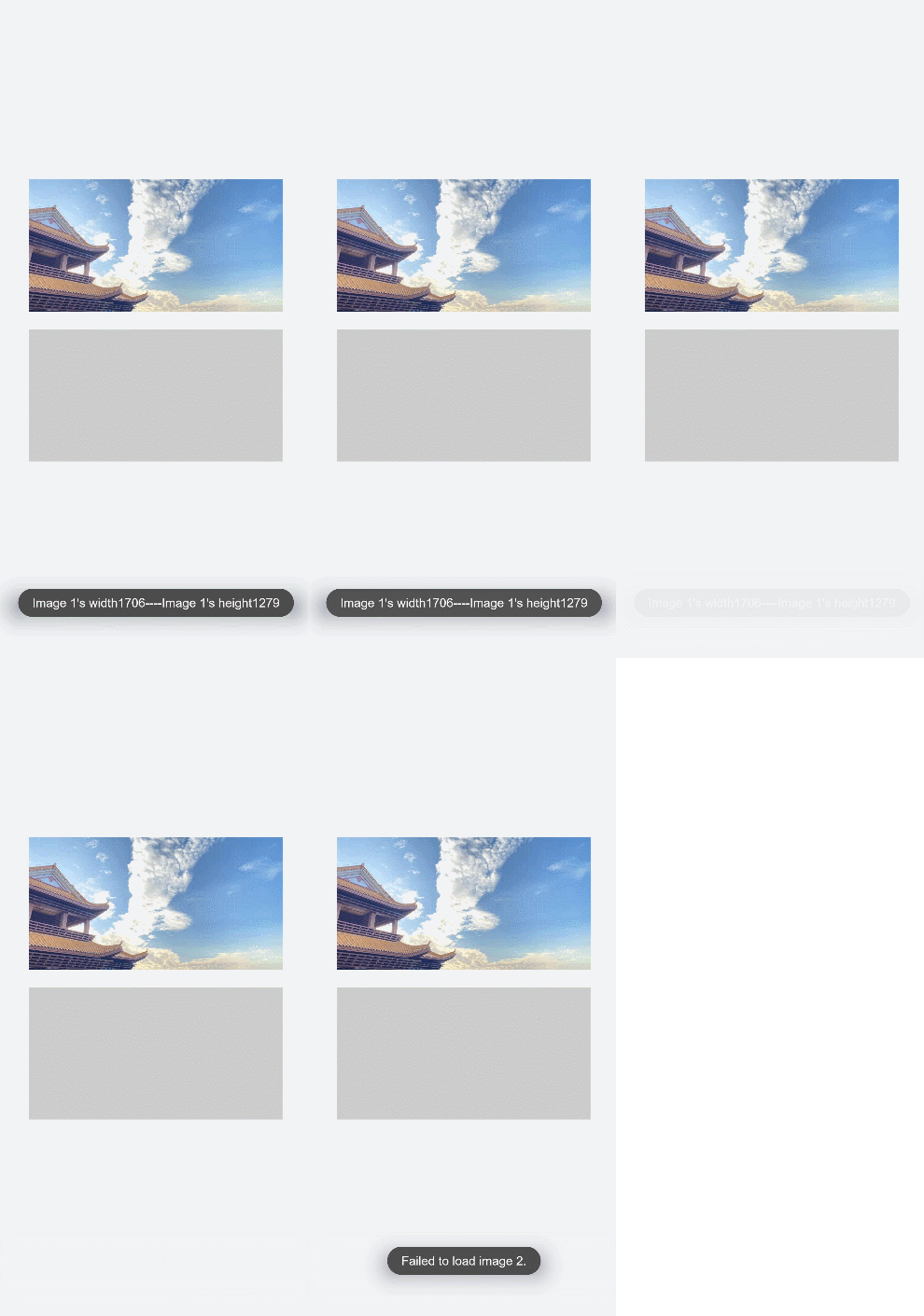
图片成功加载时触发complete事件,返回加载的图源尺寸。加载失败则触发error事件,打印图片加载失败。
- <!-- index.hml -->
- <div class="container" >
- <div>
- <image src="common/images/bg-tv.jpg" oncomplete="imageComplete(1)" onerror="imageError(1)"> </image>
- </div>
- <div>
- <image src="common/images/bg-tv1.jpg" oncomplete="imageComplete(2)" onerror="imageError(2)"> </image>
- </div>
- </div>
- /* xxx.css */
- .container{
- width: 100%;
- height: 100%;
- flex-direction: column;
- justify-content: center;
- align-self: center;
- background-color: #F1F3F5;
- }
- .container div{
- margin-left: 10%;
- width: 80%;
- height: 300px;
- margin-bottom: 40px;
- }
- // index.js
- import promptAction from '@ohos.promptAction';
- export default {
- imageComplete(i,e){
- promptAction.showToast({
- message: "image "+i+"'s width"+ e.width+"----image "+i+"'s height"+e.height,
- duration: 3000,
- })
- },
- imageError(i,e){
- setTimeout(()=>{
- promptAction.showToast({
- message: "Failed to load image "+i+".",
- duration: 3000,
- })
- },3000)
- }
- }
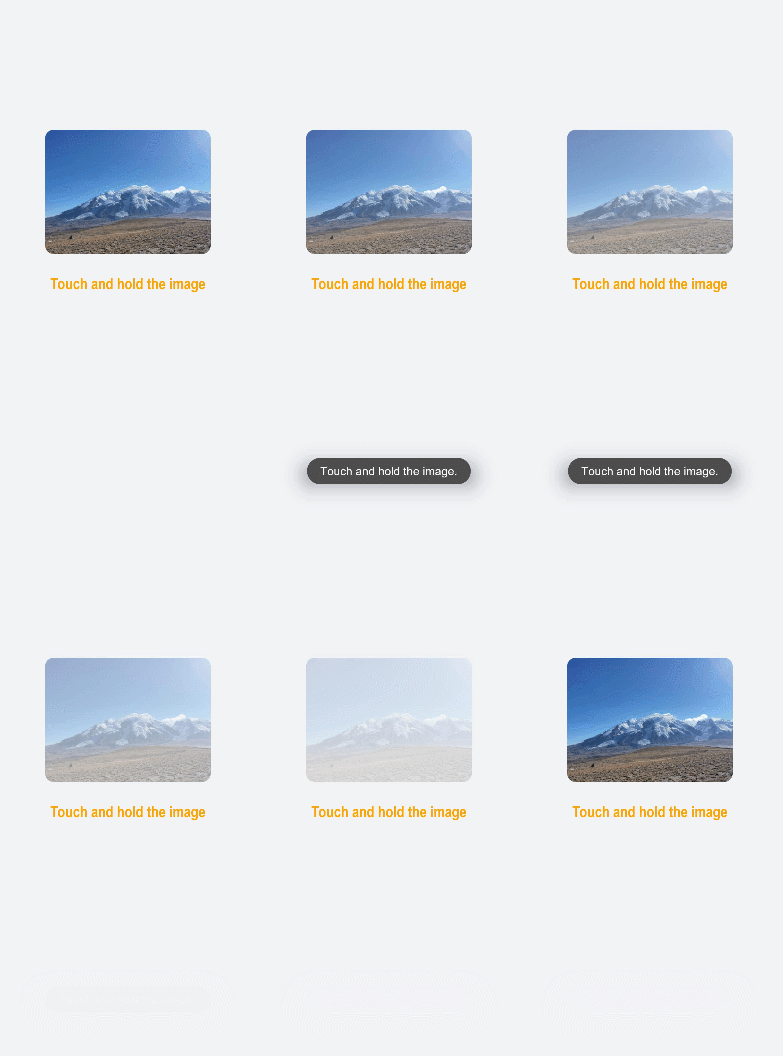
在本场景中,开发者长按图片后将慢慢隐藏图片,当完全隐藏后再重新显示原始图片。定时器setInterval每隔一段时间改变图片透明度,实现慢慢隐藏的效果,当透明度为0时清除定时器,设置透明度为1。
- <!-- index.hml -->
- <div class="page-container">
- <div class="content">
- <div class="image-container">
- <image class="testimage" src="{{testuri}}" style="opacity:{{imageopacity}};" onlongpress="changeopacity"> </image>
- </div>
- <div class="text-container">
- <text style="font-size: 37px;font-weight:bold;color:orange;text-align: center;width: 100%;">Touch and hold the image</text>
- </div>
- </div>
- </div>
- /* xxx.css */
- .page-container {
- width: 100%;
- height: 100%;
- flex-direction:column;
- align-self: center;
- justify-content: center;
- background-color:#F1F3F5;
- background-color: #F1F3F5;
- }
- .content{
- flex-direction:column;
- }
- .image-container {
- width: 100%;
- height: 300px;
- align-items: center;
- justify-content: center;
- }
- .text-container {
- margin-top:50px;
- width: 100%;
- height: 60px;
- flex-direction: row;
- justify-content: space-between;
- }
- .testimage {
- width: 100%; height: 400px;
- object-fit: scale-down;
- border-radius: 20px;
- }
- // index.js
- import promptAction from '@ohos.promptAction';
- export default {
- data: {
- testuri: 'common/images/bg-tv.jpg',
- imageopacity:1,
- timer: null
- },
- changeopacity: function () {
- promptAction.showToast({
- message: 'Touch and hold the image.'
- })
- var opval = this.imageopacity * 20
- clearInterval(this.timer);
- this.timer = setInterval(()=>{
- opval--;
- this.imageopacity = opval / 20
- if (opval===0) {
- clearInterval(this.timer)
- this.imageopacity = 1
- }
- },100);
- }
- }
智能客服
你问我答,随时在线为你解决问题
合作咨询
我们的专家服务团队将竭诚为您提供专业的合作咨询服务
解决方案
精准高效的一站式服务支持,助力开发者商业成功