Intelligent Assistant
Chat with our virtual assistant to get answers promptly.
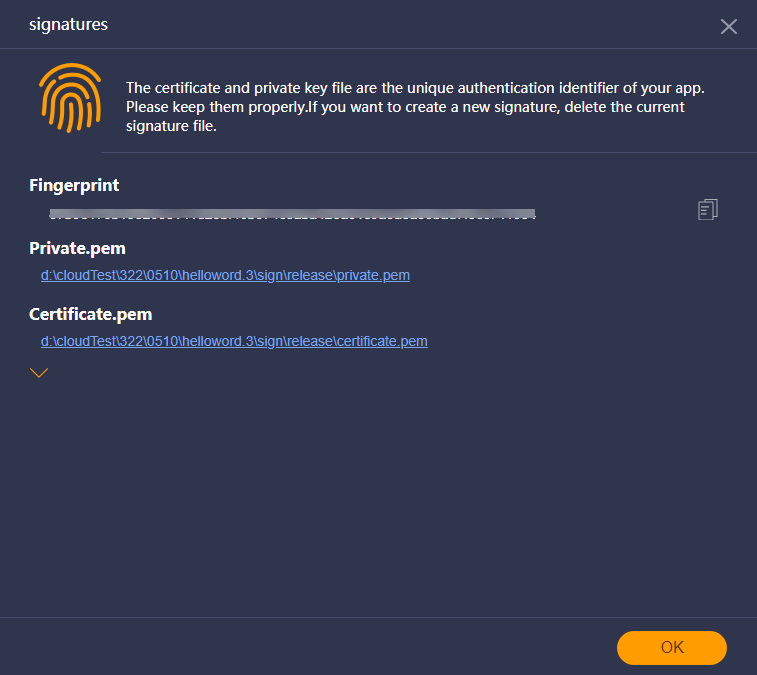
|—— sign
| |—— release Formal signature file directory.
| |—— certificate.pem Certificate file.
| |—— private.pem Private key file.
In the project of the old version, the debug directory stores the debug package. This content does not conflict with the signature directory of the new version and does not need to be adjusted.
|—— sign
| |—— debug Debug signature file directory.
| |—— certificate.pem Certificate file.
| |—— private.pem Private key file.
| |—— release Formal signature file directory.
| |—— certificate.pem Certificate file.
| |—— private.pem Private key file.
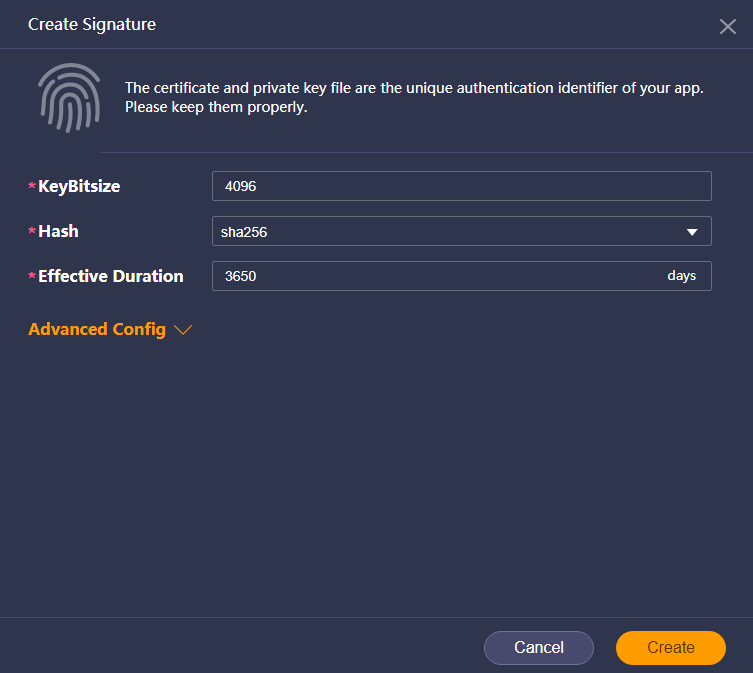
Go to Tools > Certificate or press Ctrl+Shift+C on the menu bar to open the signature management wizard.