


Intelligent Assistant
Chat with our virtual assistant to get answers promptly.
HUAWEI Cloud Testing aims to provide one-stop app testing for you to reduce costs, remove inefficiencies, and overcome technical problems, all of which may leave you stuck in constant app development and testing. It enables you to test compatibility, stability, performance, and power consumption of your apps on Huawei popular mobile devices. In addition, it can quickly provide professional and detailed test reports for you to detect problems with your app, before locating and solving them.
Cloud Testing supports compatibility, stability, performance, and power consumption tests. Through these tests, you can: detect problems that occur during app installation, uninstallation, startup, and running on Huawei devices; find exceptions such as the crash, unexpected exit, and black/white screen; check and collect KPIs related to performance and power consumption during app running to identify exceptions and analyze weak points of app performance.
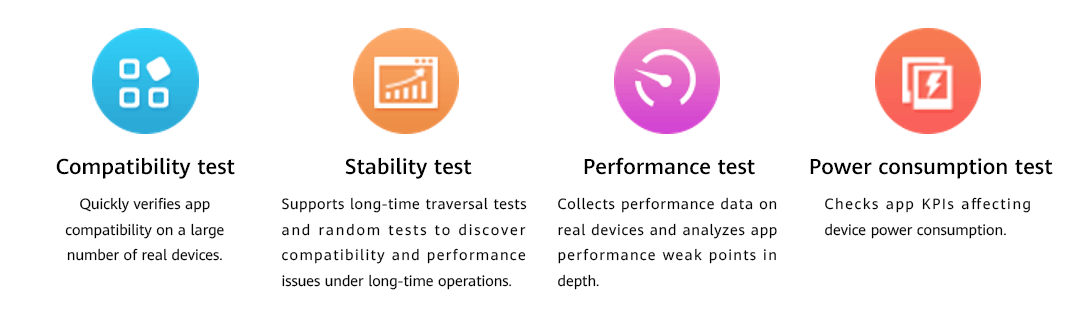
Describes app initial installation, reinstallation, uninstallation, and startup failures and detects other errors such as the crash, ANR, and unexpected exit.

Lists the number of crashes, ANRs, native crashes, and resource leaks collected during a test. If the number of each check item exceeds 10, the stability test fails.

Displays the cold start time, warm start time, frame rate, as well as memory and CPU usage collected during a test.

Collects power consumption data and shows resource usage (such as the wakelock duration, screen usage, WLAN usage, and audio usage) and behavior detection.
