Symptom
DevTools fails to be installed, with example errors shown in the figures below.

Or

Solution
Manually install DevTools to the specified cache directory. Examples of ASCF cache directories are as follows:
Windows: C:\Users*Username\AppData\Local\ascf-cache\Cache*
macOS: /Users/Username/Library/caches/ascf-cache
Taking Windows as an example, create a folder and install DevTools under the current folder with the following command:
npm install chrome-devtools-built@1.20253003.0
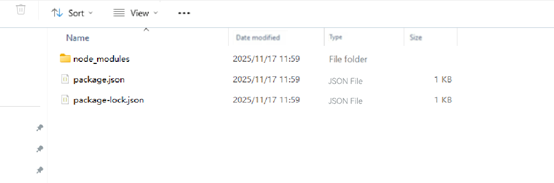
Enter the node_modules directory, rename the chrome-devtools-built folder to chrome-devtools, and copy it to the cache directory.