Push Kit is a messaging service provided for you to establish a cloud-to-device messaging channel. With Push Kit integrated, any HarmonyOS atomic service can send real-time, eye-catching messages to the right users at the right time, boosting user engagement and stickiness.
Highlights
Stable and reliable messaging channel
Push Kit offers system-level long links that can be used to push messages in real time, even when your atomic service is not running.
Notification Scenarios of Push Messages
Push messages are notifications sent from an atomic service to Huawei devices via Push Kit. Users will receive these notifications through the notification panel, banners, lock screen, and notification icons.
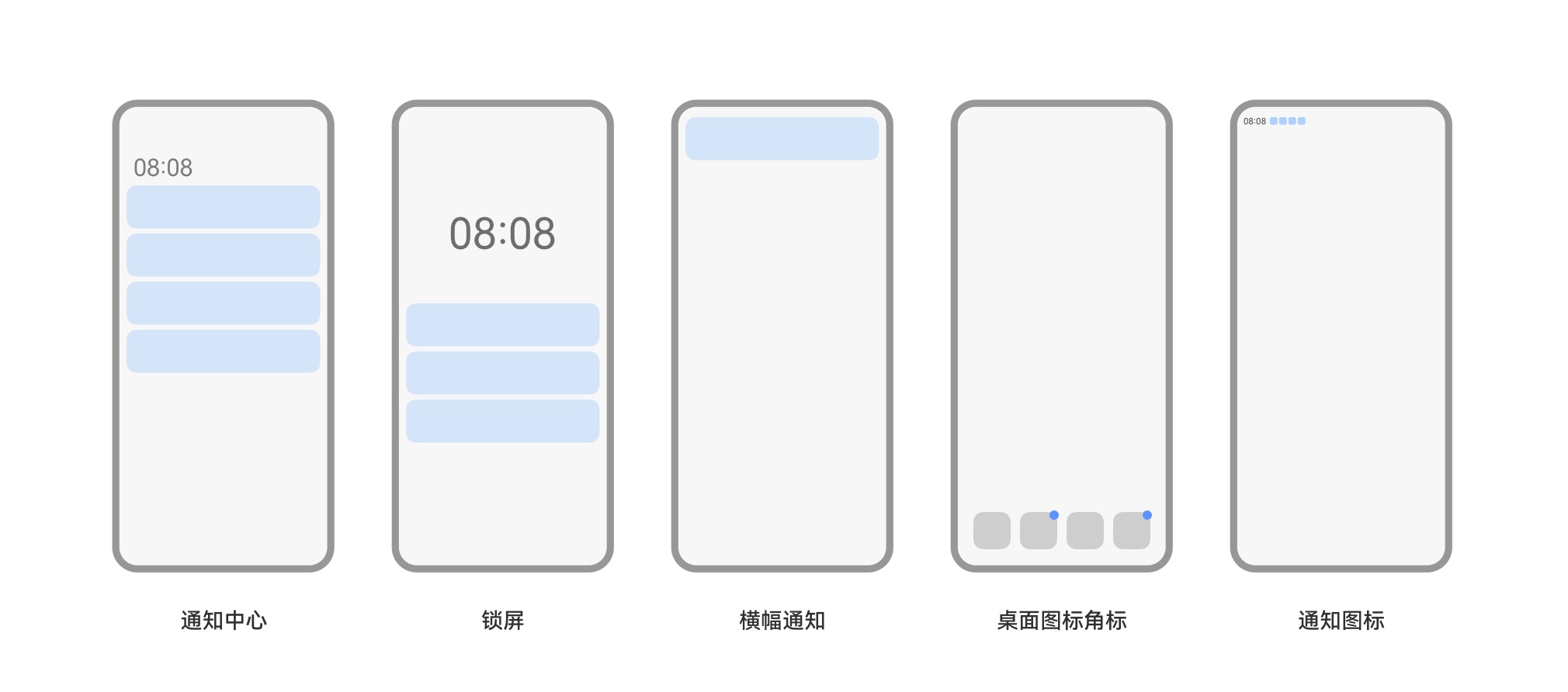
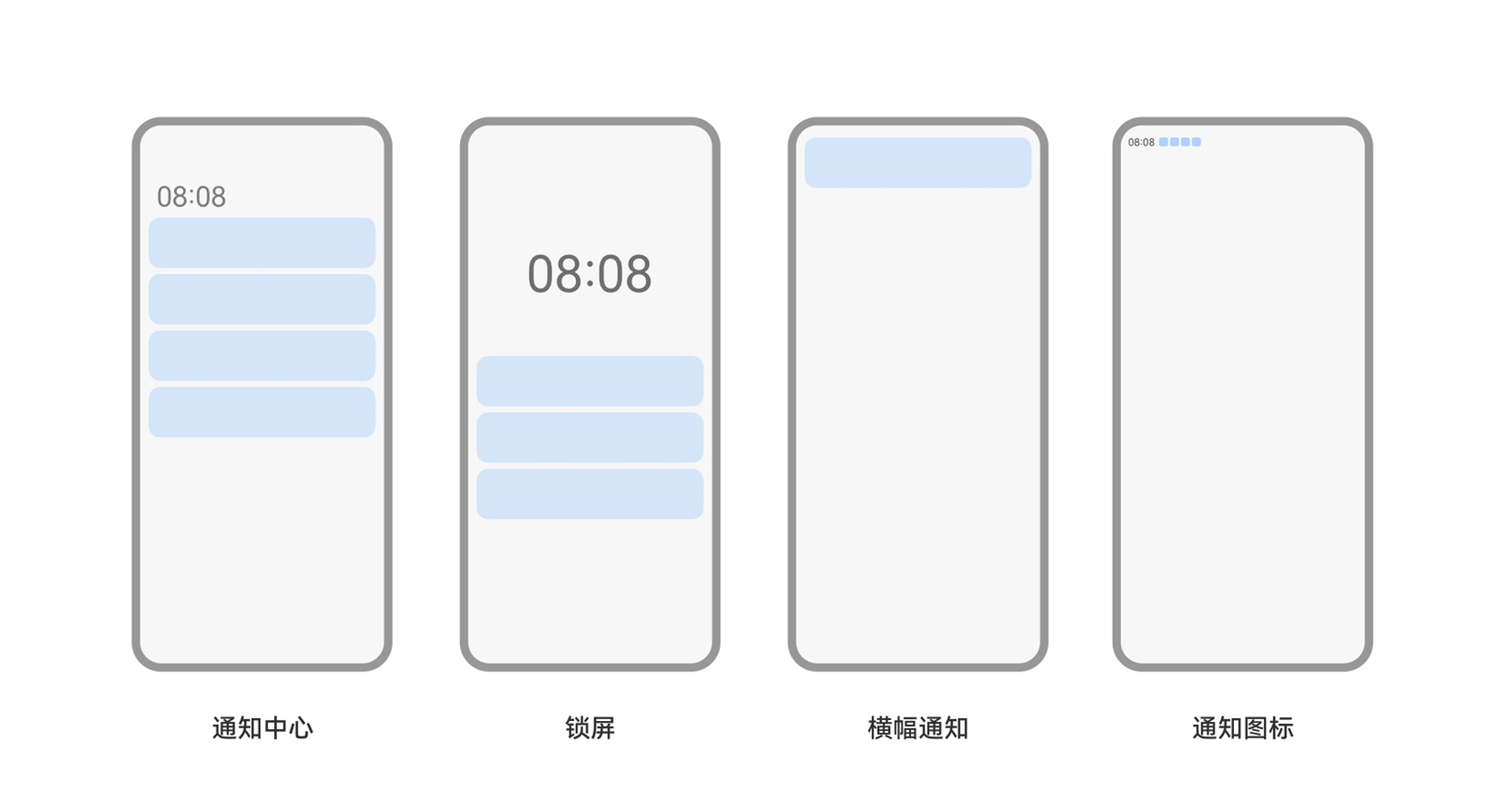
For details about each scenario, please refer to Notification Scenarios.

Atomic service messages do not involve the app icon badge scenario.
Message Types
Push Kit supports the following message types for atomic services.
Message Type | Description |
|---|---|
After a user who has signed in to your atomic service agrees to subscribe to messages, your atomic service can send subscription notifications to the user based on the selected notification template. Currently, only templates of one-time subscription are supported. This type is applicable for various service notification scenarios, such as takeout pickup, logistics progress, and event reminder. The actual supported scenarios are subject to the template type. | |
Such messages allow you to send real-time updates to users regarding key nodes of their orders, keeping them informed of their order status. This type is applicable for scenarios such as takeout self-pickup, takeout delivery, accommodation, and air travel. |
[h2]Factors Affecting the Delivery Rate
Push Kit functions as a secure and reliable system-level messaging channel to ensure successful message delivery. The message delivery may be affected by the following factors:
- Whether the target device is connected to the network. Push Kit caches a message if the target device is offline, and delivers the message after the device goes online.
- Whether the atomic service has been uninstalled from the device.
- Whether the network status of the target device is stable.
- Security control policies of the target device.
[h2]Message Timeliness
When the device network is in good conditions and not congested, Push Kit utilizes intelligent push policies to reduce the messaging latency.
[h2]Message Length and Quantity Limits
- The message body cannot exceed 4096 bytes.
- A single atomic service can push a maximum of 3000 messages to a single device per day.
[h2]Network Restrictions
If a firewall is configured on the network of a device, ensure that the following port numbers are enabled to allow traffic, so that your message arrival will not be affected:
Port numbers:
- 5223
- 443

The IP address of the push server is allocated dynamically and its access cannot be allowed just by adding the server IP address to the trustlist. You are advised to use a device on an unrestricted network or allow the port numbers above.
[h2]Supported Countries/Regions
Among supported devices of Push Kit, wearables support this kit only in the listed countries/regions, and other devices support this kit only in the Chinese mainland.