Before you start integration, make necessary preparations described in Preparing for Atomic Service Development.

Since HarmonyOS NEXT Developer Beta2, you no longer need to configure the public key fingerprint and client ID.
Enabling Push Kit

Push Kit is enabled at the project level. If you have enabled Push Kit earlier for a project, the kit is available for all atomic services in this project, including those added later.
- Sign in to AppGallery Connect and click Development and services.
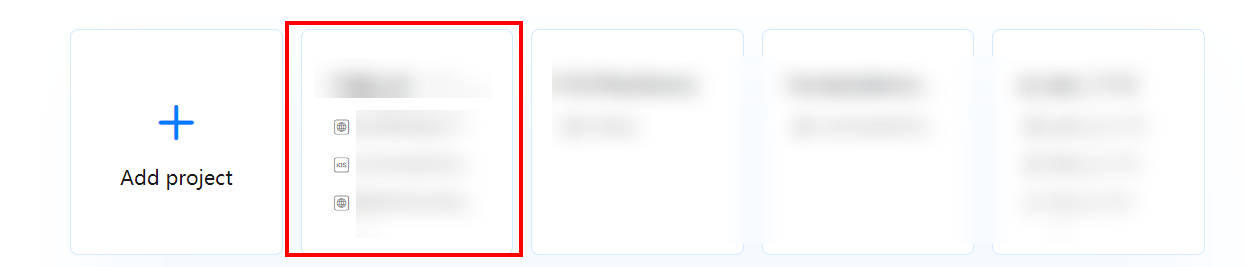
- Find and click the desired project in the project list, and click the atomic service for which you need to set Push Kit parameters.
- Go to and click Enable now. In the dialog box that is displayed, click OK. Push Kit is now enabled.