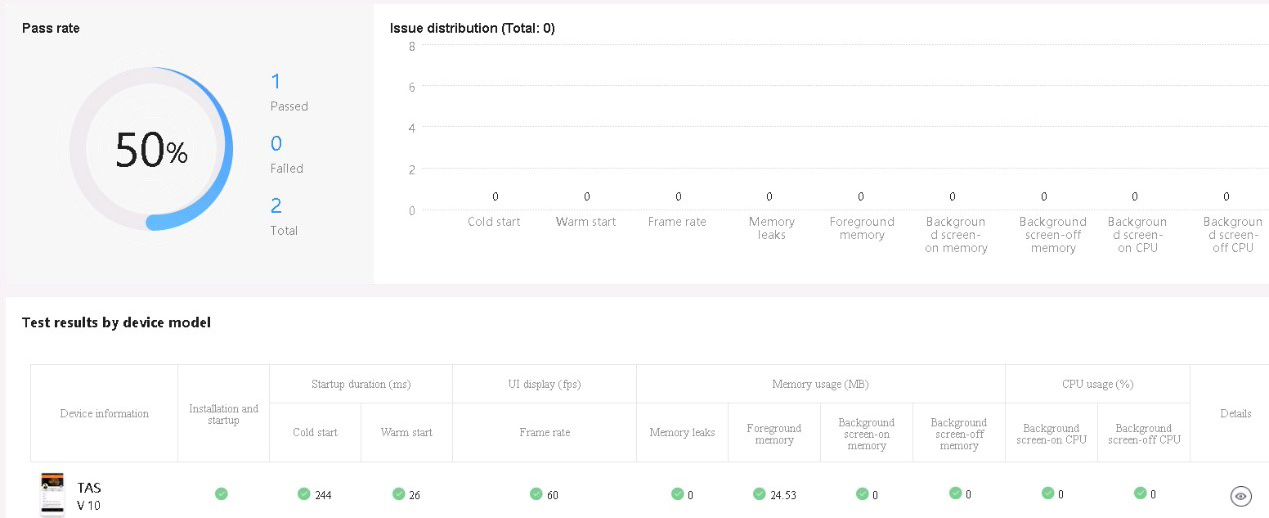
You can collect app performance data such as CPU usage, memory usage, power consumption, traffic, and other key indicators from real devices and perform in-depth analysis to identify performance issues in your app.
- Creating a Performance Test
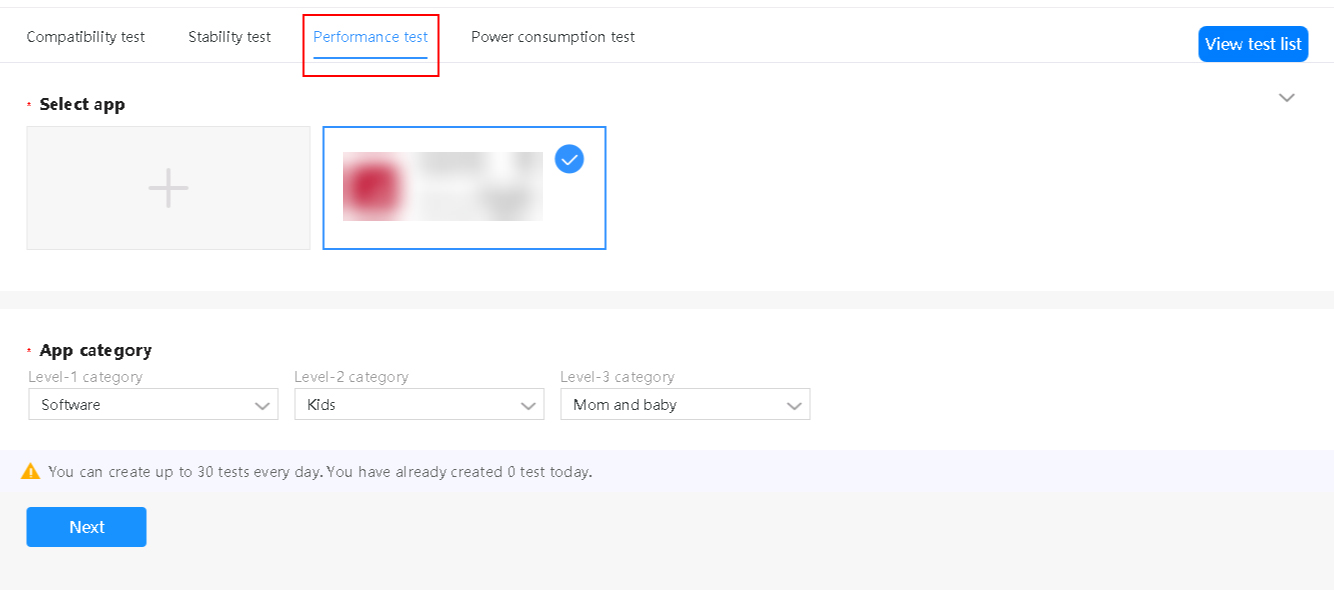
Step 1: On the test creation page, click Performance test.
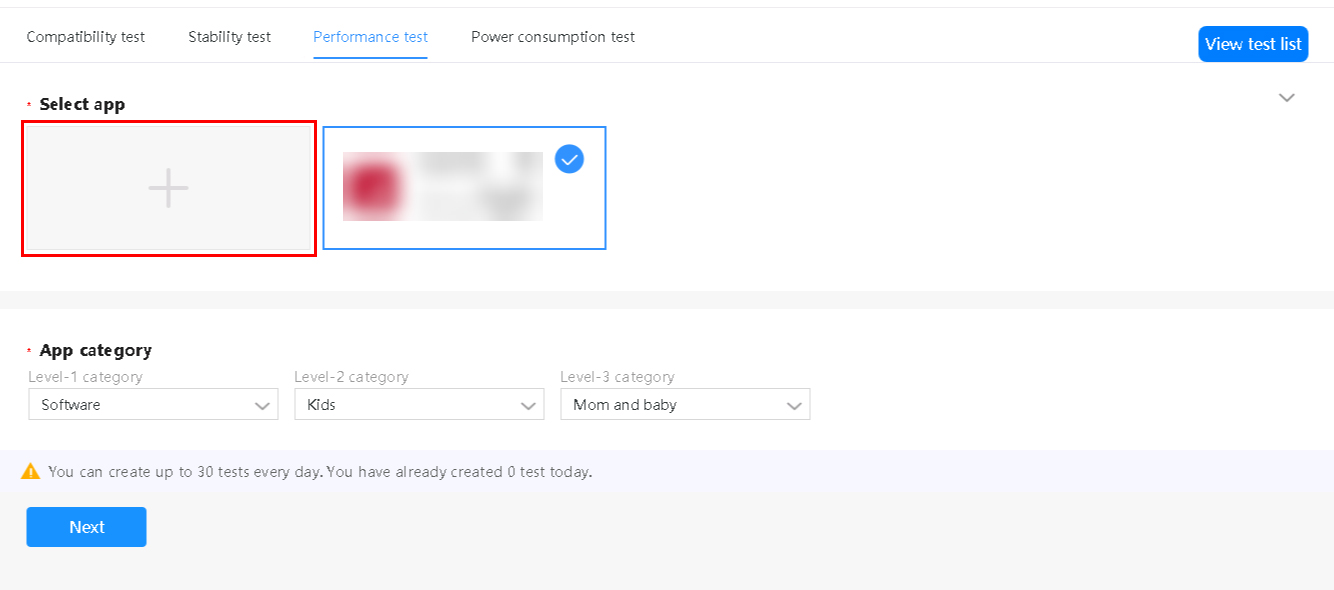
Step 2: Click
 to upload a prepared APK or select an APK that has already been uploaded.
Step 3: Set the app category and click Next.
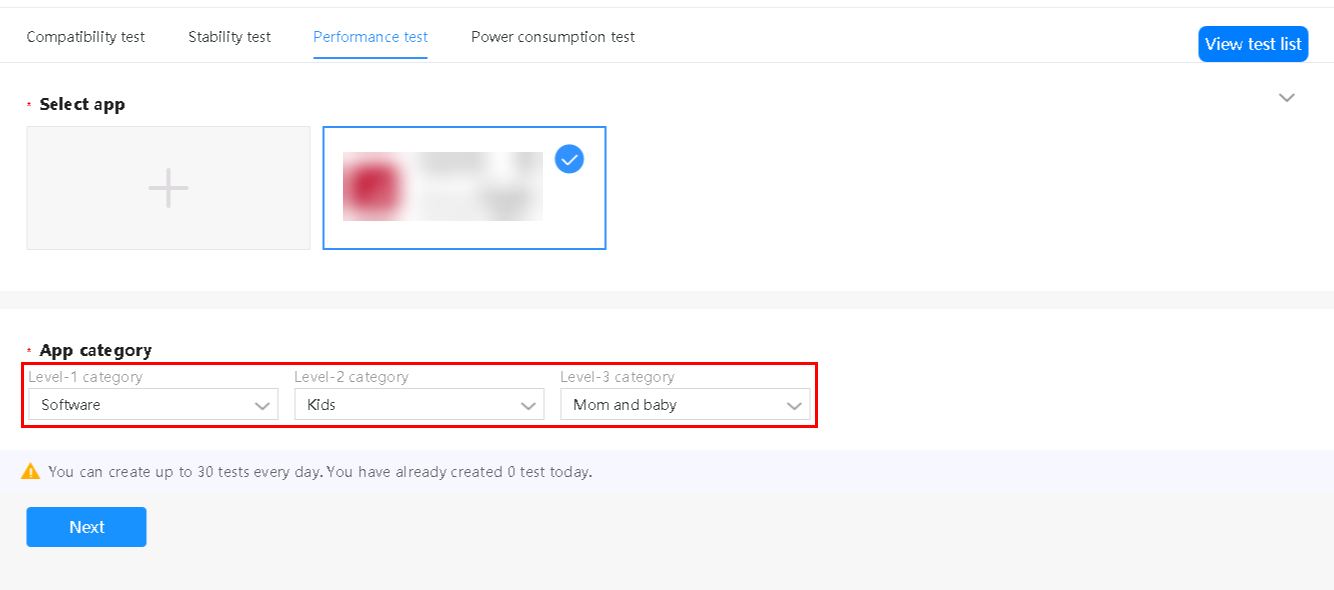

Some test items in the test result vary depending on app categories. For example, the requirements for game apps to pass the frame rate test are different from those of non-game apps.
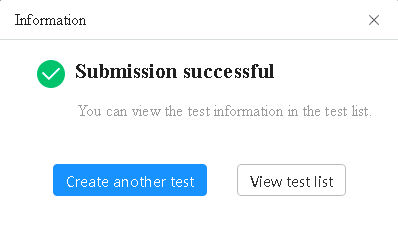
Step 4: On the page that is displayed, filter Huawei devices by model and Android version. Select one or multiple device models and click OK. A dialog box is displayed, indicating that the test is successfully submitted.
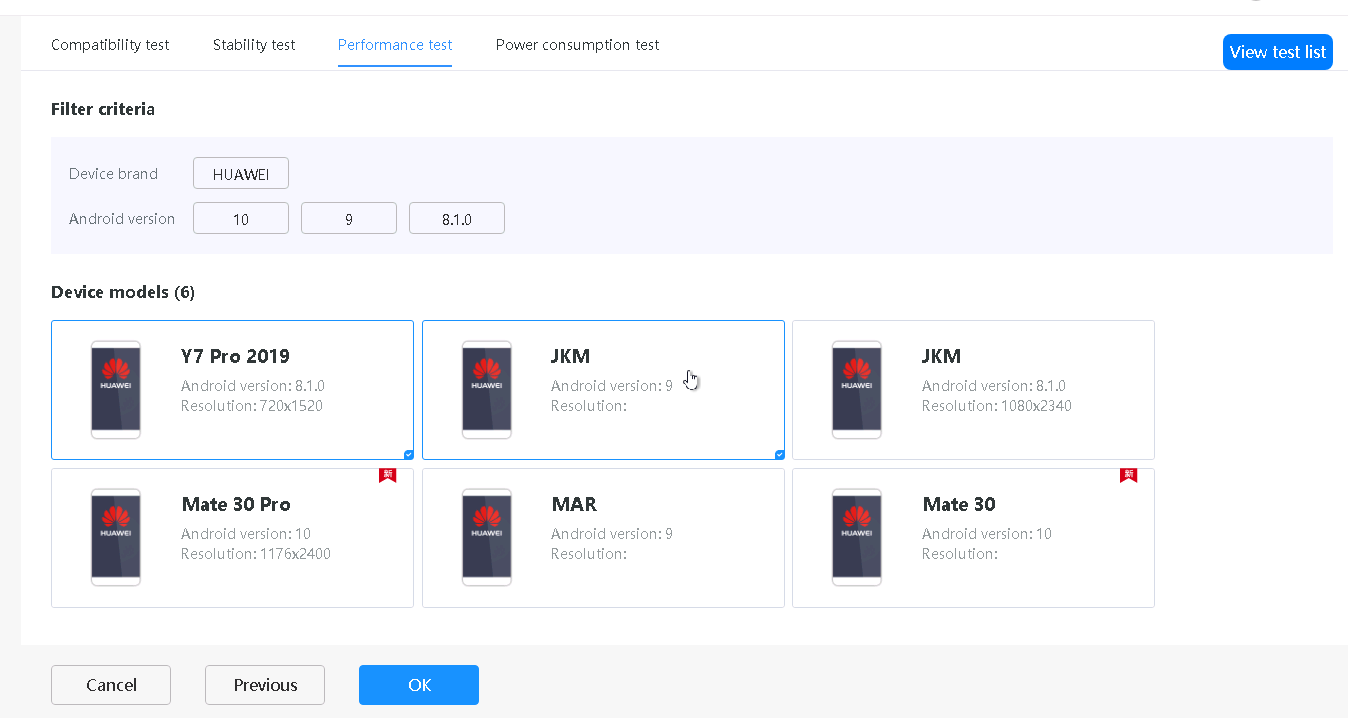
Step 5: To create another test, click Create another test.
- Viewing a Performance Test Report
Step 1: Go to the test list page using one of the following methods:
- Choose App Services > Testing and click Cloud Testing.
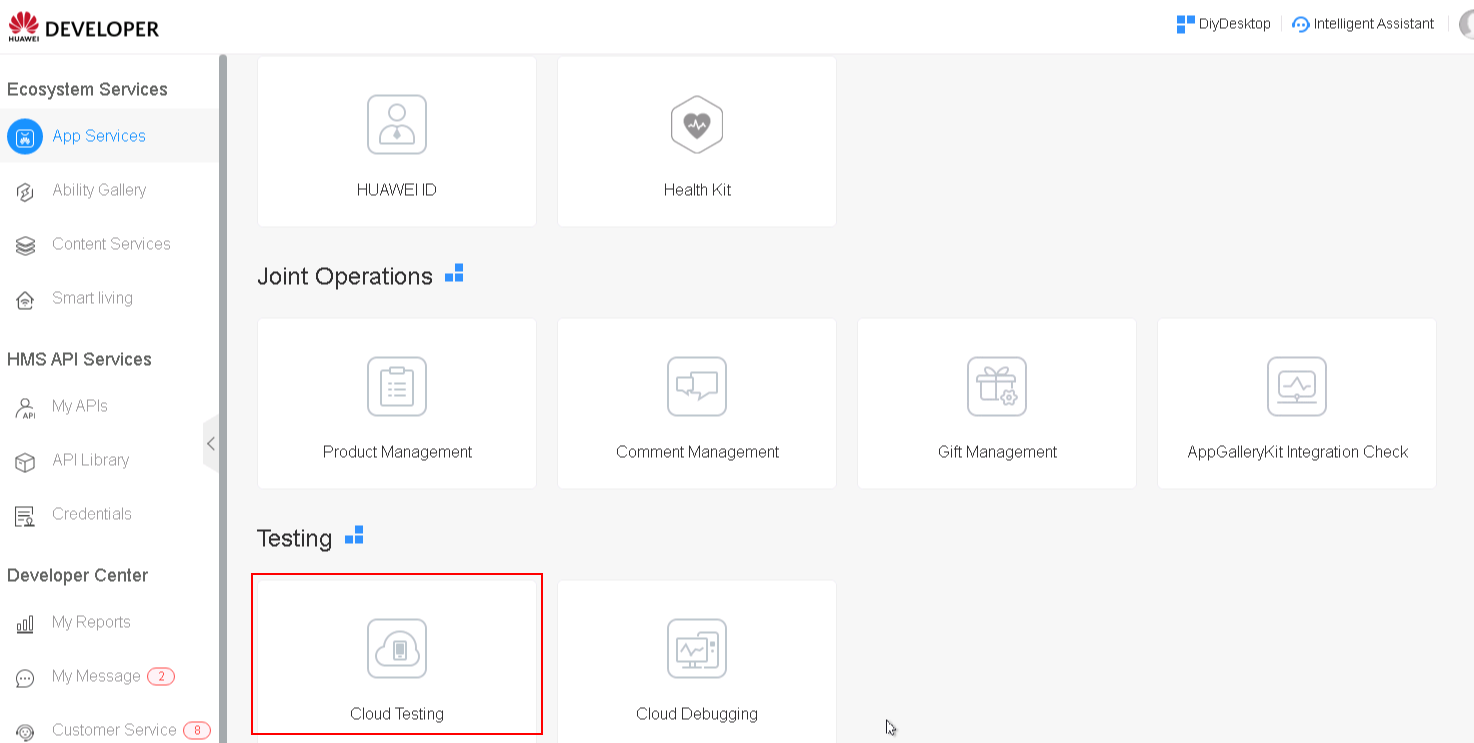
- Click View test list on the test creation page.

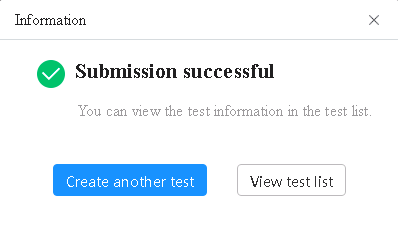
- Click View test list in the dialog box displayed after test creation.
Step 2: Select a performance test and click  in the Operation column to view the test report summary.
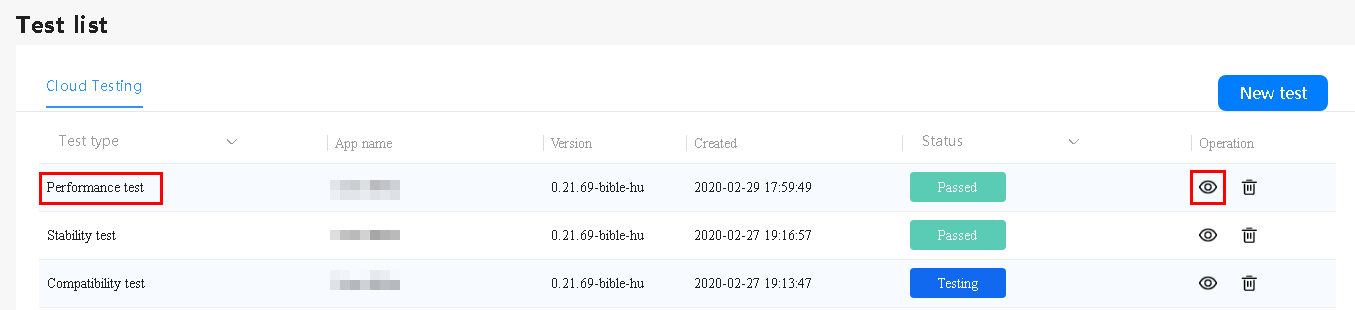
Step 3: Select a device model in test details and click the  icon to view test result details for the model. On the test report details page, view the test process screenshots, recorded performance data (including the startup duration, CPU usage, memory usage, traffic consumption, and power consumption), and Logcat logs.