SmartCoder, newly released by HMS Toolkit, is an intelligent auxiliary programming tool, helping you quickly find development resources and integrate HMS Core kits efficiently.
Highlights
- Enables you to search for official HMS Core resources, currently including resources of Account Kit, Ads Kit, Analytics Kit, In-App Purchases, and Push Kit.
- Implements document-free programming in HMS Core, and enables search operations in the IDE.
- Provides professional guidance and feedback through the intelligent Q&A system to help solve common problems in HMS Core.
- Makes coding faster and more intelligent through AI-assisted code completion.
- Improves the efficiency of HMS Core kit integration by more than 30%.
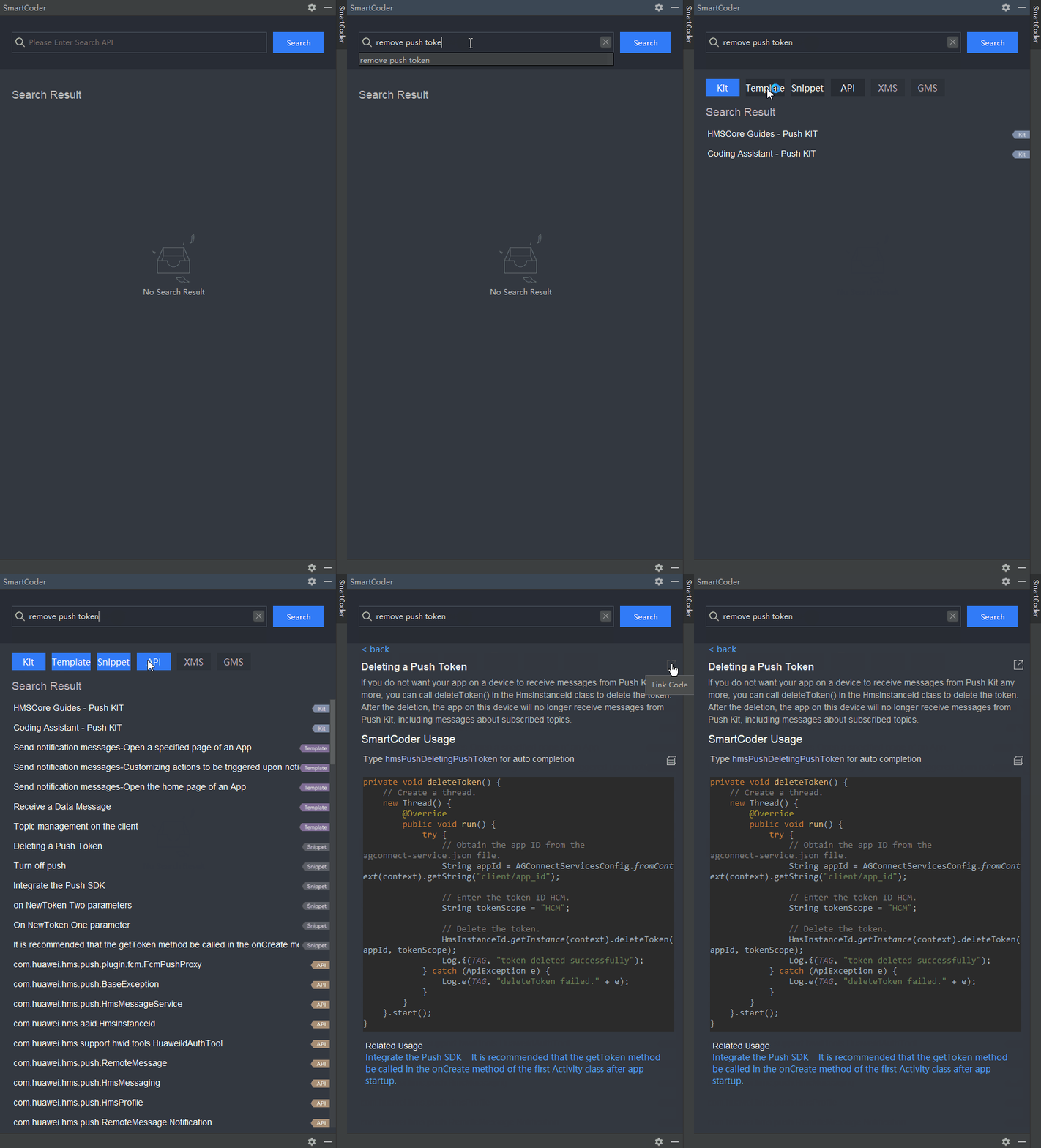
Smart Search
Adopts the semantic search technology.
Covers various types of official HMS Core resources:
- Kit: official documents of kits
- Template: official integration procedures of kits
- Snippet: sample code
- API: official API references
API provides references of both XMS APIs and GMS APIs.
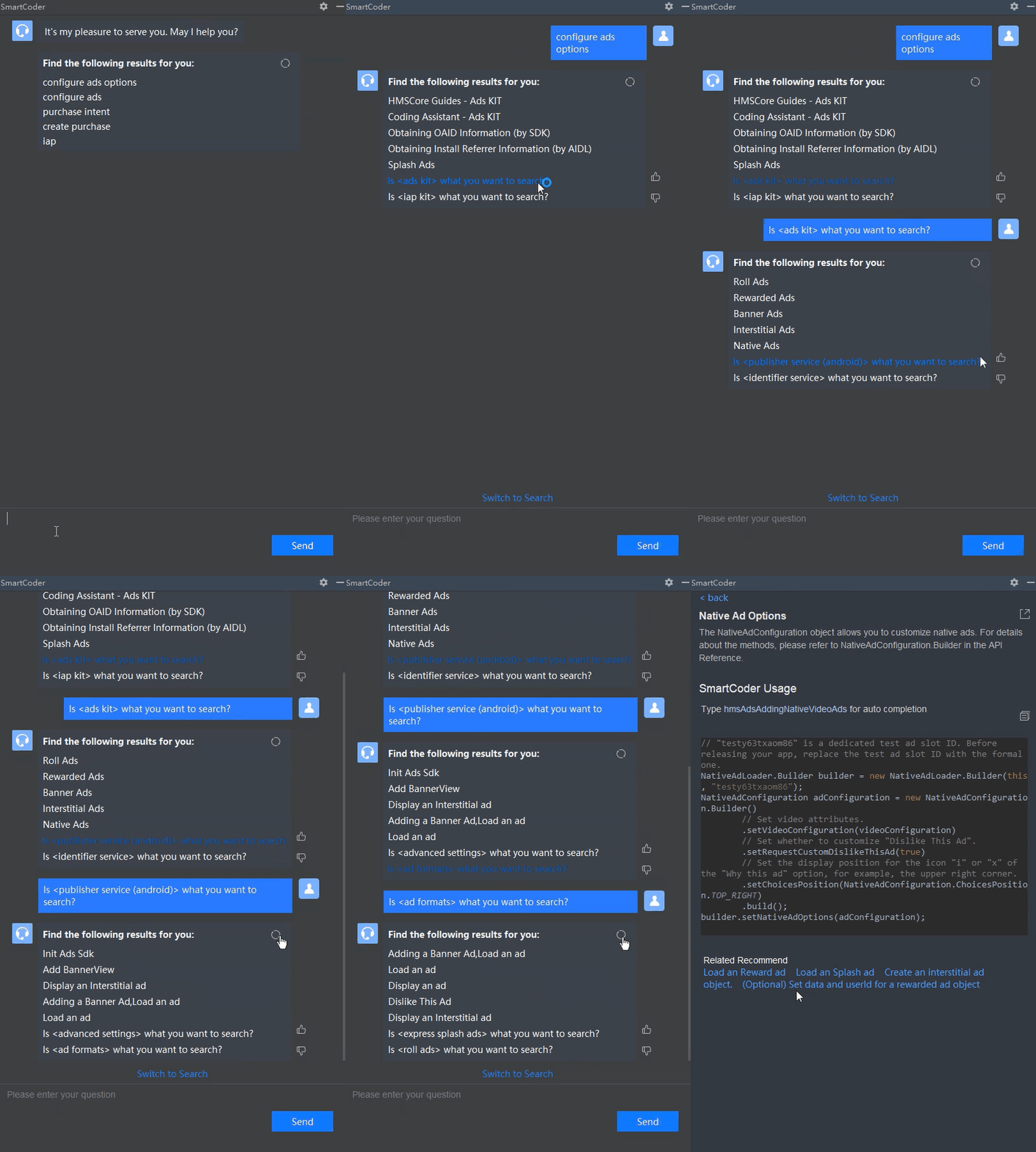
AI-Assisted Intelligent Q&A System
Provides professional guidance and feedback about HMS Core to help you solve common problems.
Auto-completion
Completes tokens, APIs, and code snippets regarding HMS Core, making coding faster and more intelligent.
You can use Code Completion under HMS Toolkit > Settings to enable or disable the code snippet completion function.
[h2]Token Completion
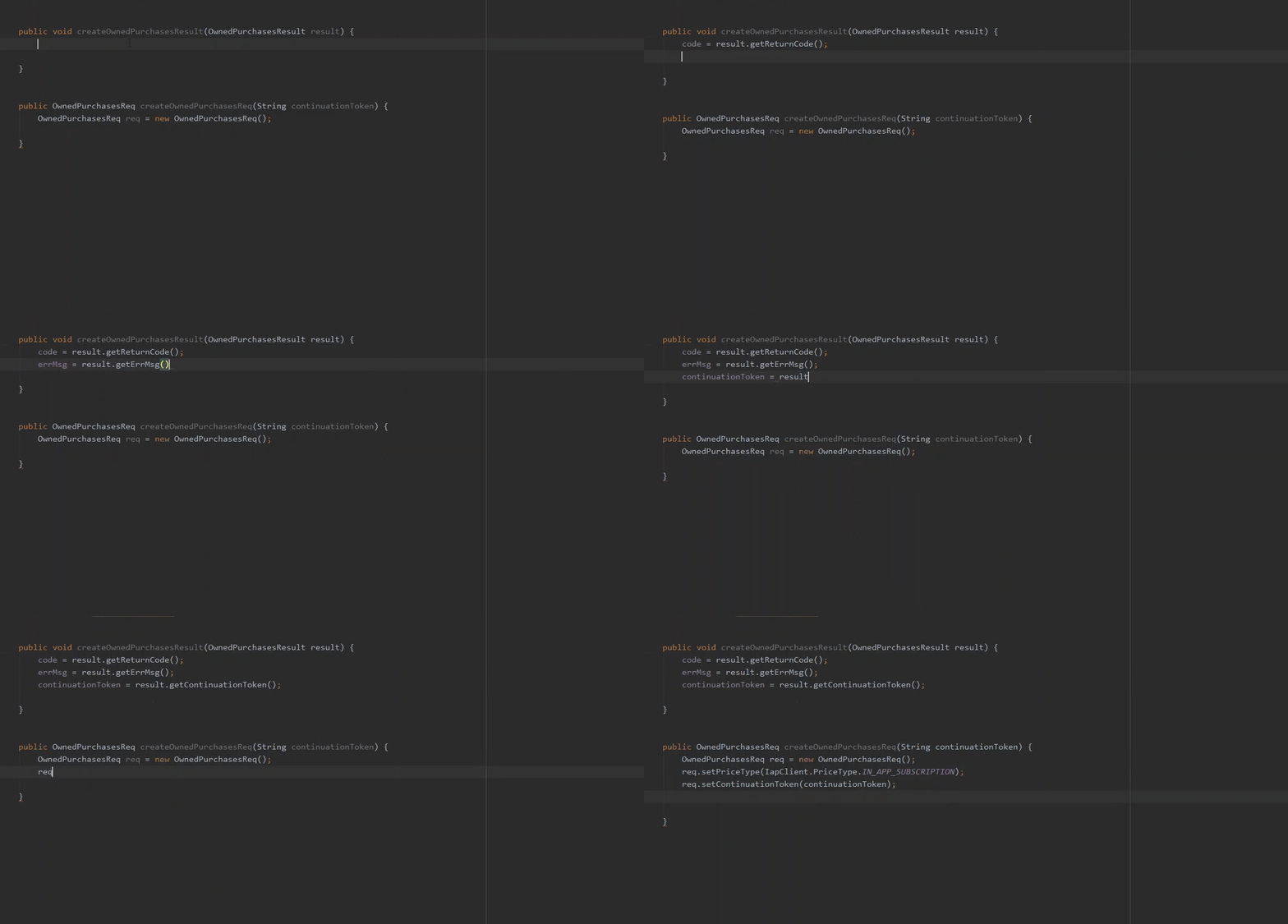
Predicts the tokens that you are most likely to require based on your input, by the AI and program analysis technologies.
[h2]API Completion
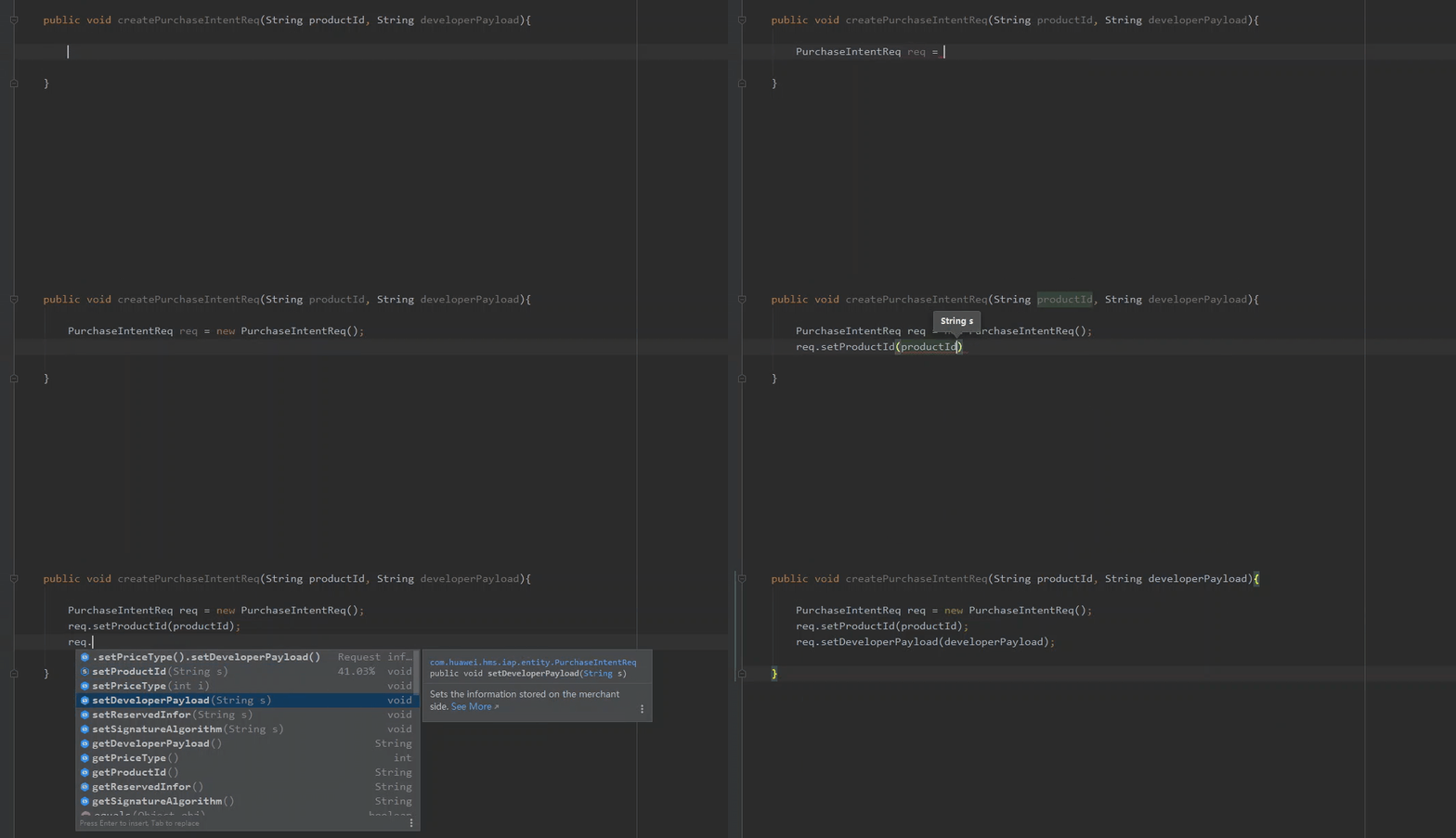
Completes APIs regarding HMS Core by the AI technology.
- Completes a single API.
- Completes API call chains.
- Provides a floating window to describe an API in rich text.
[h2]Code Snippet Completion
In the code editing area, enter hms to activate code snippet completion, which can improve coding efficiency.
- Provides quick documentation in a pop-up, listing code details as well as a short functional description.
- Enables you to press Tab to change the parameter position in the editing area when you edit auto-completed code snippets.
- Automatically imports the dependencies required by a target code snippet to the import statement.
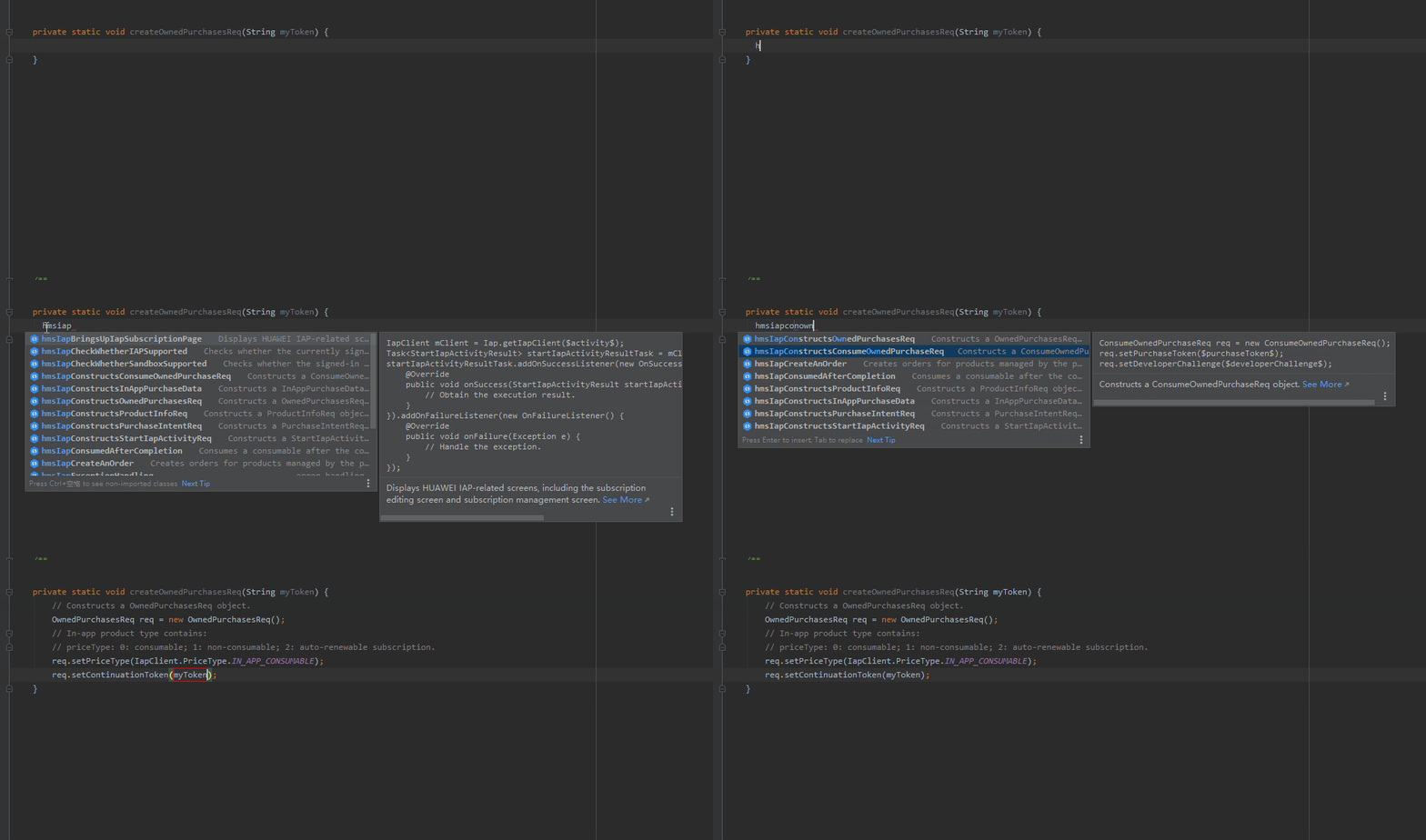
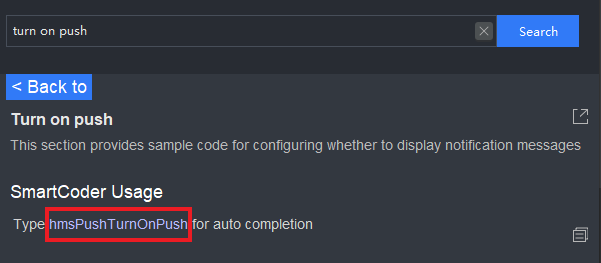
- Matches each code snippet with a unique autocomplete content. For example, the autocomplete content of the code snippet "Turn on push" in the Push Kit is "hmsPushTurnOnPush".