Analyze Crash

Before using this tool, perform the following steps:
- Enable the Crash service in AppGallery Connect.
- Integrate the Crash SDK into your app.
With this function, you can view crash information and quickly detect, locate, and solve crash problems.
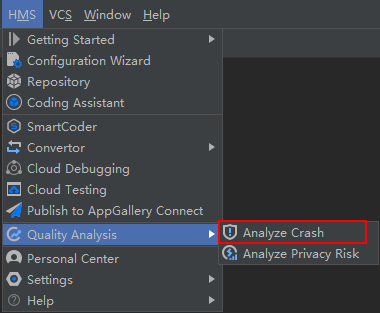
- Go to .
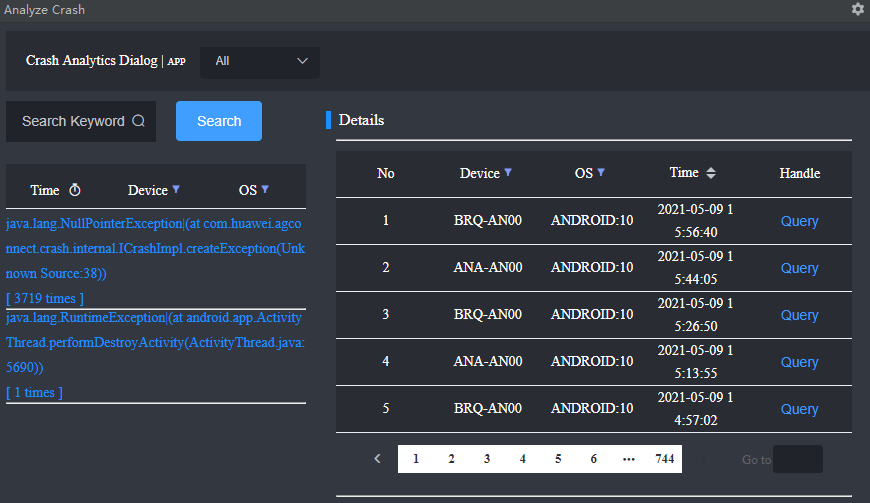
- Search for stack records by filtering criteria. Click one stack record. The information, such as Device, OS, and Time, is displayed on the right.
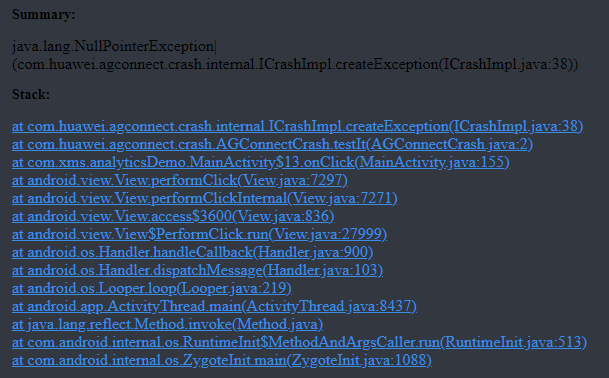
- Click Query. You can view the error stack in the Stack area in the lower part of the page. Click an error stack to locate the code.
Analyze Privacy Risk
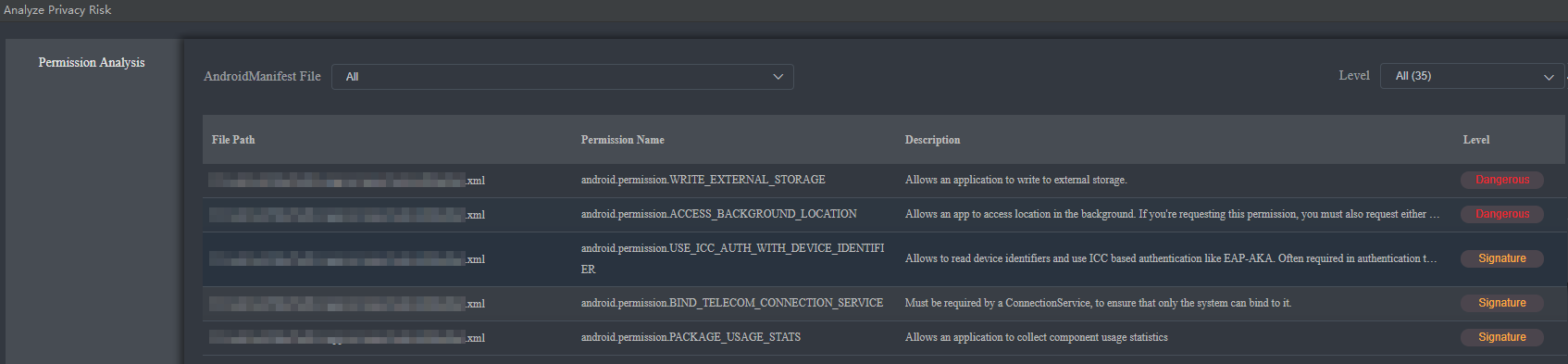
Analyze Privacy Risk provides functions such as app permission parsing, parsing result display, and permission code locating, making it easier for you to view the app permission levels.
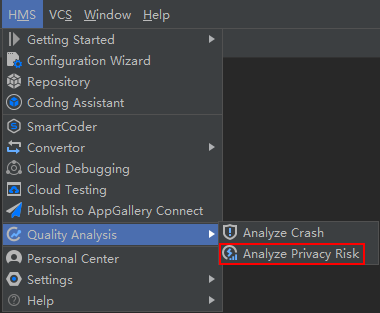
- Go to .
- Select the project to be analyzed under Project and click Analyze.
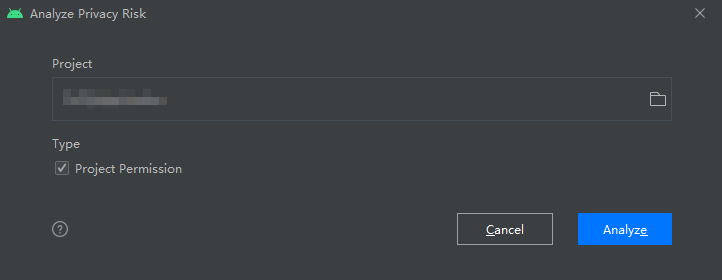
The tool automatically parses the app permission and displays the result.

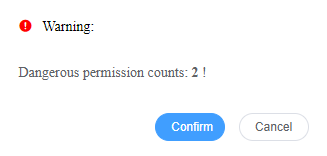
If a dangerous permission is detected in parsing, the following warning dialog box will be displayed. Click Confirm or Cancel to close the dialog box.
- Click the path of an XML file in File Path in the parsing result to open the XML file and locate the corresponding code.