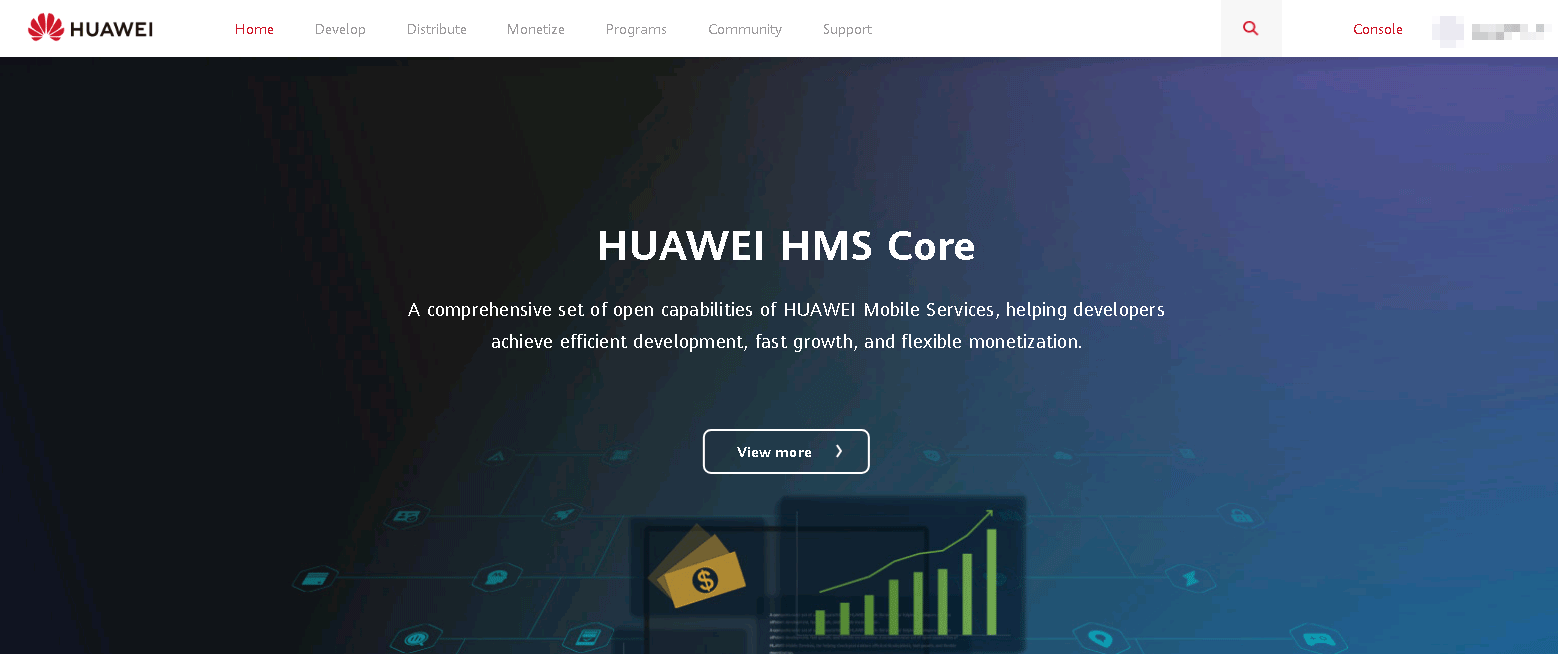
Step 1: Use your identity-verified account to sign in to HUAWEI Developer, and click Console in the upper right corner.
Step 2: Click Customize console in the upper right corner and select Cloud Debugging.
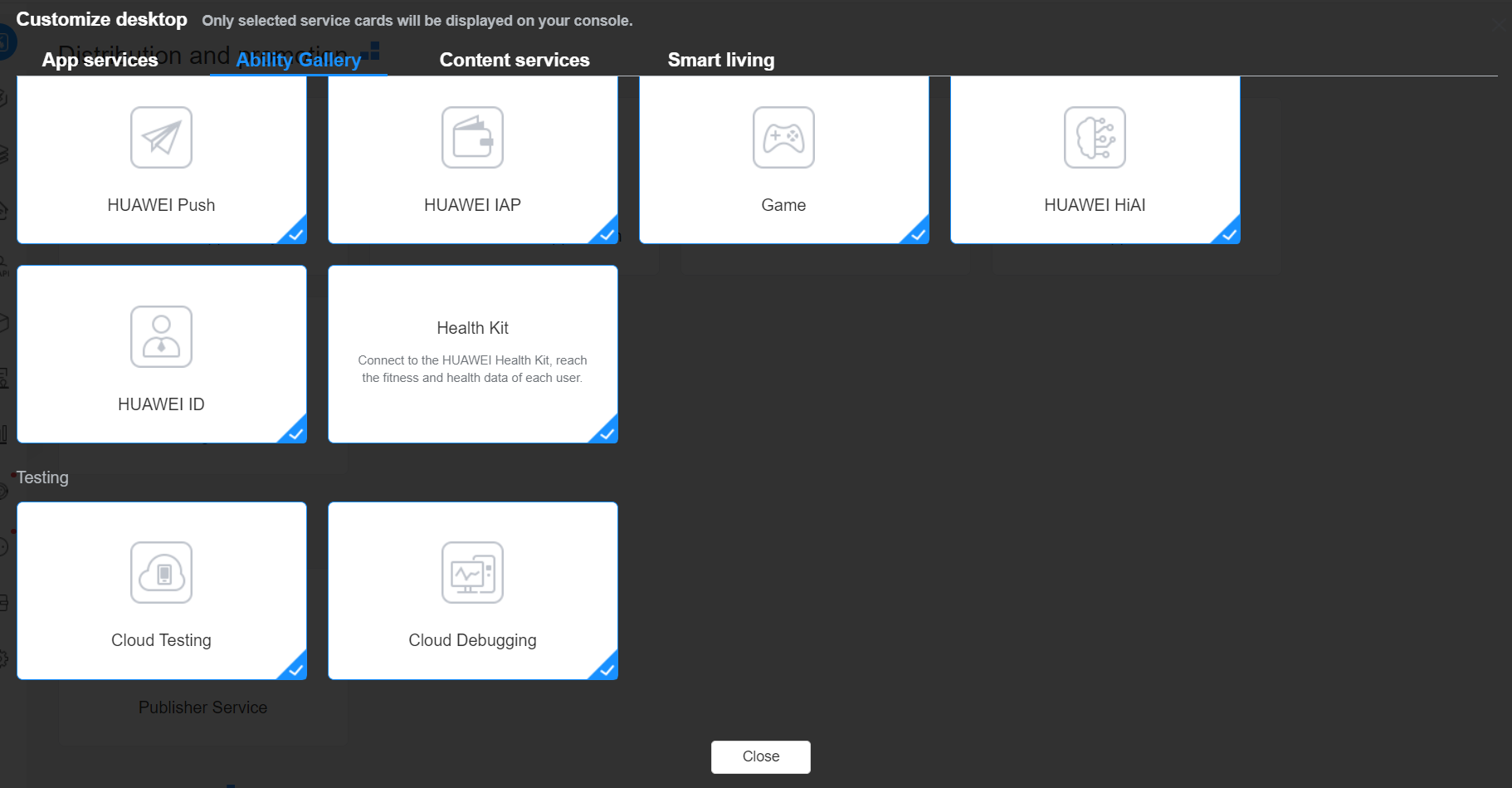
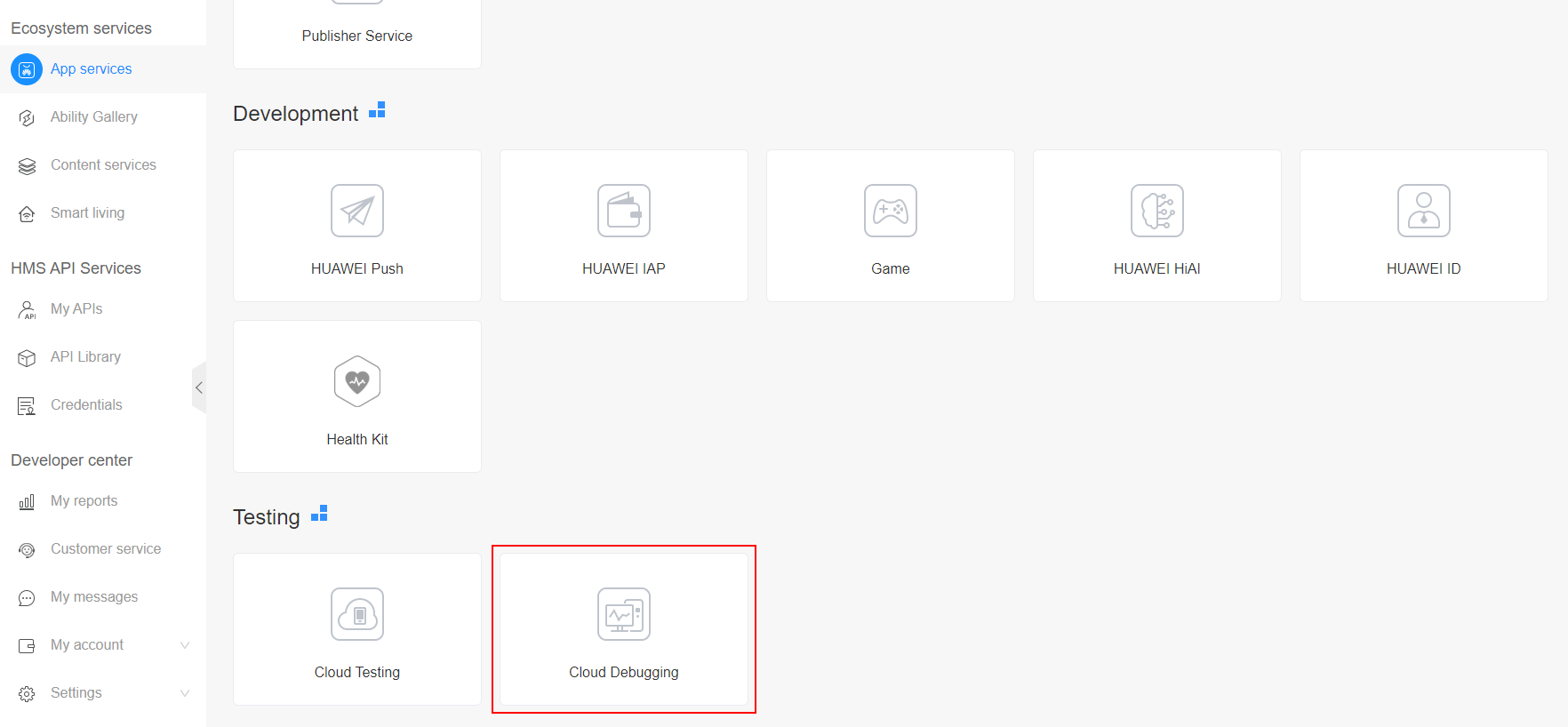
Step 3: Click Close. The Console page is displayed. Go to App services > Testing > Cloud Debugging. The Cloud Debugging page is displayed.
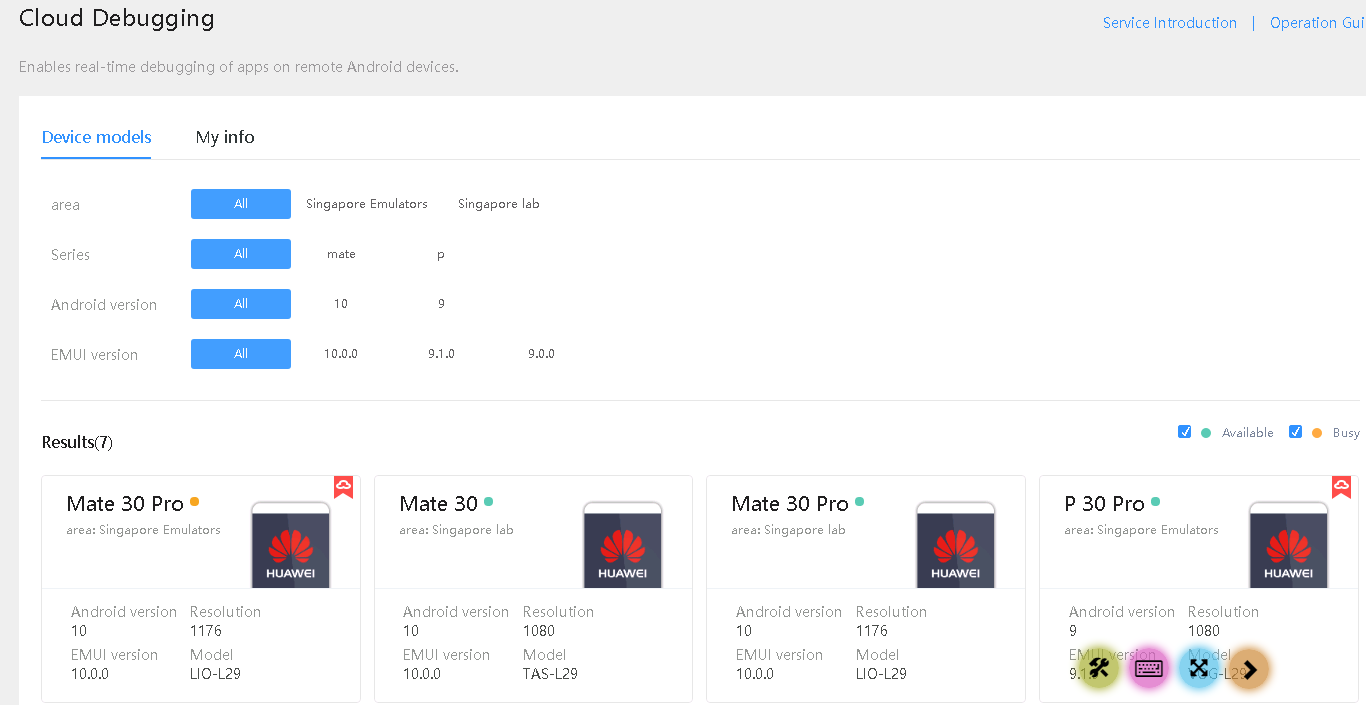
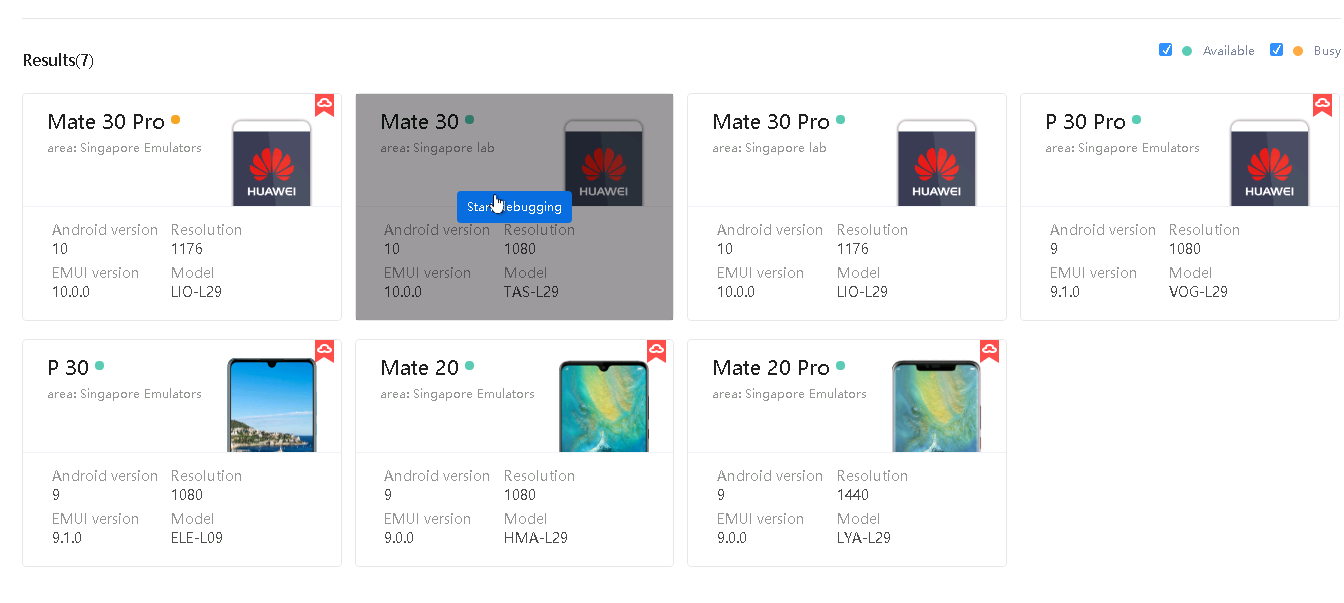
Step 4: Search for the device model you desire from models in available state based on the device series and Android version, and click Start debugging.
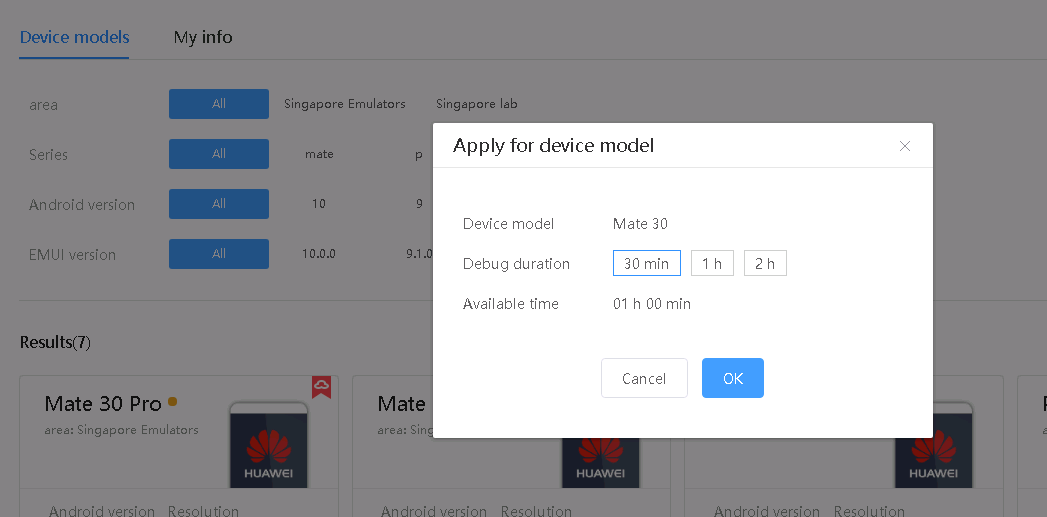
Step 5:In the dialog box that is displayed, apply for a debugging duration. Select a duration, for example, 30 min, and click OK.
Step 6: The device starts initialization. Wait for a while (up to 1 minute).
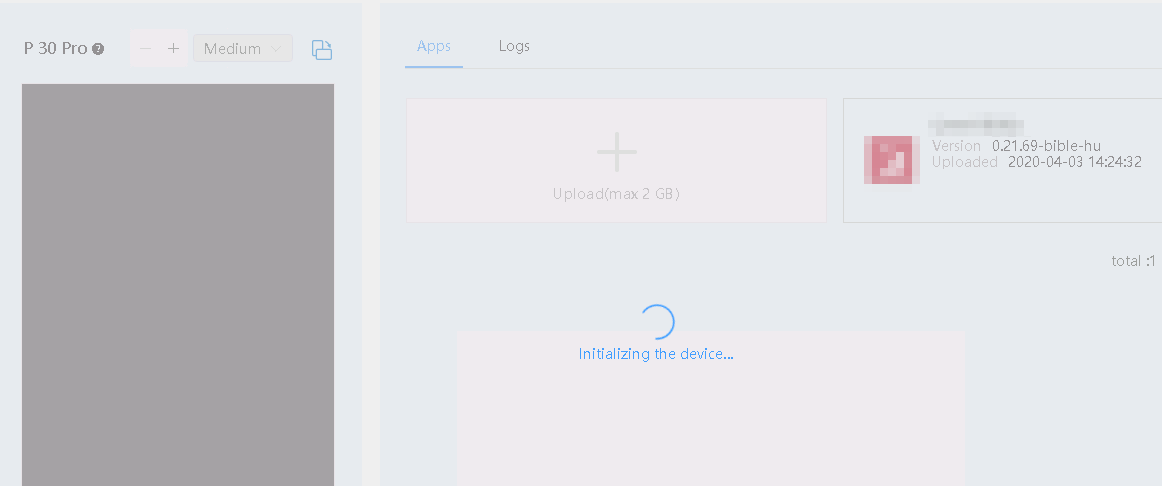

On the debugging page, the 30-minute countdown in the upper right corner starts from the time when the debugging page is displayed.
Step 7: Click Upload to upload an APK.
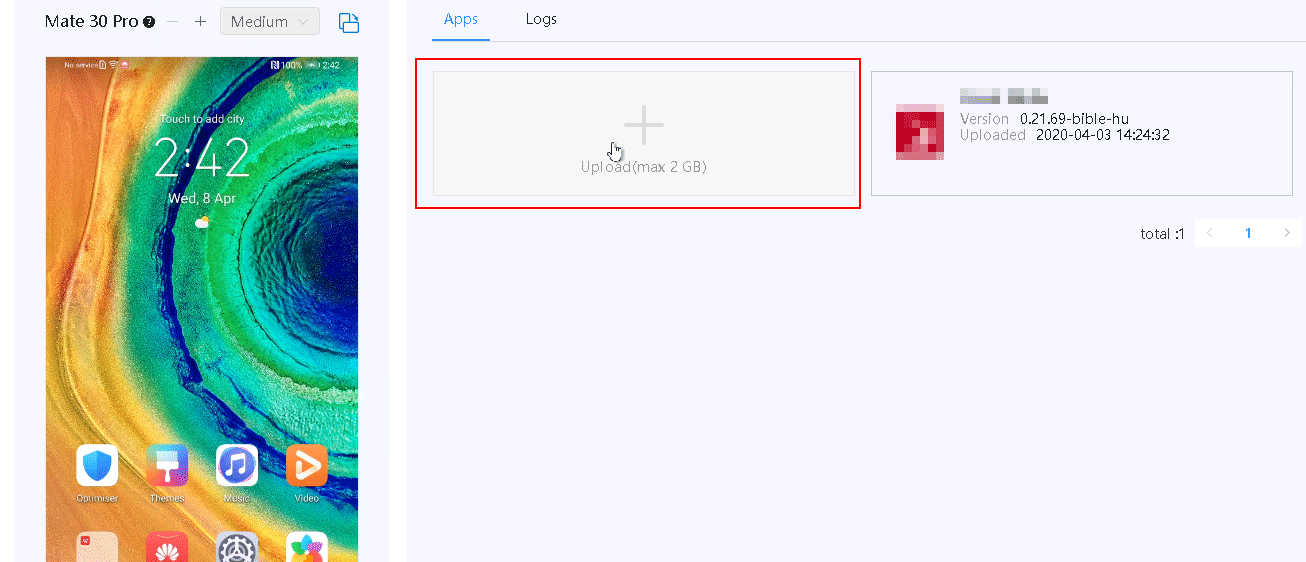
Step 8: Check the APK upload progress and install the APK after the upload is complete.
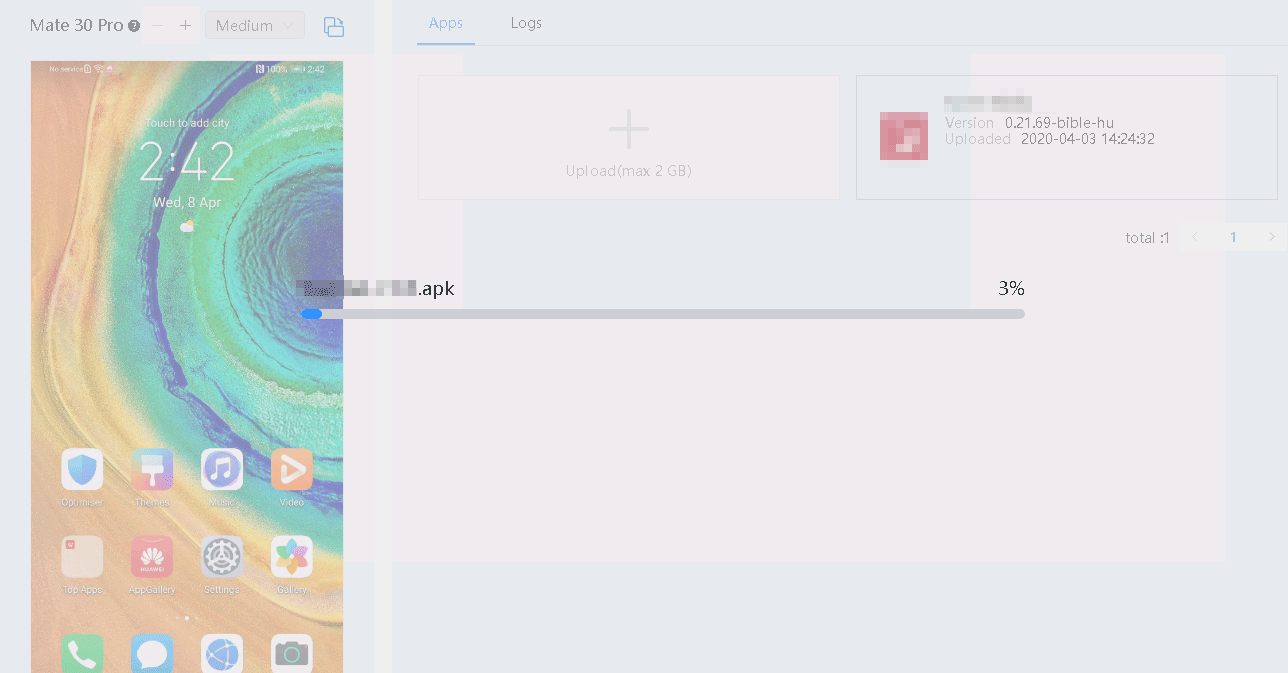
Step 9: After the installation, the app is displayed on the device screen. The app information is displayed on the Apps tab page on the right.
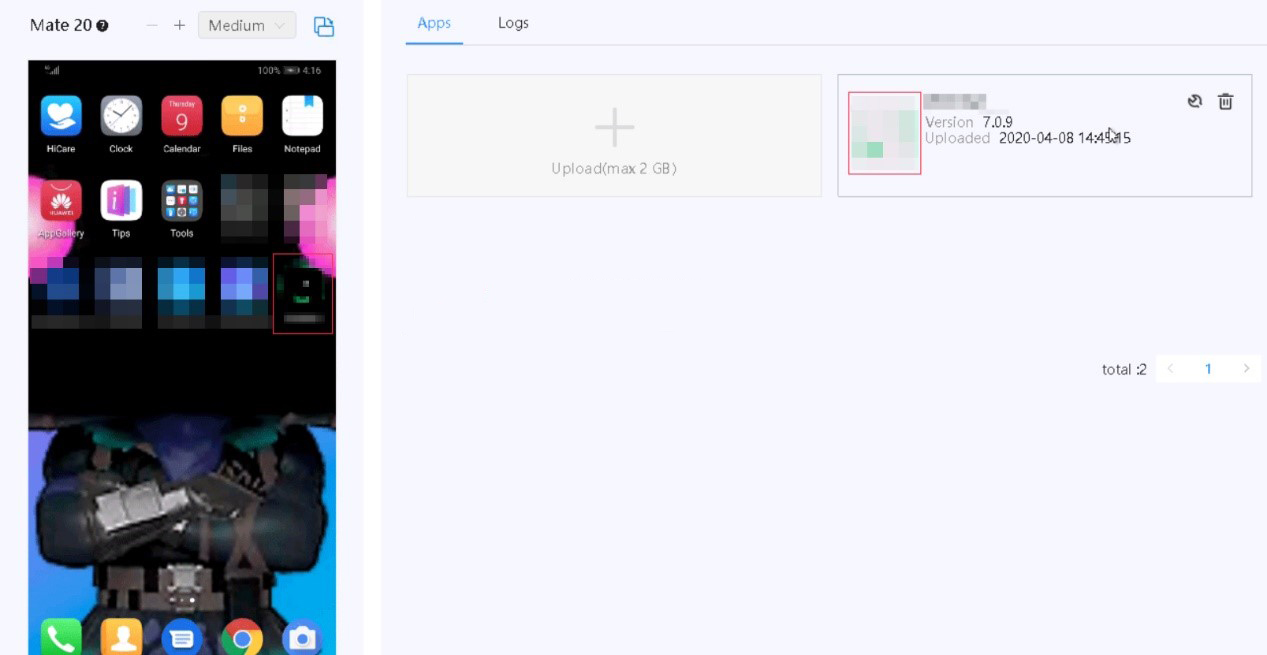

If you have uploaded APKs before, the apps are also displayed on this tab page. Click  on the card of the target app to install it.
Step 10: Operate the device by moving or clicking your cursor on the device screen, or clicking buttons such as Power, Home, Menu, and Back remotely as if you were touching these buttons on the real device.
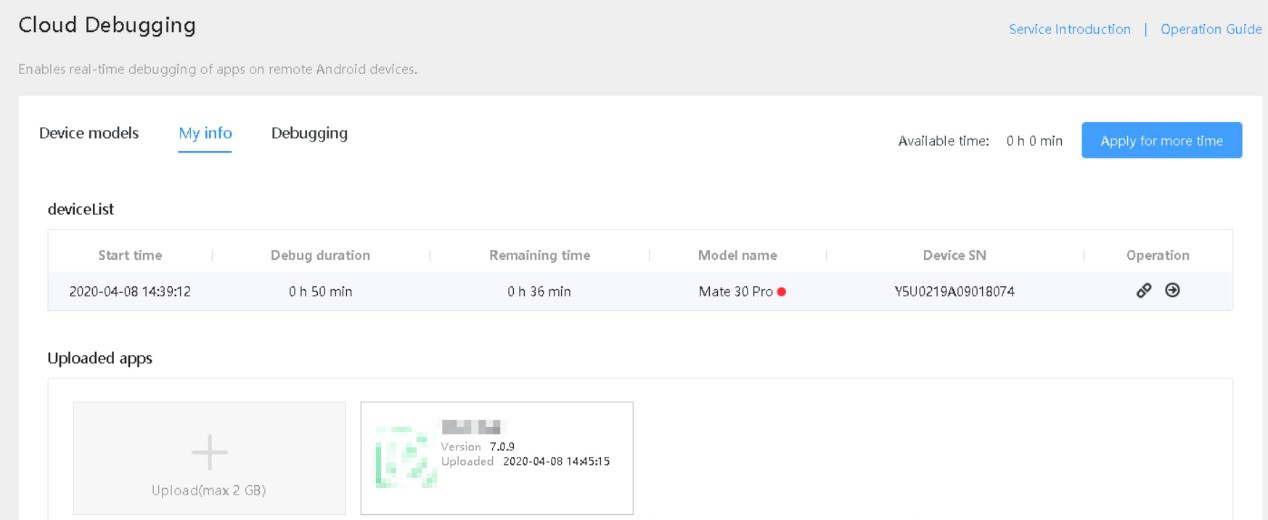
Step 11: Go to My info to view the information about the device on which the app is being debugged.