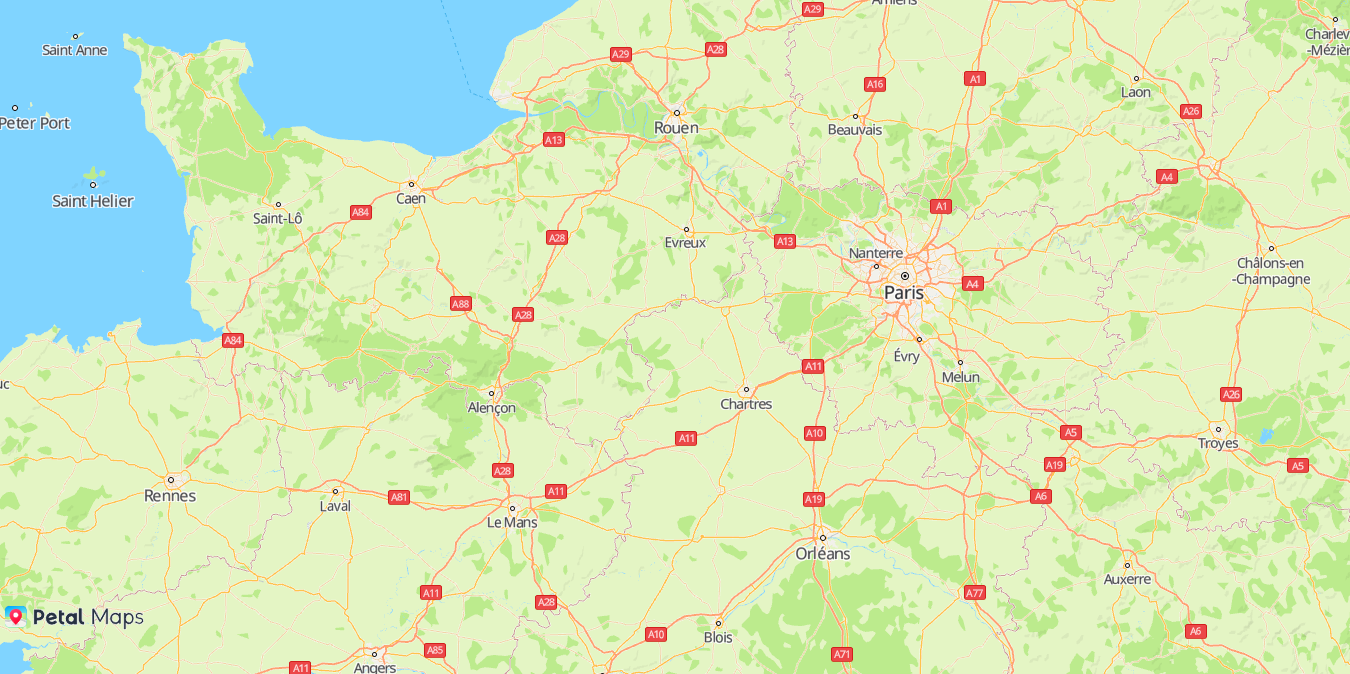
You can create a simple web-based map by using JavaScript APIs. The procedure is as follows:
JavaScript APIs provide two authentication modes for map initialization. You are advised to use access token authentication.
- Access token authentication
For details about how to obtain an app-level access token, please refer to OAuth 2.0-based Authentication.
- API key authentication
For details about how to obtain an API key, please refer to Obtaining the API Key.
Access Token Authentication

- The access token is valid for 1 hour. You need to update it in time.
- If both the API key and access token are set, the access token will be used for authentication.
- If access token authentication is used, you are advised to apply for a new access token to access Map Kit.
- A request that carries traceId can be used for fault tracing and locating.
- Create an HTML file and declare the following content in the file header so that the file is supported in most browsers:
<!DOCTYPE html>
- Add the style tag pair in the head tag pair to set the map container dimensions.
<head> <meta charset="UTF-8"> <style> #map { height: 800px; width: 100%; margin: 0 auto; } </style> </head> - Import the Map Kit API file.
<script src="https://mapapi.cloud.huawei.com/mapjs/v1/mapkit.js"></script>
If the routing address is required, set the accessRegion parameter.<script src="https://mapapi.cloud.huawei.com/mapjs/v1/mapkit.js?accessRegion=CN"></script>
- Create map container elements in the body.
<body>
<div id="map"></div>
</body>
- Call the HWMapJsSDK.HWMap(div, mapOptions) method, pass the map initialization parameter MapOptions to set the initial map status, and set an access token. The following sample code creates a map centered on Paris:
<script>
    function initMap() {
        var mapOptions = {};
        // Set the coordinates of the map center point.
        mapOptions.center = {lat: 48.856613, lng: 2.352222};
        // Set the initial zoom level of the map.
        mapOptions.zoom = 8;
        // Set the map language.
        mapOptions.language='ENG';
        // Set the type of tiles loaded to the map, which can be vector or raster.
        mapOptions.sourceType = 'raster';
        // Set an access token.
        mapOptions.authOptions = {accessToken: token}
        // Create a map object.
        var map = new HWMapJsSDK.HWMap(document.getElementById('map'), mapOptions);
    }
</script>
The figure below shows the map effect.
API Key Authentication

A request that carries traceId can be used for fault tracing and locating.
- Create an HTML file and declare the following content in the file header so that the file is supported in most browsers:
<!DOCTYPE html>
- Add the style tag pair in the head tag pair to set the map container dimensions.
<head> <meta charset="UTF-8"> <style> #map { height: 800px; width: 100%; margin: 0 auto; } </style> </head> - Import the Map Kit API file. The key must be transcoded using the URL. For details about how to obtain the API key, please refer to Obtaining the API Key.
<script src="https://mapapi.cloud.huawei.com/mapjs/v1/api/js?callback=initMap&key=API KEY"></script> - Create map container elements in the body.
<body>
<div id="map"></div>
</body>
- Call the HWMapJsSDK.HWMap(div, mapOptions) method and pass the map initialization parameter MapOptions to set the initial map status. The following sample code creates a map centered on Paris:
<script>
    function initMap() {
        var mapOptions = {};
        // Set the coordinates of the map center point.
        mapOptions.center = {lat: 48.856613, lng: 2.352222};
        // Set the initial zoom level of the map.
        mapOptions.zoom = 8;
        // Set the map language.
        mapOptions.language='ENG';
        // Set the type of tiles loaded to the map, which can be vector or raster.
        mapOptions.sourceType = 'raster';
        // Create a map object.
        var map = new HWMapJsSDK.HWMap(document.getElementById('map'), mapOptions);
    }
</script>
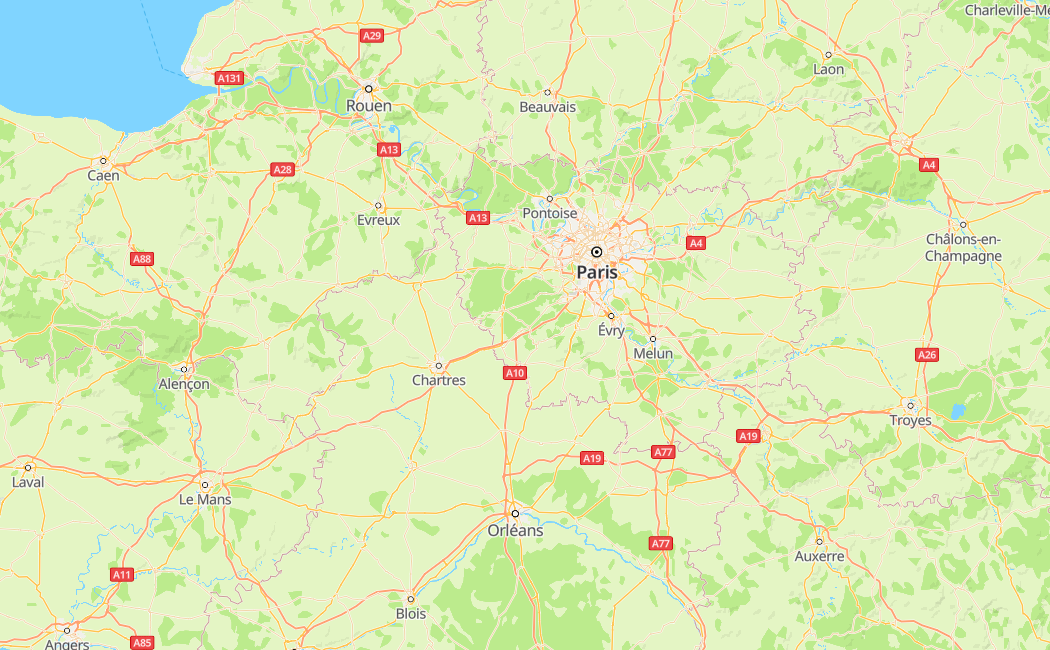
The figure below shows the map effect.