The HMS Core Map SDK supports the display of information windows on the map. There are two types of information windows: One is to display text or image independently, and the other is to display text or image in a popup above a marker. The information window provides details about a marker.
Creating an Information Window
Call the HWMapJsSDK.HWInfoWindow(infoWindowOptions) method to create an information window.
var infoWindow;

function initMap() {
    var mapOptions = {};
    mapOptions.center = {lat: 48.856613, lng: 2.352222};
    mapOptions.zoom = 8;
    var map = new HWMapJsSDK.HWMap(document.getElementById('map'), mapOptions);
    // Initialize the information window.
    infoWindow = new HWMapJsSDK.HWInfoWindow({
        map,
        position: {lat: 48.856613, lng: 2.352222},
        content: 'This is to show mouse event of another marker',
        offset: [0, -40],
    });
}
Displaying/Hiding an Information Window
Call the infoWindow.open() and infoWindow.close() methods to display or hide the information window, respectively.
// Display an information window.
function openInfoWindowBtnClick() {
    infoWindow.open();
}
// Hide an information window.
function closeInfoWindowBtnClick() {
    infoWindow.close();
}
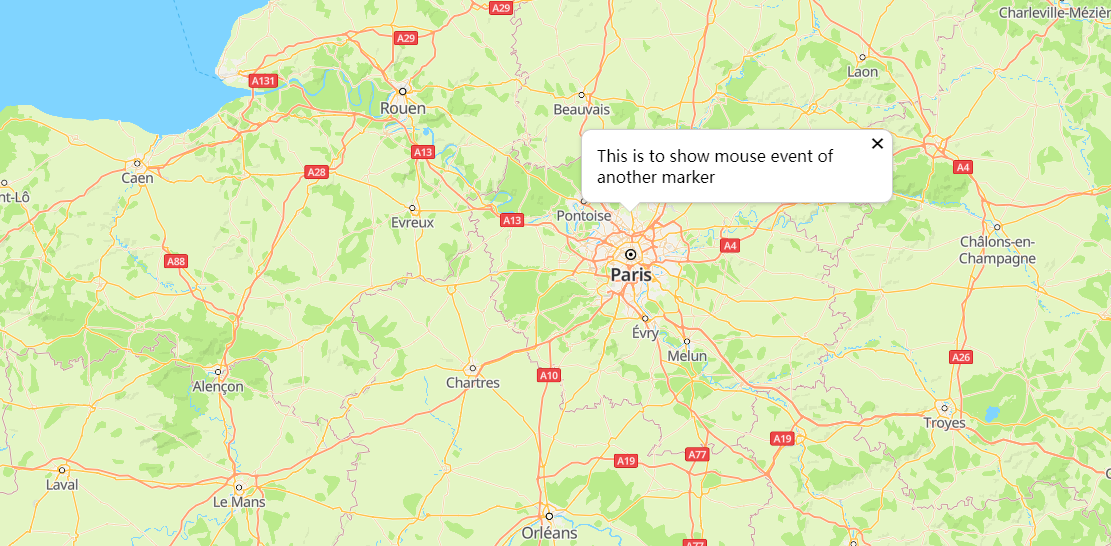
The figure below shows the information window effect.
Displaying an Information Window on a Marker
Call the infoWindow.open(marker) method to display an information window for a marker.
var mMarker;
var infoWindow;

function initMap() {
    var mapOptions = {};
    mapOptions.center = {lat: 48.856613, lng: 2.352222};
    mapOptions.zoom = 8;

    var map = new HWMapJsSDK.HWMap(document.getElementById('map'), mapOptions);

    // Initialize the marker.
    mMarker = new HWMapJsSDK.HWMarker({
        map,
        position: {lat: 48.856613, lng: 2.352222},
        label: 'A',
    });

    // Initialize the information window.
    infoWindow = new HWMapJsSDK.HWInfoWindow({
        map,
        content: 'This is a InfoWindow.',
        offset: [0, -40],
    });
    // Open the information window of marker A.
    infoWindow.open(mMarker);

    // Add a listener to listen for the information window displayed when a marker is tapped.
    mMarker.addListener('click', () => {
        infoWindow.open(mMarker);
    });
}
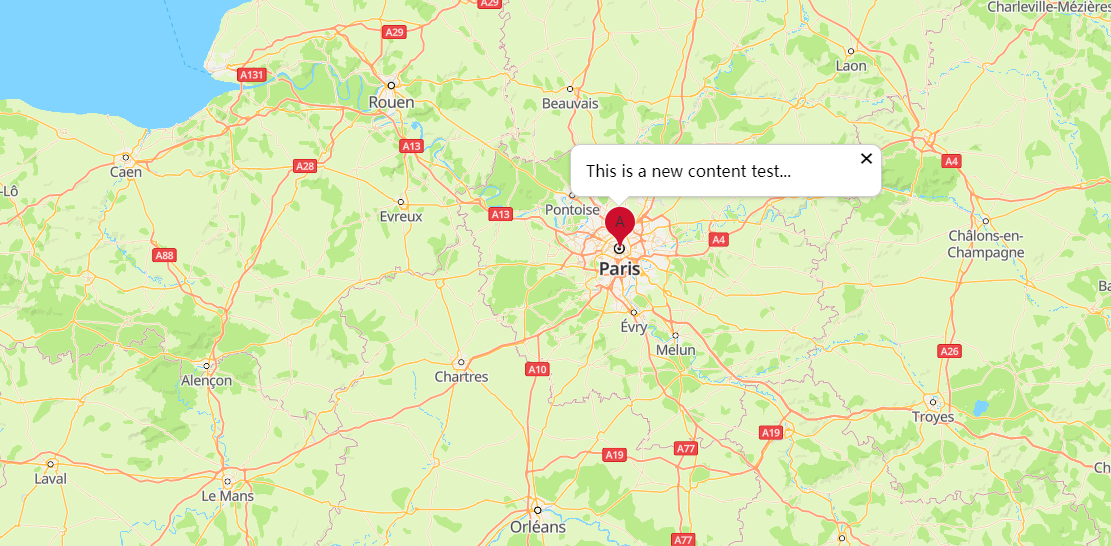
The figure below shows the marker and information window effect.
Modifying an Information Window
<tr>
    <td>Content:</td>
    <td><input id="contentInput" type="text" value="This is a new content test..."/></td>
</tr>
<script>
    let content = document.getElementById("contentInput").value;
    infoWindow.setContent(content);

    // Information window closure event.
    infoWindow.addListener('close', () => {
        alert("Info window close...");
    });
</script>
The following table describes information window attributes that can be customized. For details, please refer to HWInfoWindow Methods.
| Attribute | Description |
|---|---|
| setContent(content) | Sets the text displayed in an information window. |
| setPosition(position) | Sets the coordinates for displaying an information window. |
Listening for Information Window Events
Call the addListener('close', callback) method in HWInfoWindow to add a listener for information window close events.
function handleClose() {
    alert("Info window close...");
}
infoWindow.addListener('close', handleClose);