Introduction
Developer's message publishes notices about exceptions that affect user experience to respond to users promptly. The content is displayed under Comments on the game details page.
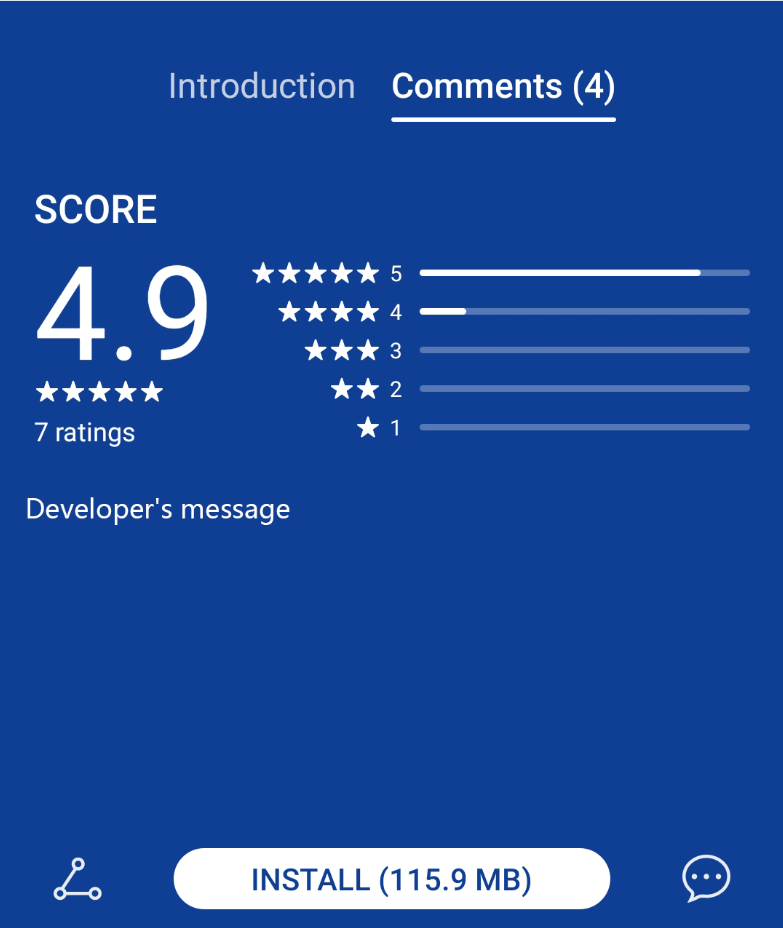
Use Cases
- If a large number of users report exceptions in the comment area, you can make replies in Developer's message to respond.
- When a major event that affects user experience occurs in a game, for example, game exception handling, game suspension and maintenance, or game bug fixing, you can publish notices here to notify your users.
Navigation Path
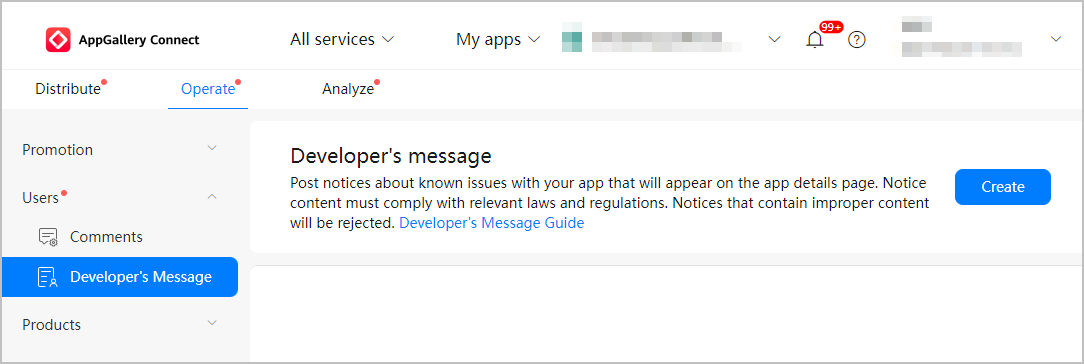
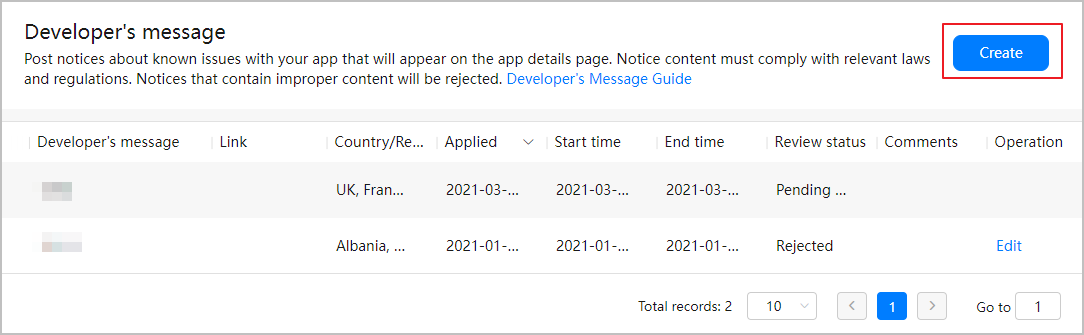
Sign in to AppGallery Connect, click My apps, and click your game from the list. Go to Operate > Users > Developer's Message.
[h2]Checking the Review Result
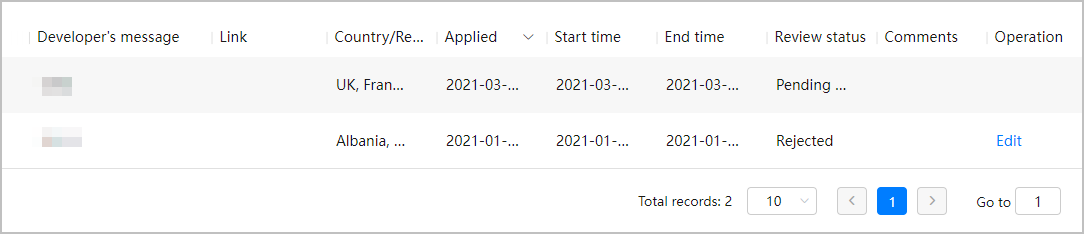
After you submit a developer's message for review, the system automatically sends an email to notify you of the review result. You can also check the review result based on the review status in AppGallery Connect.
Tips
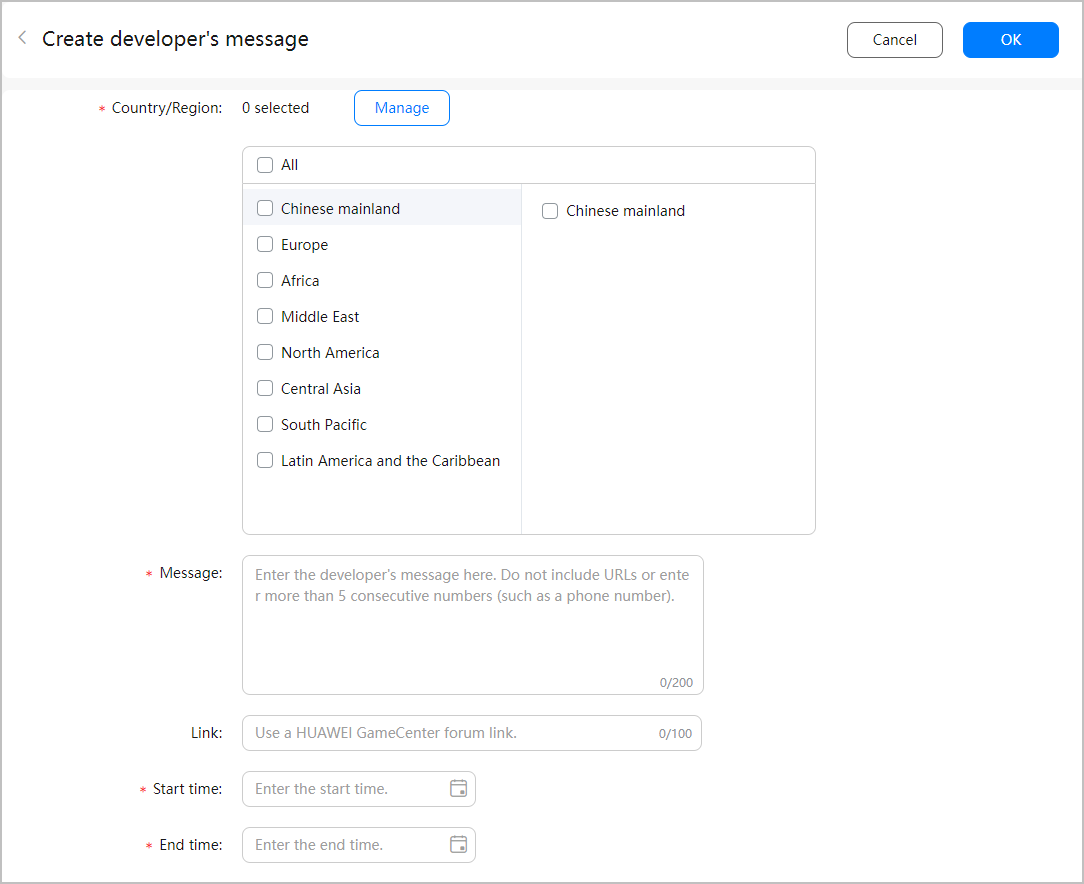
- Pin duration: The pin duration can up to 7 days.
- Language: You can post a developer's message in each language of your preset release countries or regions for each game.
- Content: You cannot guide users to non-Huawei channels. Your app content cannot contain more than five consecutive digits such as the QQ account or phone number, and your game content cannot contain more than five consecutive digits and other non-Huawei official contact methods. The content can have up to 200 characters and is mainly used to guide users to solve problems.
- Link: You can configure a redirection link to redirect users to the app/game forum for communication.