- Sign in to AppGallery Connect and click My apps.
- Click the app for which you need to import products.
- Go to Operate > Products > Product Management.
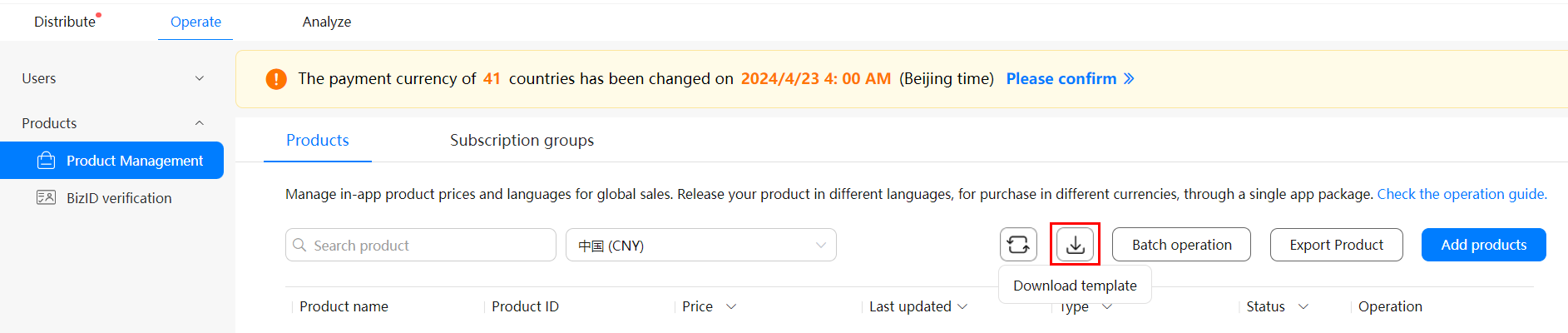
- On the Products tab, click
 to download the product template, and fill out product information in the template.

For details about the country/region, language, and currency that you can enter in the template, please refer to Supported Countries/Regions, Languages, and Currencies.
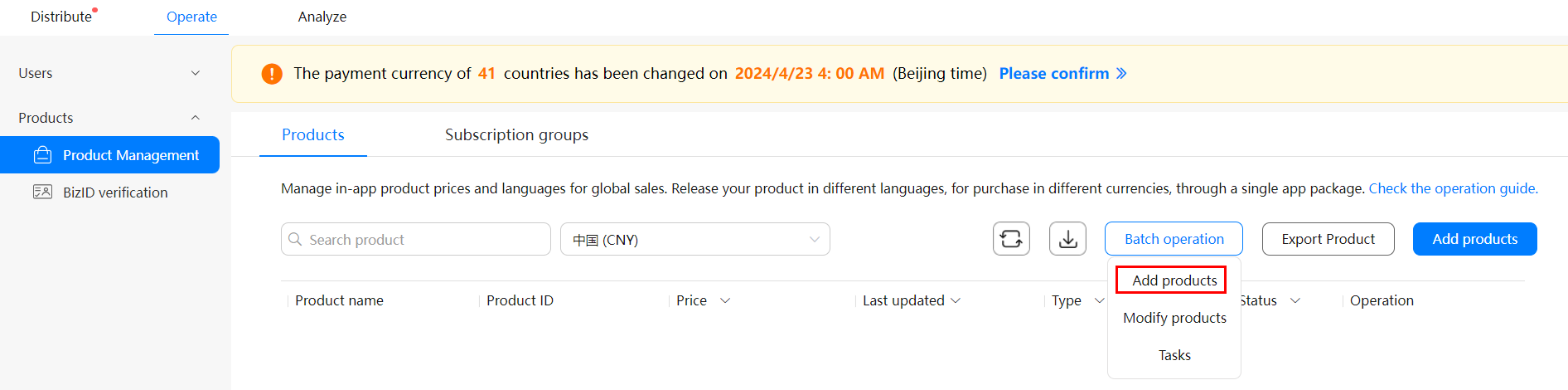
- Hover over Batch operation and choose Add products. In the displayed dialog box, click
 to upload the product template that you have configured.
- In the displayed dialog box, click OK.

A maximum of 50,000 products can be created for an app.