Once a product is deleted, it will be removed from the product list. You can retrieve a deleted product by using the restore function.

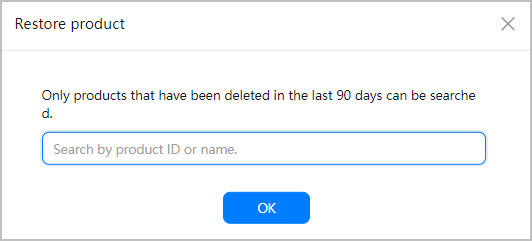
You can only restore products deleted within 90 days.
- Sign in to AppGallery Connect and click My apps.
- Click the app for which you need to restore a product.
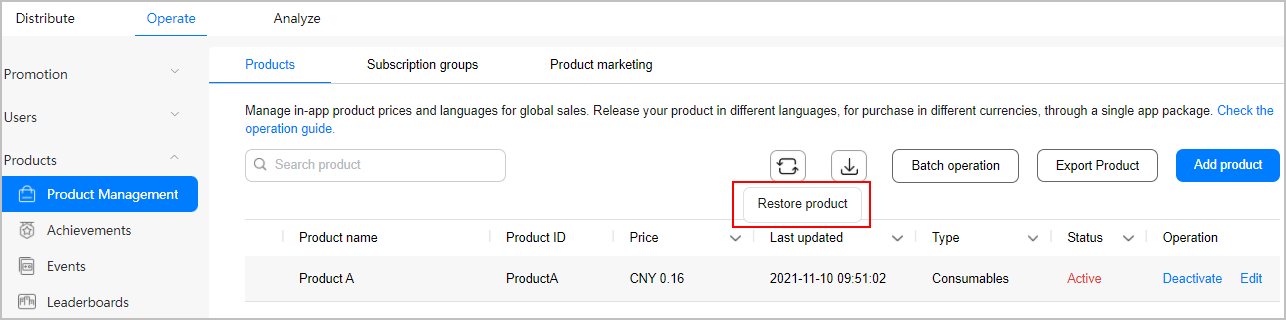
- Go to Operate > Products > Product Management.
- Click
 in the upper right corner of the page.
- Enter a product ID or name to search for the product and click OK.
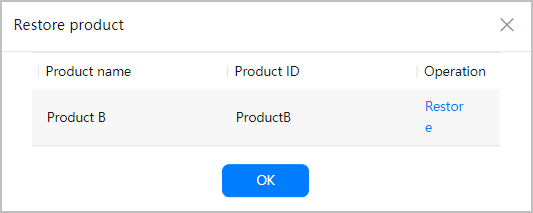
- Click Restore corresponding to the product.