Viewing App Analytics Data
- Sign in to AppGallery Connect and click App analytics.
- On the app analytics overview page, view analytics data of all your apps released on AppGallery and AppTouch, including Valid impressions, Valid impression CTR, Details page conversion rate, New downloads, In-app purchase amount (CNY), and Rating.
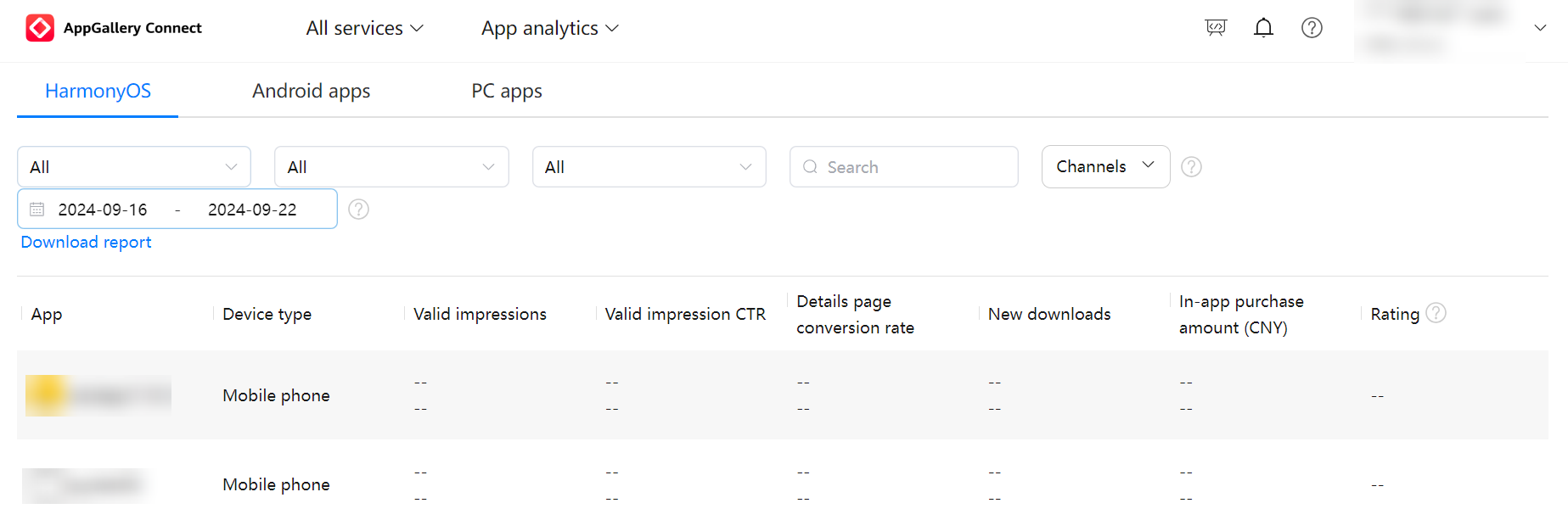
- To view the data indicators of all HarmonyOS apps, click the HarmonyOS tab and select App from the first drop-down list box on the left.
- To view the data of a single app, such as its detailed report data, click an app name.
For details, please refer to Checking App Analytics Reports.