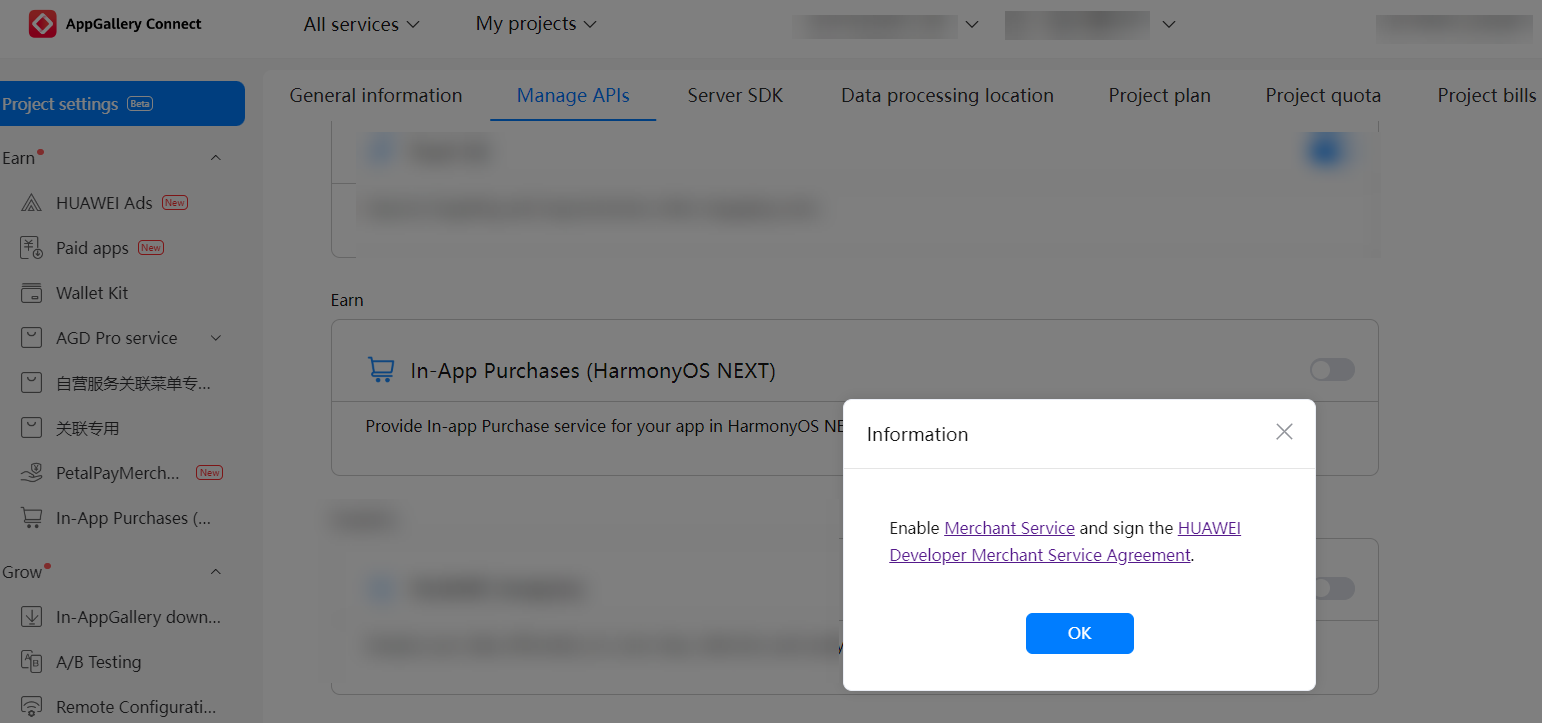
To use Huawei's digital product service, you need to enable the In-App Purchases (HarmonyOS NEXT) API. This operation is at the app level, that is, you need to enable the In-App Purchases (HarmonyOS NEXT) API for each app that needs to use the digital product service.
- Sign in to AppGallery Connect and click My projects.
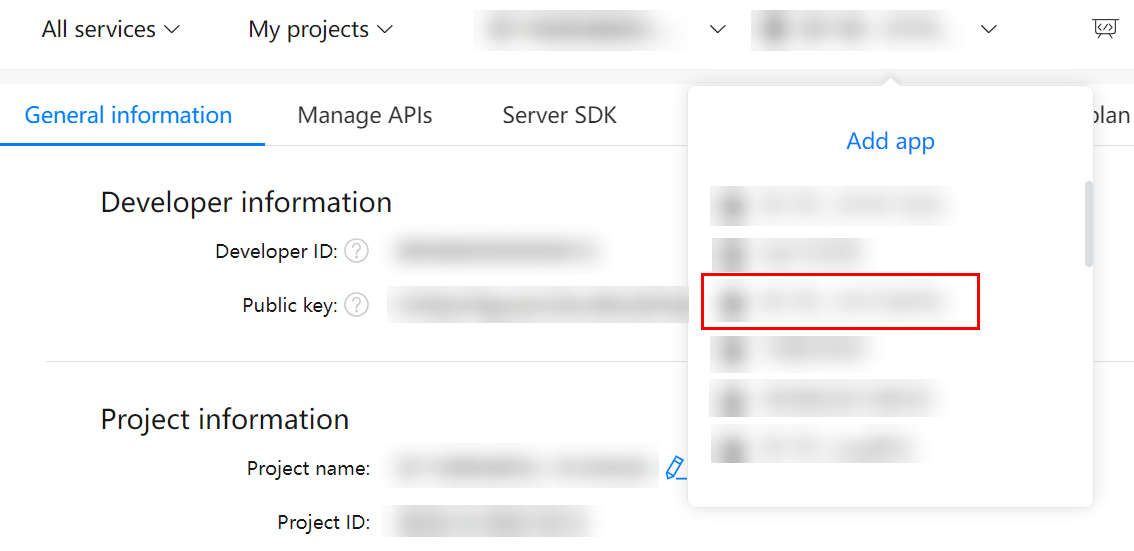
- Find and click a desired project in the project list.
- Click a HarmonyOS app for which you need to enable the In-App Purchases (HarmonyOS NEXT) API.
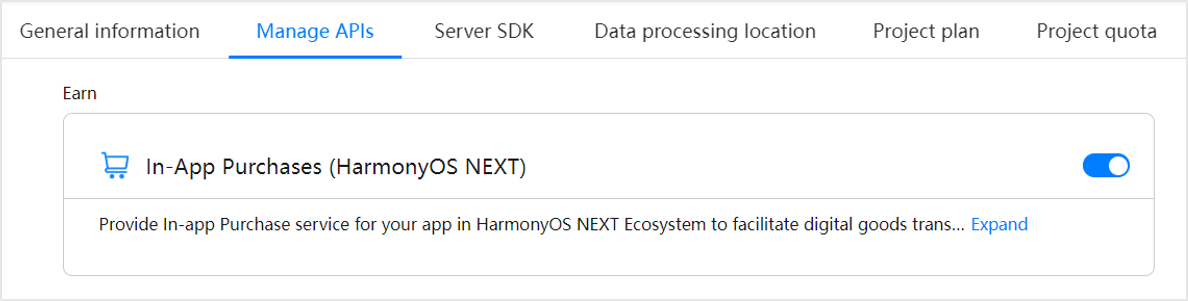
- Click the Manage APIs tab, find In-App Purchases (HarmonyOS NEXT), and toggle on the switch.
- If you have not enabled the Merchant Service when you toggle on the In-App Purchases (HarmonyOS NEXT) API switch, a dialog box will be displayed, prompting you to enable the Merchant Service and sign the Huawei Developer Merchant Service Agreement first.