Before developing an app, ensure that you have complete development preparations in Preparations.
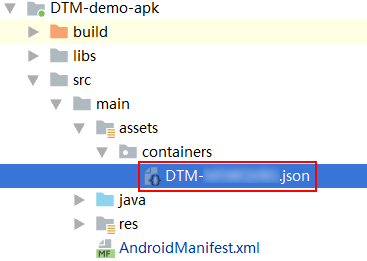
Create the src\main\assets\containers\ directory and move the generated configuration file DTM-*******.json to the directory.
After configurations are imported successfully, you are advised to initiate HUAWEI Analytics Kit in the onCreate method of the first activity to obtain a HiAnalyticsInstance instance. If the configuration file is incorrect, null is returned and tracing points cannot be inserted.
- @Override
- protected void onCreate(Bundle savedInstanceState{
- super.onCreate(savedInstanceState);
- setContentView(R.layout.activity_main);
- HiAnalyticsInstance instance = HiAnalytics.getInstance(this);
- }
2. Insert tracing points in proper position of the code.
- String eventName = "Purchase";
- Bundle bundle = new Bundle();
- bundle.putDouble("price", 9.99);
- bundle.putLong("quantity", 100L);
- bundle.putString("currency", "CNY");
- if (instance != null) {
- instance.onEvent(eventName, bundle);
- }
During development, you can enable the debug mode to view the event records in real time, observe the results, and adjust the event tracking scheme as needed.
To enable or disable the debug mode, perform the following steps:
1. Run the following command on an Android device to enable the debug mode:
- adb shell setprop debug.huawei.hms.analytics.app <package_name>
After the debug mode is enabled, all events will be reported in real time.
2. Run the following command to disable the debug mode:
- adb shell setprop debug.huawei.hms.analytics.app .none.
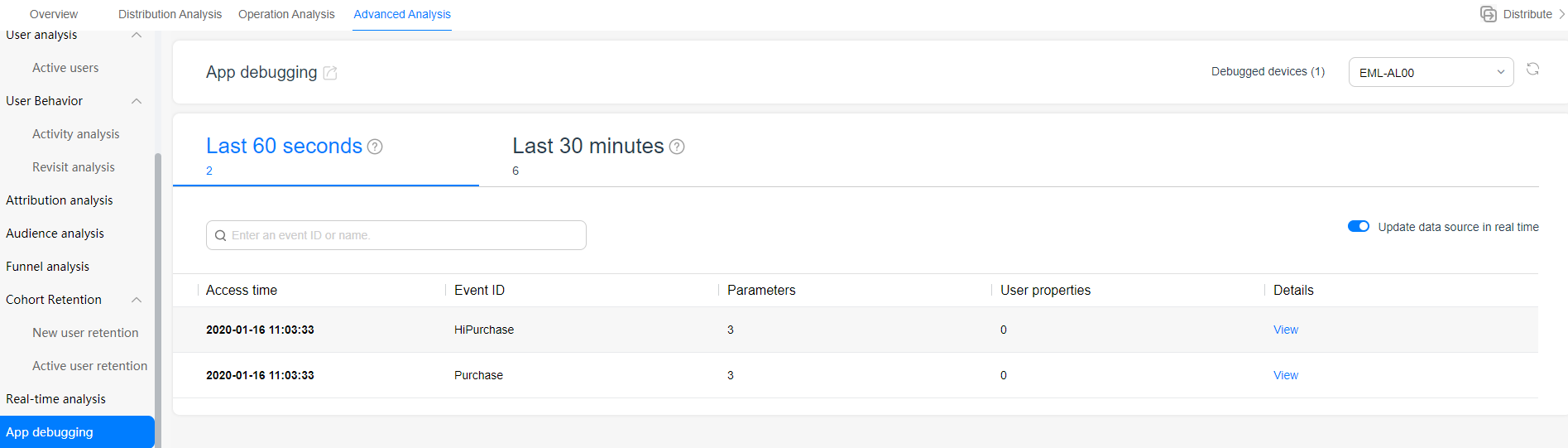
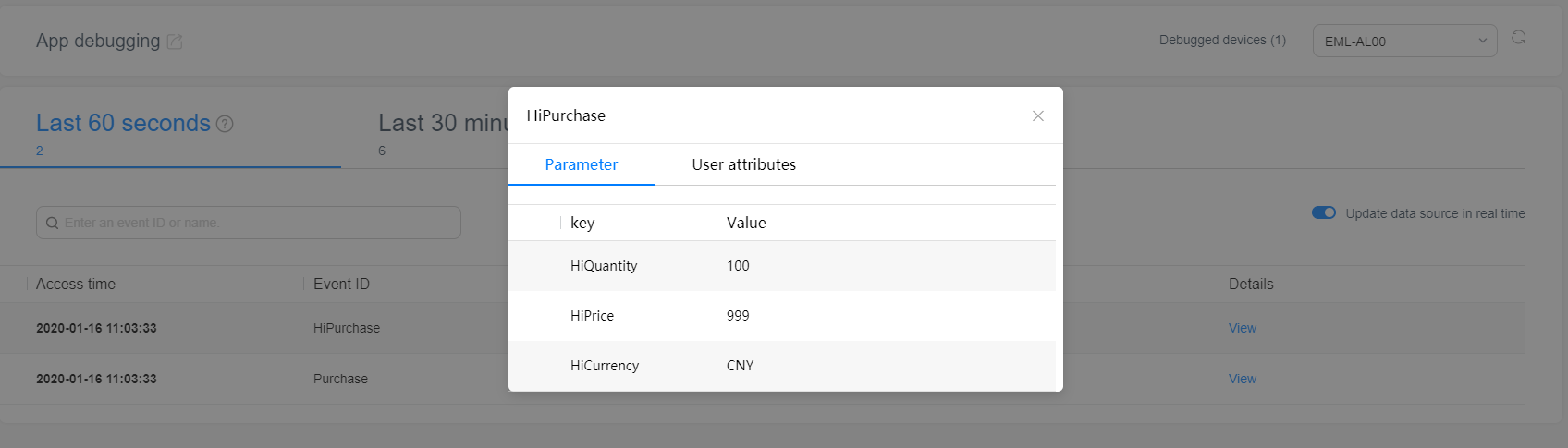
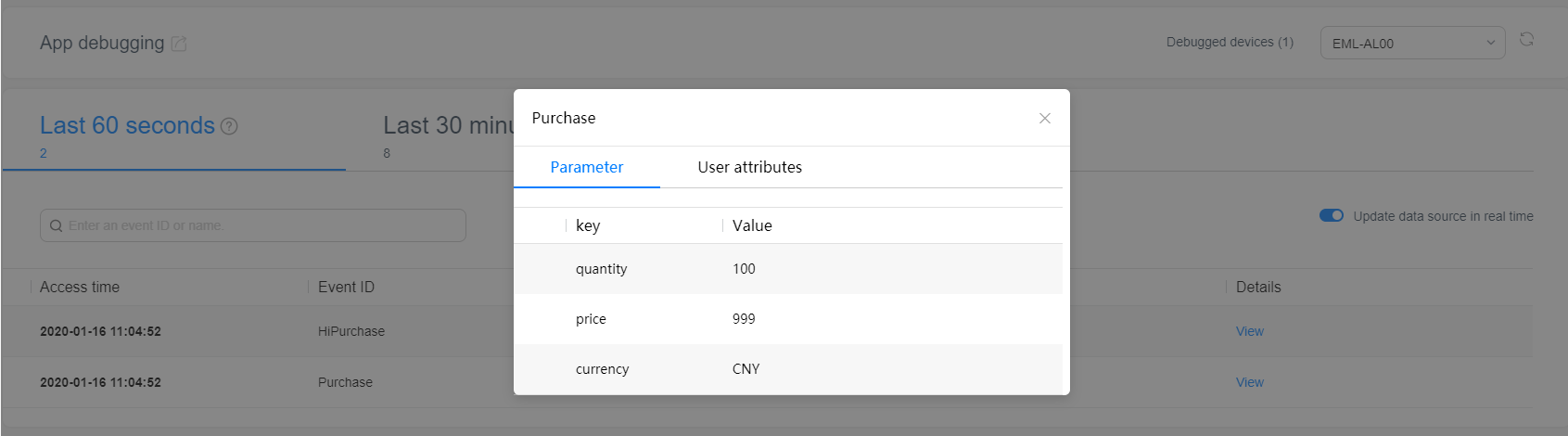
Successfully reported data is displayed on Huawei Analytics in real time, as shown in the screenshot below.
Precautions:
If you use a third-party template (such as a template of Adjust or AppsFlyer), run the following command to enable the debug mode:
- adb shell setprop debug.huawei.hms.dtm.app <package_name>
Run the following command to disable the debug mode:
- adb shell setprop debug.huawei.hms.dtm.app .none.
For details about the debugging, please refer to "App Debugging" in HUAWEI Analytics User Guide.