Before integrating your app with HUAWEI Game Kit, register as a HUAWEI developer and complete identity verification on the HUAWEI Developer website. For details, please refer to Registering as a Developer.
Create an app in AppGallery Connect (AGC). For details, please refer to Creating an App.
Check whether a signing certificate fingerprint has been configured in AGC. If no signing certificate fingerprint exists, generate one and configure it. For details, please refer to Generating a Signing Certificate Fingerprint and Configuring the Signing Certificate Fingerprint.
To ensure app security, to use open APIs of Game Kit, you need to apply for permissions from Huawei. You can do this by simply sending an application to devConnect@huawei.com.
Note:
Provide the ID generated by HUAWEI Developer for your app in the application.
Ensure that a signing certificate fingerprint has been configured for your app.
1. Android Studio: V3.0.1 or later is recommended.
2. Mobile phone: The system software version must be EMUI 10.1 or later.
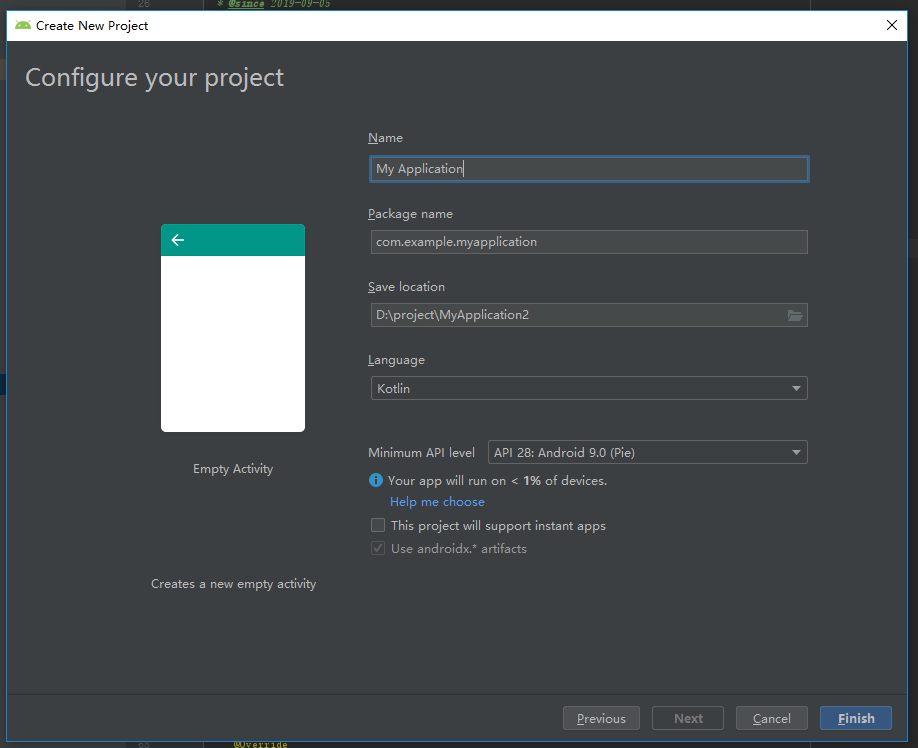
Create or open an existing Android Studio project.
Add the app ID generated when creating an app on HUAWEI Developer to the AndroidManifest.xml file.
Note: Do not change the value of android:name.
- <meta-data
- android:name="com.huawei.hms.client.appid"
- android:value="appid=xxxxxxxxx"/>
1. Configure the repository in the build.gradle file of the project.
- buildscript {
- repositories {
- jcenter()
- google()
- maven { url 'https://developer.huawei.com/repo/' }
- }
- ...
- }
- allprojects {
- repositories {
- jcenter()
- google()
- maven { url 'https://developer.huawei.com/repo/' }
- }
- }
2. Add the following dependencies to the build.gradle file in the app directory of the project.
- repositories {
- flatDir {
- dirs 'libs'
- }
- }
- dependencies {
- implementation 'com.huawei.game:gamekit:1.0.0.300'
- }