1. Sign in to AppGallery Connect and select My projects.
3. Go to Project Setting > Convention. On the displayed page, download the agconnect-services.json file. The value of cp_id is your CP ID.
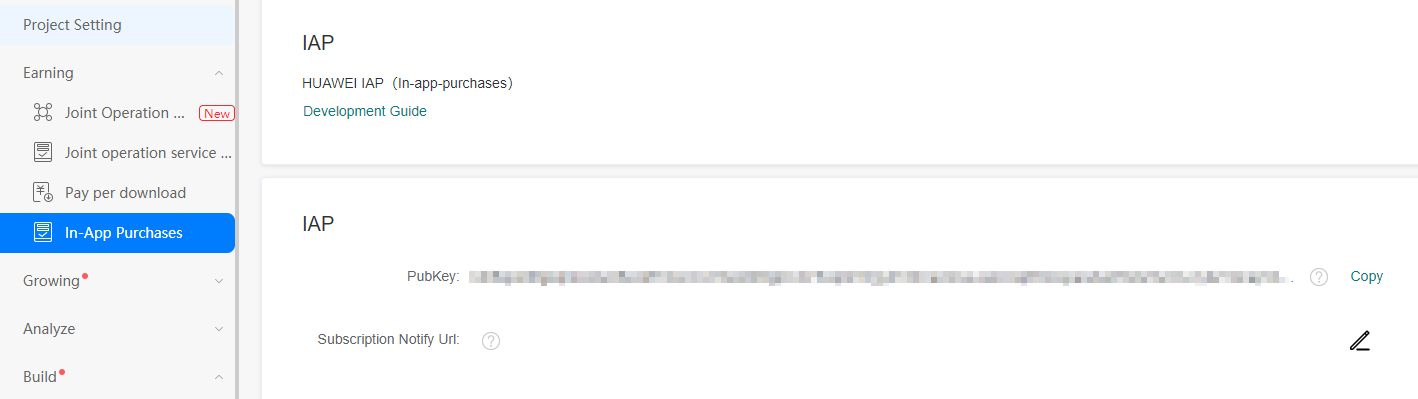
4. Go to Earning > In-App Purchases and find the public key for your app.