HUAWEI Developer provides a tool that fully automates checking of apps. You simply fill in the app information and upload the APK, and the tool will scan your APK and provide you with a report. You can then optimize your app based on the report for improved performance.
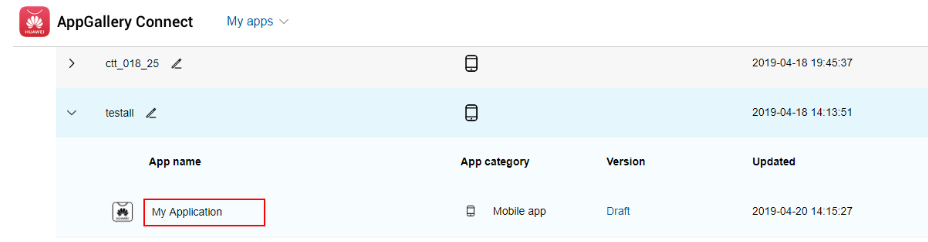
1. Sign in to AppGallery Connect and select My apps.
2. In the product list, expand the product to which your app belongs, and click the app name.
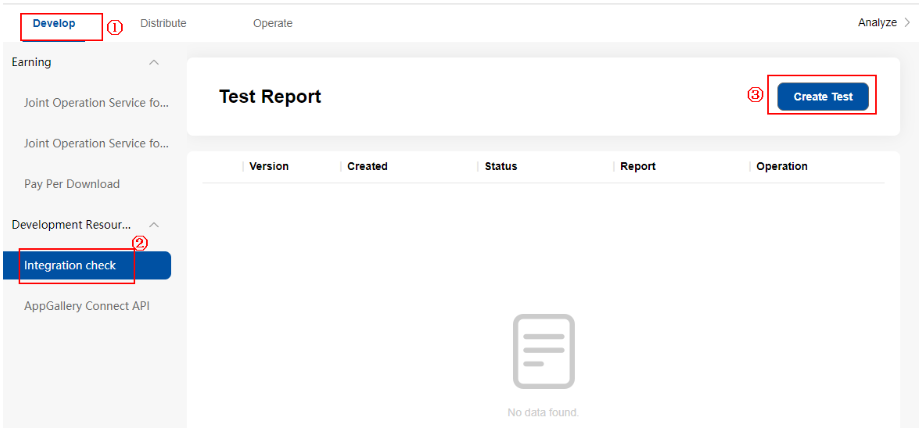
3. Click the Develop tab. Choose Development Resources > Integration check from the navigation bar on the left and click Create Test.
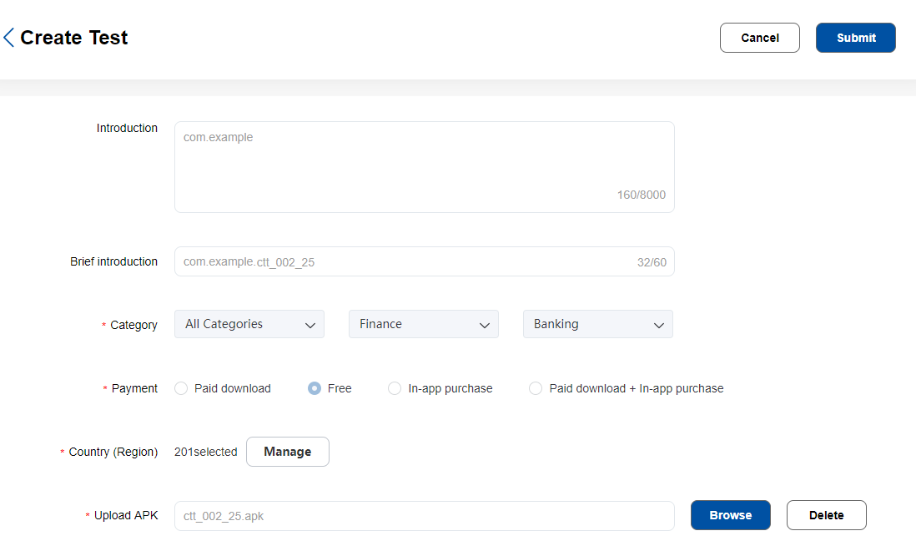
4. Click Browse to upload the APK to be checked.
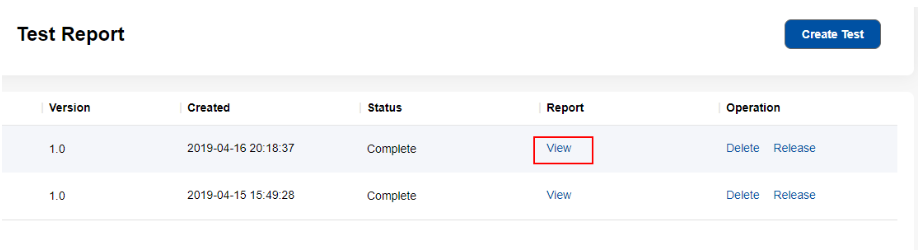
5. When the result is displayed in the check record list, click View to view the detailed results.