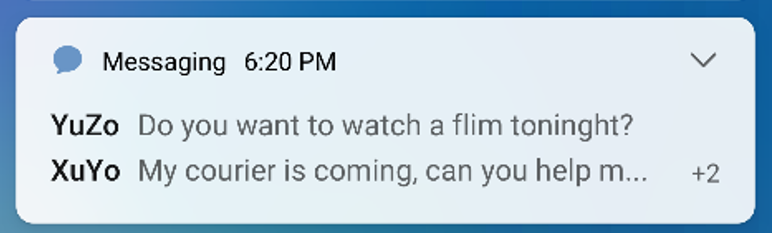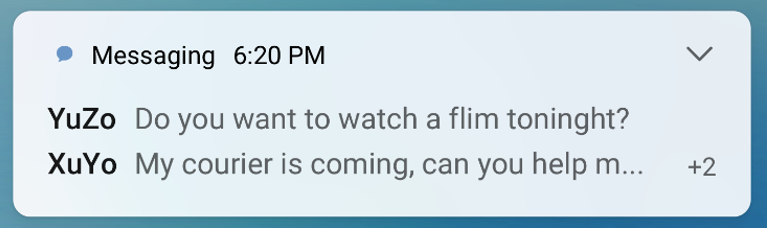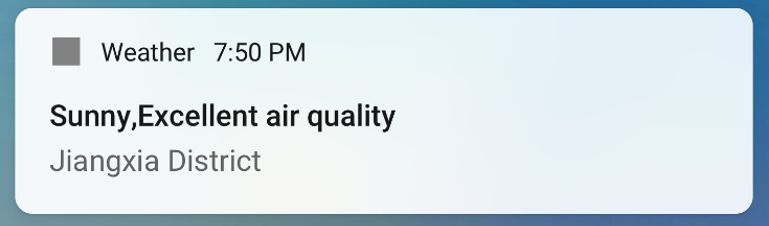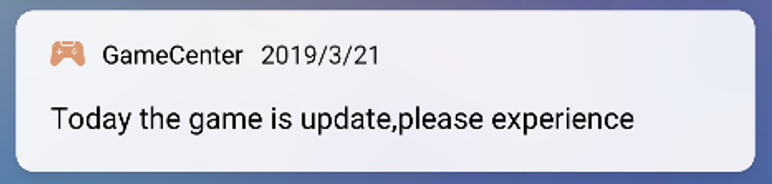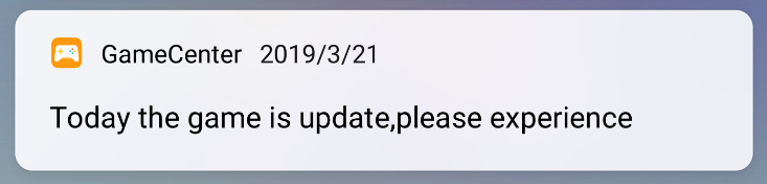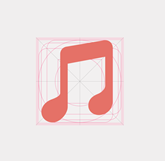
As an important part of a notification message, a notification icon is used to identify the content and type of the message. To ensure a consistent user experience, HUAWEI Push Kit notification icons inherit the styles of native Android notification icons. In other words, a notification icon on the notification bar is displayed in a solid color and the notification icon on the status bar is displayed in black or white. The status bar and notification bar share the same resources. The detailed notification icon specifications are as follows:
![]() | The icon does not have a background. The outline of the icon follows the shape of the app logo. The area outside the outline is transparent. Image size: 16 x 16 dp Icon drawing area size: 15 x 15 dp Icon format: png Icon style: filled with a solid color |
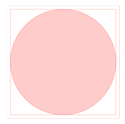
![]() | Circle Image size: 16 x 16 dp Icon size: 15 x 15 dp |
![]() | Irregular shape Image size: 16 x 16 dp Icon size: width or height of 15 dp |
![]() | Rectangle Image size: 16 x 16 dp Icon size: 12 x 15 dp Arc angle size: 2 dp |
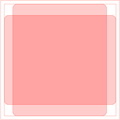
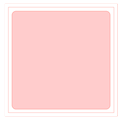
![]() | Square Image size: 16 x 16 dp Icon size: 14 x 14 dp Arc angle size: 2 dp |
To ensure that an icon can be identified in various themes, we extract six of the hue values from icons of apps of different categories. You can select an approximate color for your app icon.
|
|
|
|
|
|
| #b170bf | #8196ab | #e57167 | #65b980 | #dd9971 | #6895c6 |
| Positive Example | Negative Example | Cause of Error |
![]() | ![]() | The icon is too small. |
![]() | ![]() | The icon format or style is incorrect. |
![]() | ![]() | The desktop icon is used directly. |