


Intelligent Assistant
Chat with our virtual assistant to get answers promptly.
We use essential cookies for the website to function, as well as analytics cookies for analyzing and creating statistics of the website performance. To agree to the use of analytics cookies, click "Accept All". You can manage your preferences at any time by clicking "Cookie Settings" on the footer. More Information.
Distribute
A project is a container of your apps in AppGallery Connect. You can add different platform versions of an app to the same project. To use Huawei services on your app, you need to create a project in AppGallery Connect first.
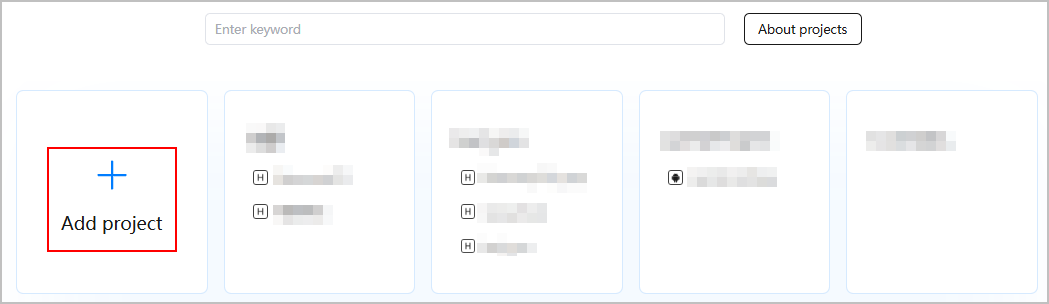
If the system displays the message "The number of projects created by your team has reached the upper limit. Please remove some and try again.", you can delete some unwanted projects first. To delete a project, go to Development and services, click a project you want to delete, go to Project settings > General information, and click Delete project at the bottom of the page.
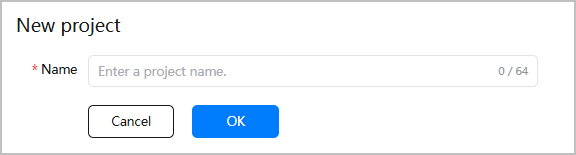
Now, you need to add an app to the project by referring to the corresponding section according to the app type.
Intelligent Assistant
Chat with our virtual assistant to get answers promptly.
Quick start
Helps you find desired resources with ease.