Intelligent Assistant
Chat with our virtual assistant to get answers promptly.
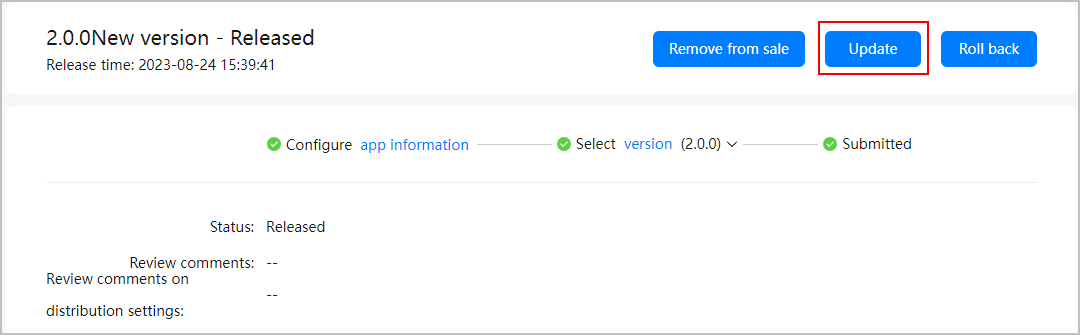
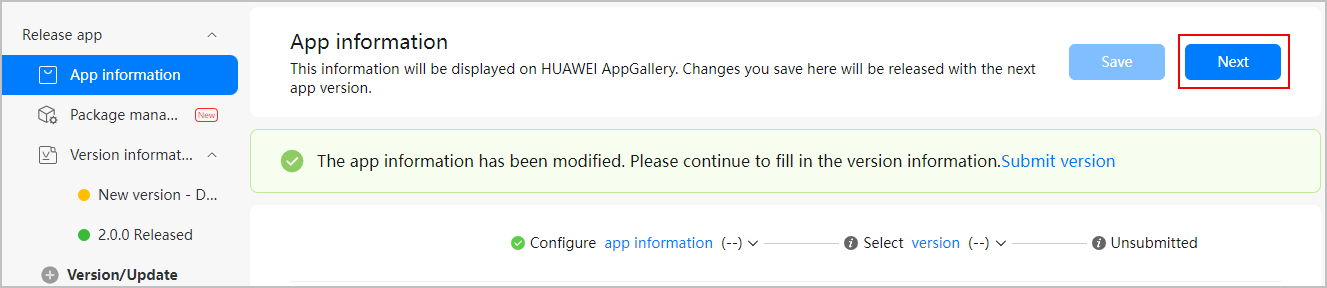
If you want to boost impressions and downloads of a released app, you are advised to update its details from time to time. You can update the basic information of an app without replacing the app package. After the update is approved, the app details will be updated.
If your app supports multiple languages such as Chinese and English, select the target language according to your update plan when updating the app icon, screenshots, or introduction. Then, update the app icon, screenshots, or introduction in the selected language. Otherwise, the updated content will not take effect in that language.
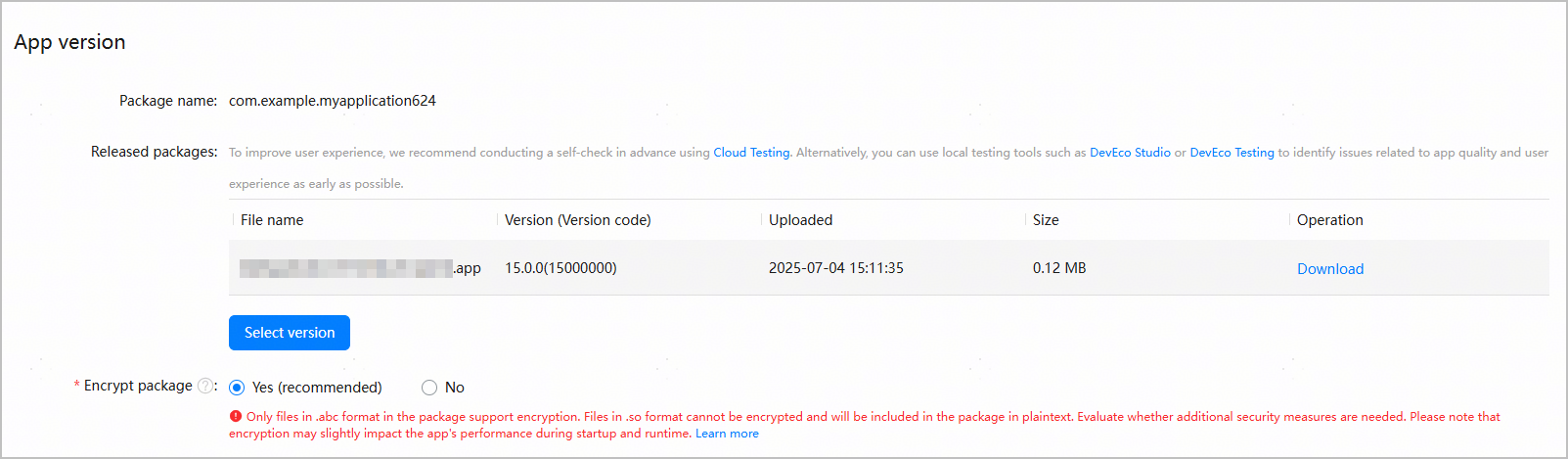
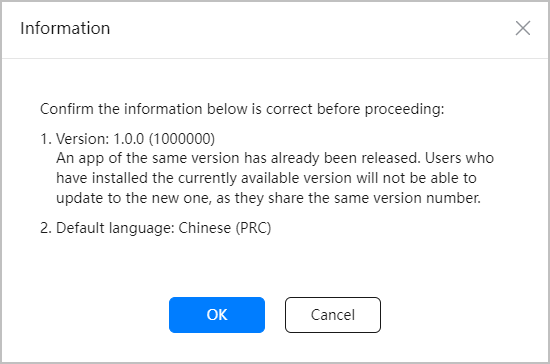
Only an app package of the released version can be selected here. If you upload a package different from the released one, an update to the same version is not supported event if the version code of the uploaded package is the same as that of the released version, and in this case, you must update the app version.
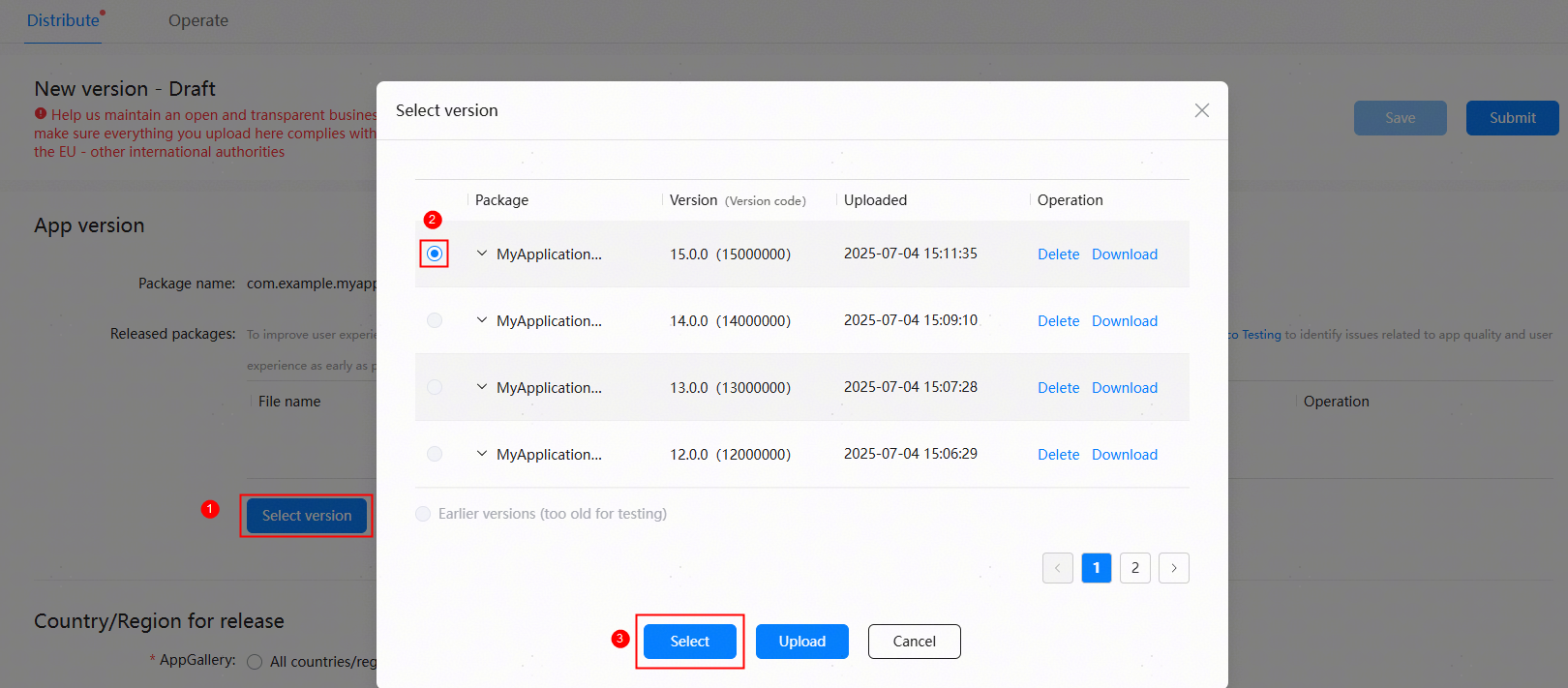
Determine whether to encrypt the package based on your requirements.