


Intelligent Assistant
Chat with our virtual assistant to get answers promptly.
We use essential cookies for the website to function, as well as analytics cookies for analyzing and creating statistics of the website performance. To agree to the use of analytics cookies, click "Accept All". You can manage your preferences at any time by clicking "Cookie Settings" on the footer. More Information.
HMS Core
You can create a simple web-based map by using JavaScript APIs. The procedure is as follows:
JavaScript APIs provide two authentication modes for map initialization. You are advised to use access token authentication.
For details about how to obtain an app-level access token, please refer to OAuth 2.0-based Authentication.
For details about how to obtain an API key, please refer to Obtaining the API Key.
- <!DOCTYPE html>
- <head>
- <meta charset="UTF-8">
- <style>
- #map {
- height: 800px;
- width: 100%;
- margin: 0 auto;
- }
- </style>
- </head>
- <script src="https://mapapi.cloud.huawei.com/mapjs/v1/mapkit.js"></script>
- <script src="https://mapapi.cloud.huawei.com/mapjs/v1/mapkit.js?accessRegion=CN"></script>
- <body>
- <div id="map"></div>
- </body>
- <script>
- function initMap() {
- var mapOptions = {};
- // Set the coordinates of the map center point.
- mapOptions.center = {lat: 48.856613, lng: 2.352222};
- // Set the initial zoom level of the map.
- mapOptions.zoom = 8;
- // Set the map language.
- mapOptions.language='ENG';
- // Set the type of tiles loaded to the map, which can be vector or raster.
- mapOptions.sourceType = 'raster';
- // Set an access token.
- mapOptions.authOptions = {accessToken: token}
- // Create a map object.
- var map = new HWMapJsSDK.HWMap(document.getElementById('map'), mapOptions);
- }
- </script>
The figure below shows the map effect.
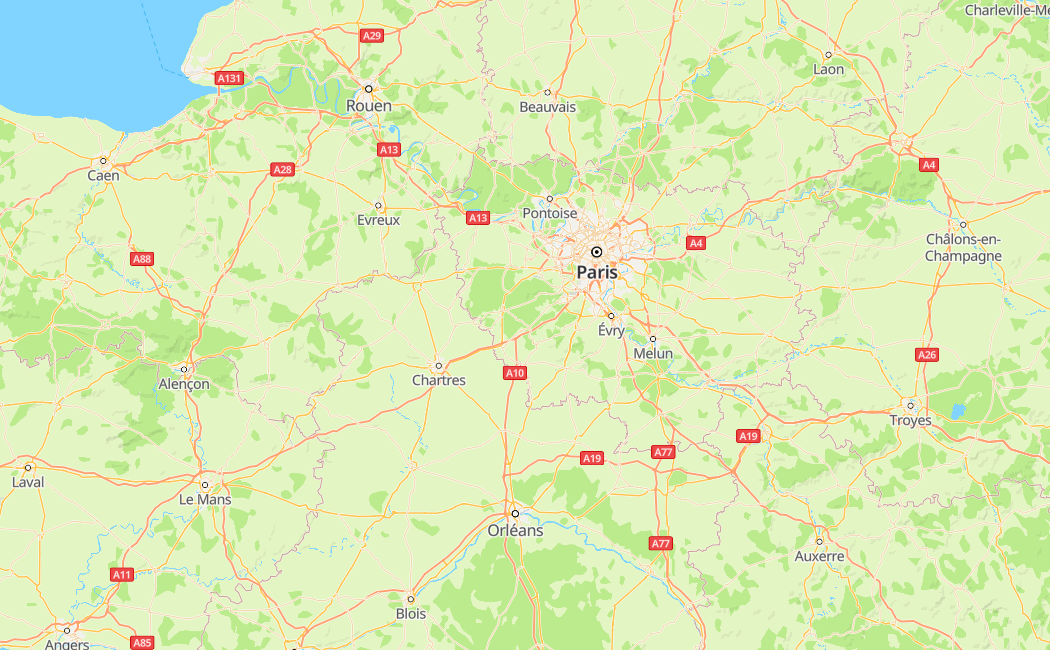
A request that carries traceId can be used for fault tracing and locating.
- <!DOCTYPE html>
- <head>
- <meta charset="UTF-8">
- <style>
- #map {
- height: 800px;
- width: 100%;
- margin: 0 auto;
- }
- </style>
- </head>
- <script src="https://mapapi.cloud.huawei.com/mapjs/v1/api/js?callback=initMap&key=API KEY"></script>
- <body>
- <div id="map"></div>
- </body>
- <script>
- function initMap() {
- var mapOptions = {};
- // Set the coordinates of the map center point.
- mapOptions.center = {lat: 48.856613, lng: 2.352222};
- // Set the initial zoom level of the map.
- mapOptions.zoom = 8;
- // Set the map language.
- mapOptions.language='ENG';
- // Set the type of tiles loaded to the map, which can be vector or raster.
- mapOptions.sourceType = 'raster';
- // Create a map object.
- var map = new HWMapJsSDK.HWMap(document.getElementById('map'), mapOptions);
- }
- </script>
The figure below shows the map effect.
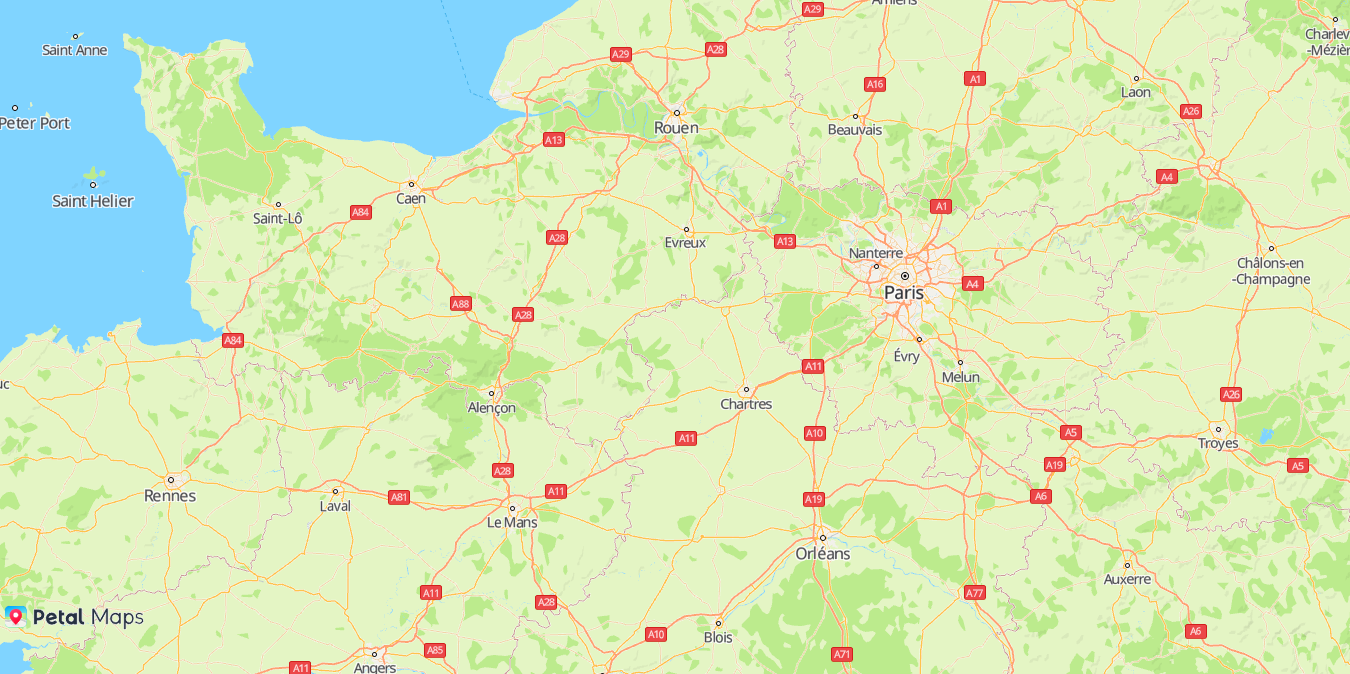
Intelligent Assistant
Chat with our virtual assistant to get answers promptly.
Quick start
Helps you find desired resources with ease.