Enabling Push Kit
- Sign in to AppGallery Connect and click My projects.

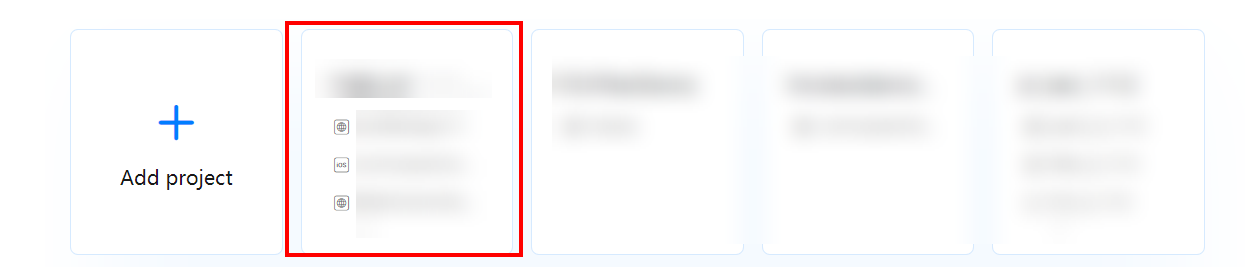
- Find and click the desired project in the project list, and click the app for which you need to set Push Kit parameters.
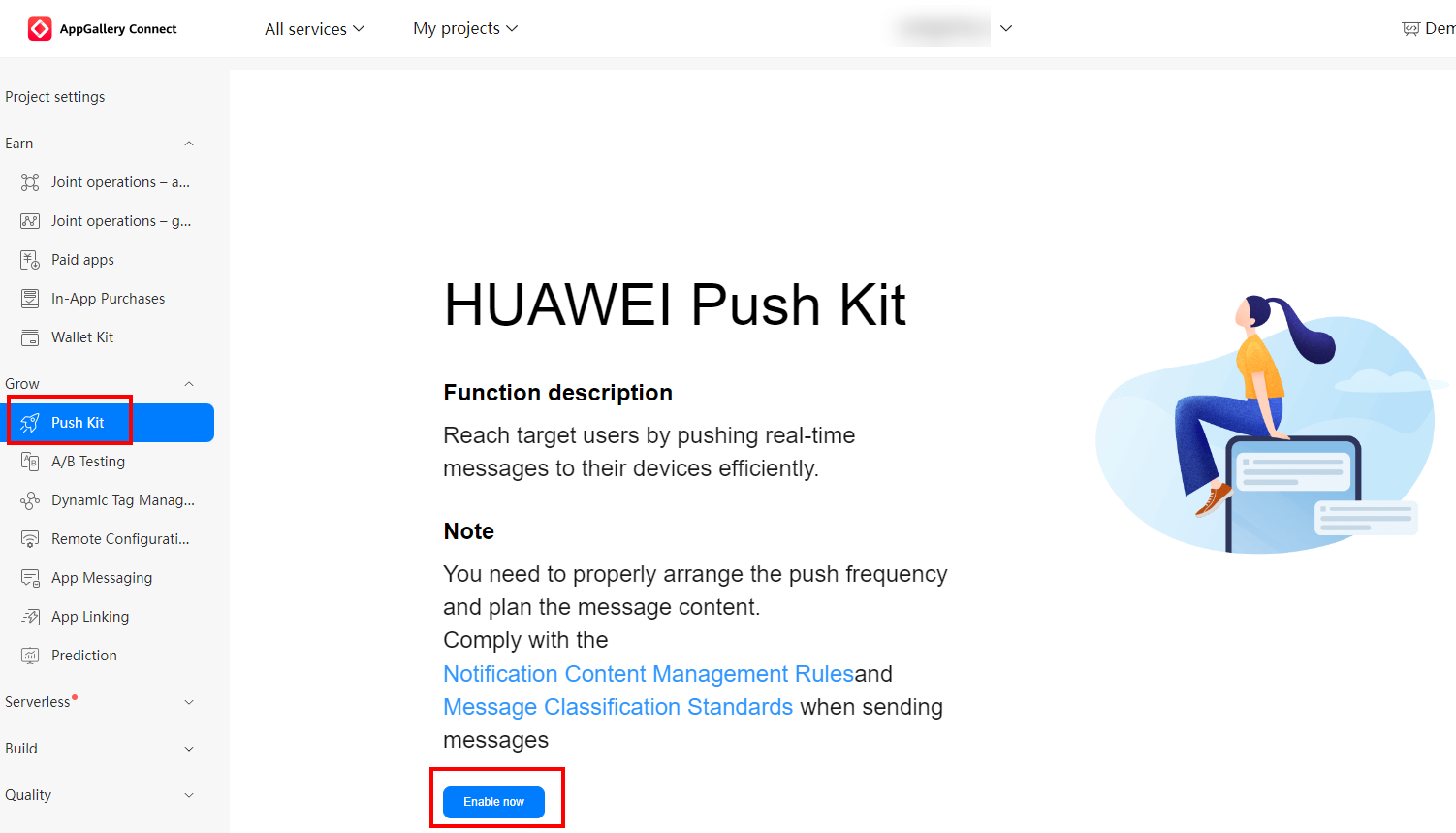
- Go to and click Enable now. In the dialog box that is displayed, click OK.
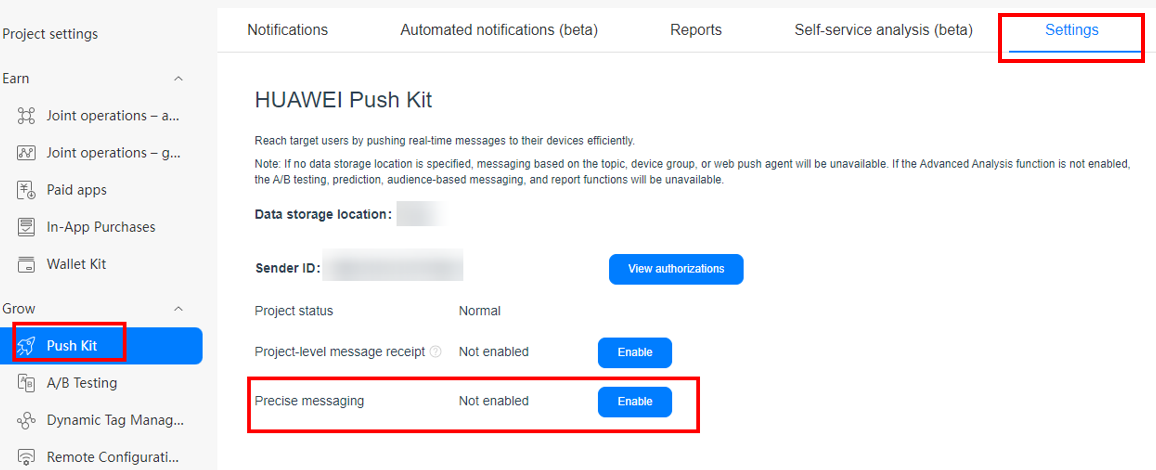
- Enable the precise messaging function. Now you can push messages to your app.

With the precise messaging function, you can push messages by subscriber or audience, through A/B testing tasks, to iOS apps, or using other capabilities. To use this function, you need to specify a data processing location, so that your app and user data can be processed at the expected location. To ensure compliance with local laws and regulations, AppGallery Connect will distribute your app only in countries and regions served by the specified data processing location.
- (Optional) Enable or disable the message receipt function at the project and app levels on the Settings page.

- If the service rights are enabled at the project level but not at the app level, the service rights at the project level will be used.
- If the service rights are enabled both at the project and app levels, the service rights at the app level will be used.
Setting a Data Processing Location
Before using Push Kit, you need to set a default data processing location. The available locations now are China, Germany, Russia, and Singapore. If the data processing location is different from your server location, or is different from the location of a user that the app serves, messaging latency will increase.
Push Kit will store and process your app's data at the default data processing location you set. The set default data processing location applies to all apps in the project. If you want to modify the default data processing location, you need to disable Push Kit before modifying the default data processing location. After modification, data at the original data processing location will be automatically cleared in 6 months and cannot be restored. Exercise caution when you modify the default data processing location.

To reduce the latency caused by messaging across areas around the world, you are advised to set the data processing location based on the location of your users. For example, if you are a developer in Latin America and most of your app users are in Latin America, you are advised to set your data processing location to Singapore. If you are a developer in China but most of your app users are in Europe, you are advised to set your data processing location to Germany. For details, please refer to Setting Rules.