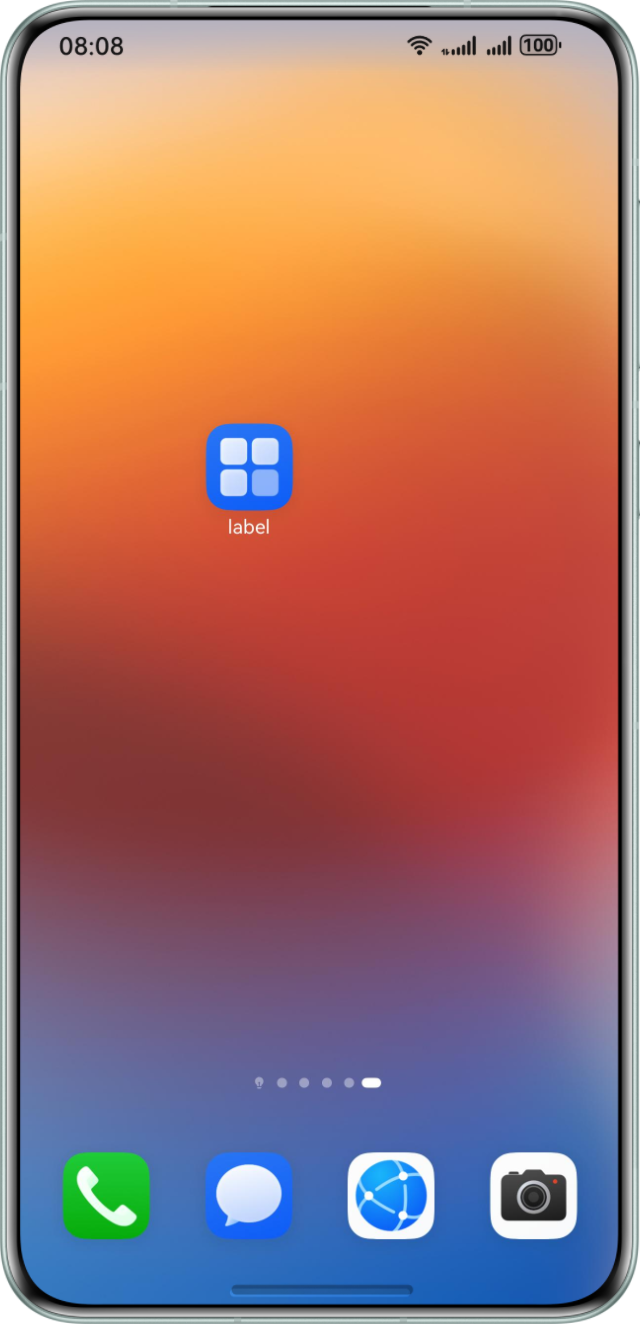
背景知识
APP名称可以分为系统APP名称与桌面APP名称。
- 系统APP名称,指应用在系统内部管理的标识名称,通常对应开发者在AppScope中app.json5中配置的label属性,该名称用于应用列表、权限管理等系统级交互场景。通常使用getBundleInfoForSelf获取系统APP名称。
- 桌面APP名称,指用户直接看到的应用图标下方显示的名称,对应开发者在module.json5中配置的label属性,该名称可以灵活调整,无需与系统名称完全一致。通常使用AbilityInfo获取桌面APP名称。需要注意的是,如果在module.json5配置文件的abilities标签中未设置label,系统将返回app.json5中的label,作为桌面APP名称。
解决方案
获取APP的系统名称与桌面名称有两种方案:
- 方案一:通过getBundleInfoForSelf获取系统APP名称,通过AbilityInfo获取桌面APP名称。
- 方案二:系统APP名称和桌面APP名称都可以通过资源管理的接口getStringSync获取。
import common from '@ohos.app.ability.common';
import { bundleManager } from '@kit.AbilityKit';

@Entry
@Component
struct Index1 {
  @State systemAPPNameOne: string = '';
  @State systemAPPNameTwo: string = '';
  @State desktopAppNameOne: string = '';
  @State desktopAppNameTwo: string = '';

  aboutToAppear(): void {
    const context = this.getUIContext().getHostContext() as common.UIAbilityContext;
    // 获取系统APP的名称
    let bundleFlags = bundleManager.BundleFlag.GET_BUNDLE_INFO_WITH_APPLICATION;
    let bundleInfo = bundleManager.getBundleInfoForSelfSync(bundleFlags);
    let appLabel: string = bundleInfo.appInfo.label;
    let appRes = appLabel.split(':')[1];
    this.systemAPPNameOne = context.resourceManager.getStringByNameSync(appRes);
    console.info('方案一:获取系统APP的名称:', this.systemAPPNameOne);
    this.systemAPPNameTwo = context.resourceManager.getStringSync($r('app.string.app_name').id);
    console.info('方案二:获取系统APP的名称:', this.systemAPPNameTwo);
    // 获取桌面APP的名称
    let windowAppLabel = context.abilityInfo.label;
    let windowAppRes = windowAppLabel.split(':')[1];
    this.desktopAppNameOne = context.resourceManager.getStringByNameSync(windowAppRes);
    console.info('方案一:获取桌面APP的名称:', this.desktopAppNameOne);
    this.desktopAppNameTwo = context.resourceManager.getStringSync($r('app.string.EntryAbility_label').id);
    console.info('方案二:获取桌面APP的名称:', this.desktopAppNameTwo);
  }

  build() {
    Row() {
      Column() {
        Text('方案一:系统APP的名称: ' + this.systemAPPNameOne)
          .fontSize(20);
        Text('方案二:系统APP的名称: ' + this.systemAPPNameTwo)
          .fontSize(20);
        Text('方案一:桌面APP的名称: ' + this.desktopAppNameOne)
          .fontSize(20);
        Text('方案二:桌面APP的名称: ' + this.desktopAppNameTwo)
          .fontSize(20);
      }
      .width('100%');
    }
    .height('100%');
  }
}
验证图示和桌面APP图示如下: