问题现象
进入一个页面时想让Video组件从一个指定的时间开始播放,比如第10秒,设置了参数this.controller.setCurrentTime(AppStorage.get('currentTime'),SeekMode.ClosestKeyframe)偶尔会出现定位不准,展示了视频第一帧的情况。已知在onStart中调用setCurrentTime一定会出现第一帧,在onPrepared中开始调用setCurrentTime偶尔会出现第一帧。是什么原因造成的该情况,如何避免?
问题代码示例参考如下:
@Entry
@Component
struct VideoExamplePage {
  previewUri: Resource = $r('app.media.startIcon');
  curRate: PlaybackSpeed = PlaybackSpeed.Speed_Forward_1_00_X;
  isAutoPlay: boolean = true;
  showControls: boolean = true;
  controller: VideoController = new VideoController();
  @State totalTime: number = 0;

  build() {
    Column() {
      Video({
        src: $rawfile('videoTest.mp4'), // 替换已有视频资源
        currentProgressRate: this.curRate,
        controller: this.controller
      })
        .width('100%')
        .height(600)
        .autoPlay(this.isAutoPlay)
        .controls(this.showControls)
        .onPrepared((error?: DurationObject) => {
          if (error != undefined) {
            console.error(`onPrepared is ${error.duration}`);
            this.totalTime = error.duration;
            this.controller.setCurrentTime(10, SeekMode.Accurate); // 从第十秒开始播放
          }
        });
      Row() {
        Button('setTime')
          .onClick(() => {
            this.controller.setCurrentTime(10, SeekMode.Accurate); // 精准跳转到视频的10s位置
          })
          .margin(2);
      };
    };
  }
}

interface DurationObject {
  duration: number;
}
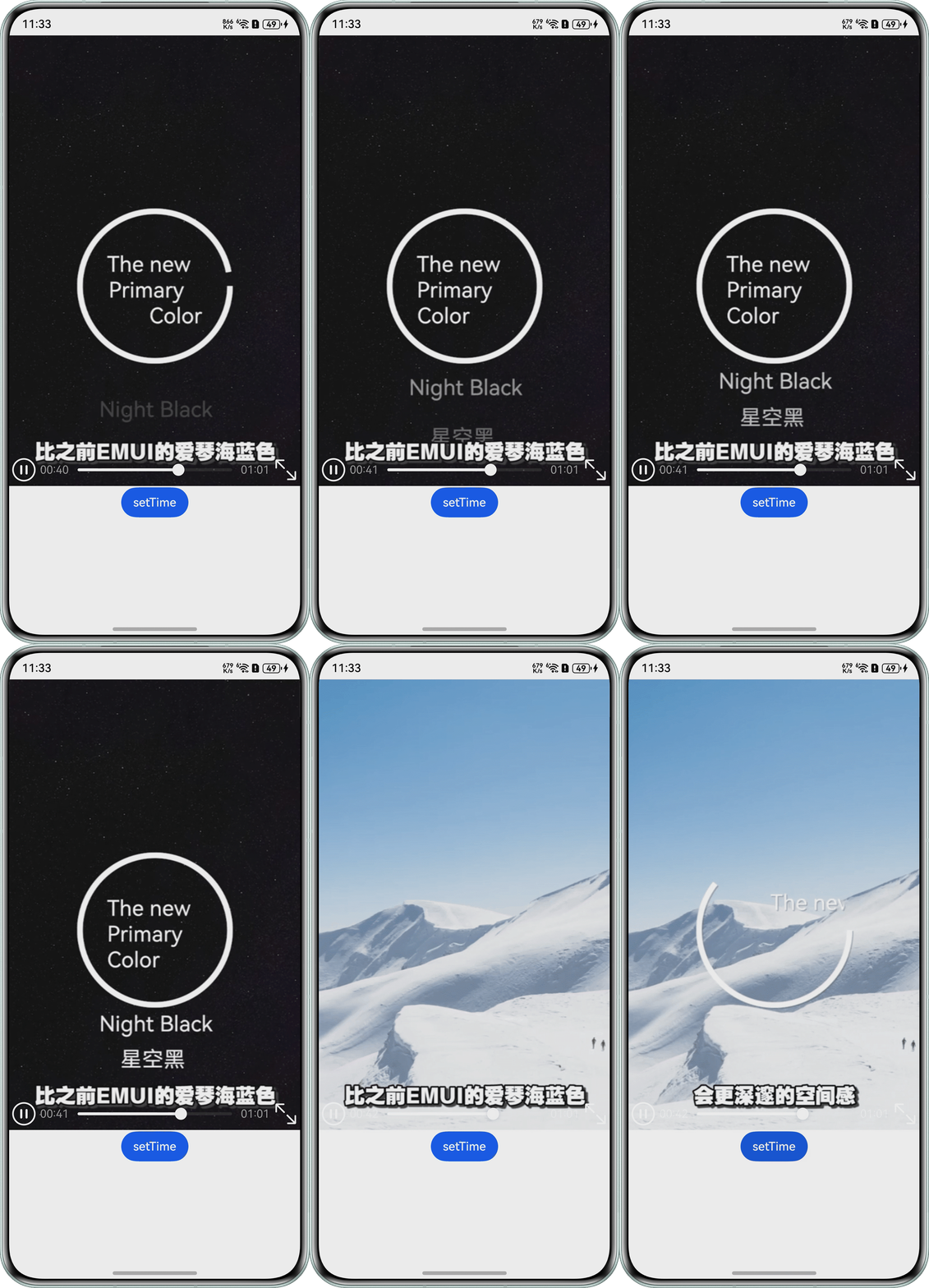
问题效果预览:
背景知识
- Video组件中onPrepared事件是视频准备完成时触发的事件,onStart事件是视频开始播放时触发的事件。
- VideoController是Video组件的控制器,其中setCurrentTime方法可以指定视频播放的进度位置,并指定跳转模式。
修改建议
取消自动播放,在onPrepared事件里先设置跳转,再进行播放,来代替autoPlay(true)自动播放。
- 设置autoPlay(true)修改为autoPlay(false)。
- onPrepared事件修改如下:
.onPrepared((error?: DurationObject) => {
  if (error != undefined) {
    console.info(`onPrepared is ${error.duration}`);
    this.totalTime = error.duration;
    this.controller.setCurrentTime(10, SeekMode.Accurate); // 从第十秒开始播放
    this.controller.start();
  }
})
完整代码如下:
@Entry
@Component
struct VideoExamplePage {
  previewUri: Resource = $r('app.media.startIcon');
  curRate: PlaybackSpeed = PlaybackSpeed.Speed_Forward_1_00_X;
  isAutoPlay: boolean = false;
  showControls: boolean = true;
  controller: VideoController = new VideoController();
  @State totalTime: number = 0;

  build() {
    Column() {
      Video({
        src: $rawfile('example.mp4'), // 替换已有视频资源
        currentProgressRate: this.curRate,
        controller: this.controller
      })
        .width('100%')
        .height(600)
        .controls(this.showControls)
        .onPrepared((error?: DurationObject) => {
          if (error != undefined) {
            console.info(`onPrepared is ${error.duration}`);
            this.totalTime = error.duration;
            this.controller.setCurrentTime(10, SeekMode.Accurate); // 从第十秒开始播放
            this.controller.start();
          }
        })
        .autoPlay(this.isAutoPlay);
      Row() {
        Button('setTime')
          .onClick(() => {
            this.controller.setCurrentTime(10, SeekMode.Accurate); // 精准跳转到视频的10s位置
          })
          .margin(2);
      };
    };
  }
}

interface DurationObject {
  duration: number;
}