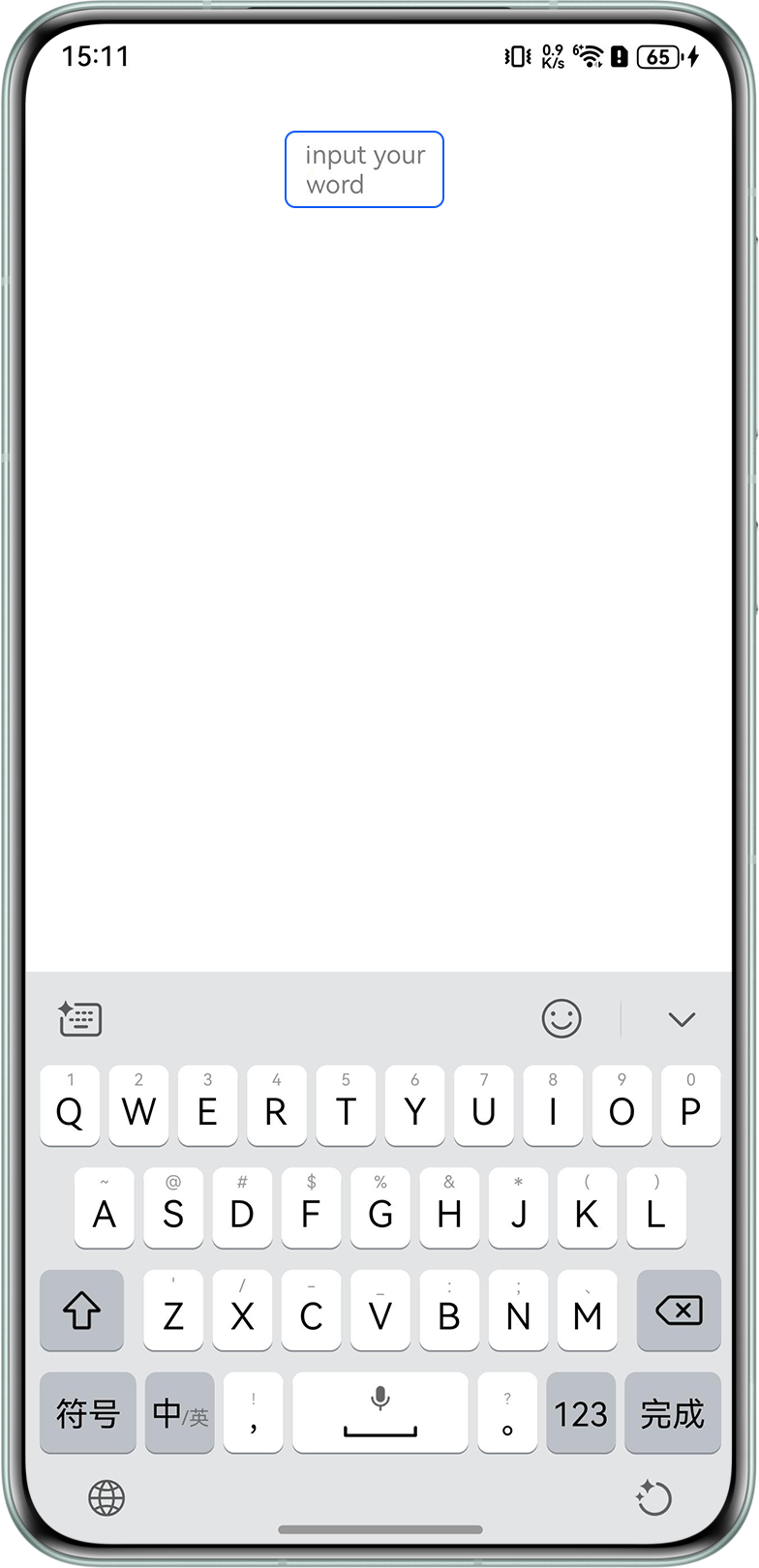
背景知识
- TextInput为单行文本输入框组件,placeholder为设置无输入时的提示文本,可通过placeholderFont和placeholderColor设置placeholder文本样式和文本颜色,包括字体大小,字体粗细,字体族,字体风格等。
- TextArea为多行文本输入框组件,当输入的文本内容超过组件宽度时会自动换行显示。高度未设置时,组件无默认高度,自适应内容高度。宽度未设置时,默认撑满最大宽度。
- promptAction可创建并显示文本提示框、对话框和操作菜单。
解决方案
TextInput组件的placeholder文本较长时,默认会使用省略号来截断过长的文本。可通过以下四种方案让placeholder文本显示完整。
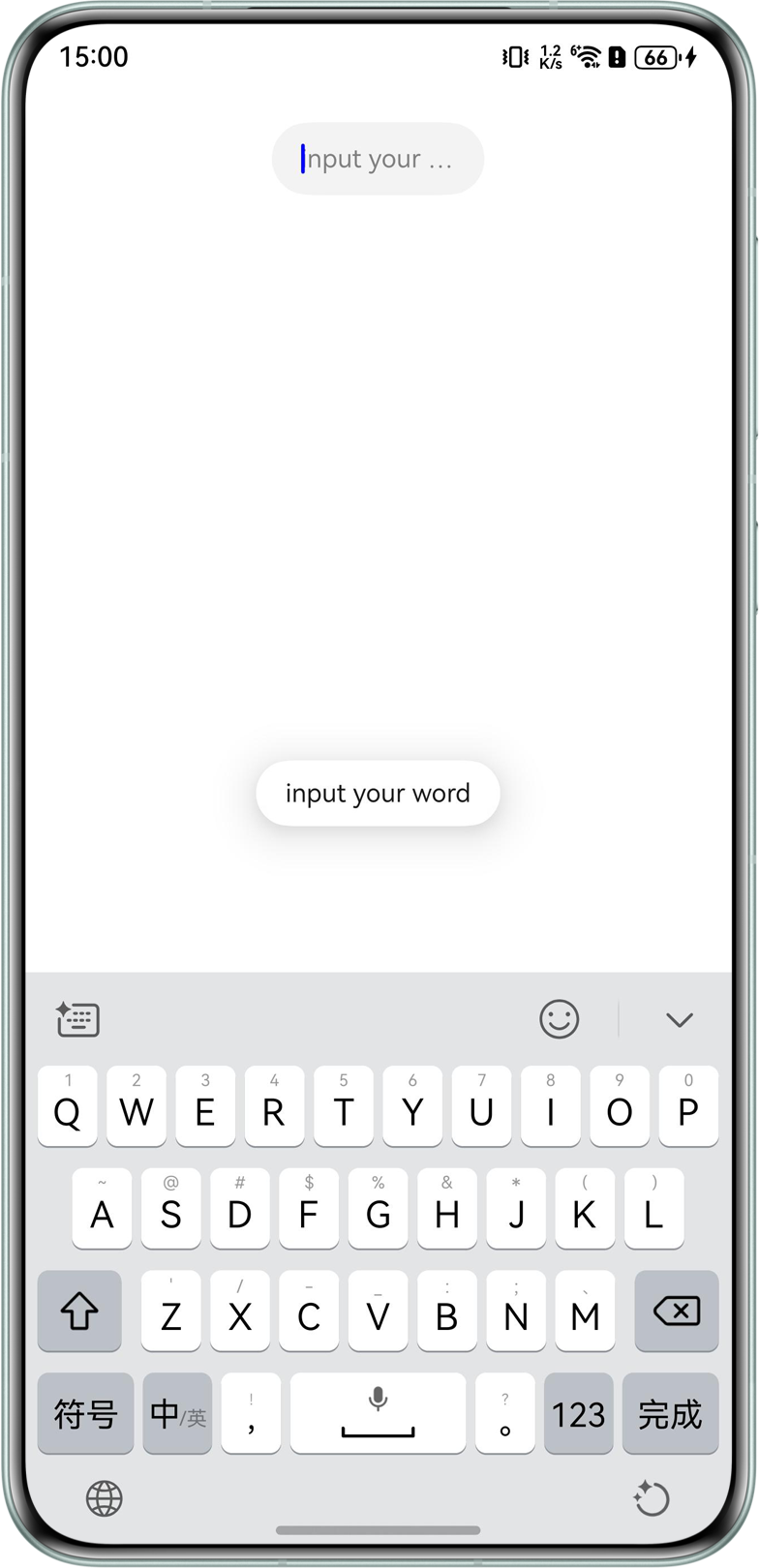
- 方案一:使用promptAction创建文本提示框来展示整个placeholder文本。
@Entry
@Component
struct TextInputExample {
  @State text: string = '';
  controller: TextInputController = new TextInputController();
  @State placeholder: string = 'input your word';

  build() {
    Column() {
      TextInput({ text: this.text, placeholder: this.placeholder, controller: this.controller })
        .placeholderColor(Color.Grey)
        .placeholderFont({ size: 14, weight: 400 })
        .caretColor(Color.Blue)
        .width('30%')
        .margin(20)
        .fontSize(14)
        .fontColor(Color.Black)
        .inputFilter('[0-9]', (e) => {
          console.error(e);
        })
        .onClick(() => {
          this.getUIContext().getPromptAction().showToast({ message: this.placeholder });
        })
        .onChange((value: string) => {
          this.text = value;
        })
    }
    .width('100%')
    .backgroundColor(Color.White)
  }
}
效果预览:
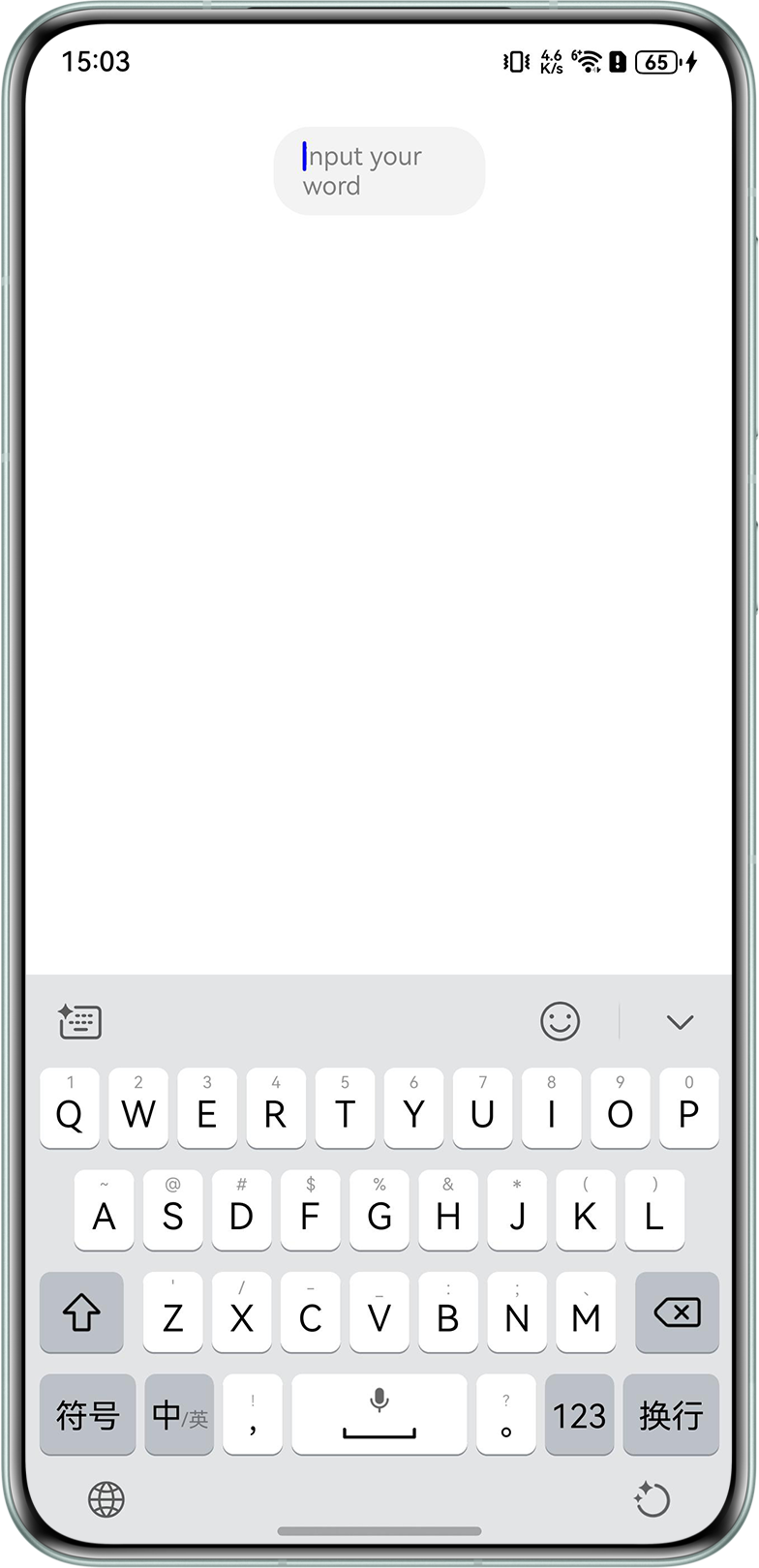
- 方案二:使用TextArea组件,组件不设置高度时,会自适应内容高度,从而实现placeholder多行显示。
@Entry
@Component
struct TextInputExample2 {
  @State text: string = '';
  controller: TextAreaController = new TextAreaController();

  build() {
    Column() {
      TextArea({ text: this.text, placeholder: 'input your word', controller: this.controller })
        .placeholderColor(Color.Grey)
        .placeholderFont({ size: 14, weight: 400 })
        .caretColor(Color.Blue)
        .width('30%')
        .margin(20)
        .fontSize(14)
        .fontColor(Color.Black)
        .inputFilter('[0-9]', (e) => {
          console.error(e);
        })
        .onChange((value: string) => {
          this.text = value;
        })
    }
    .width('100%')
    .backgroundColor(Color.White)
  }
}
效果预览:
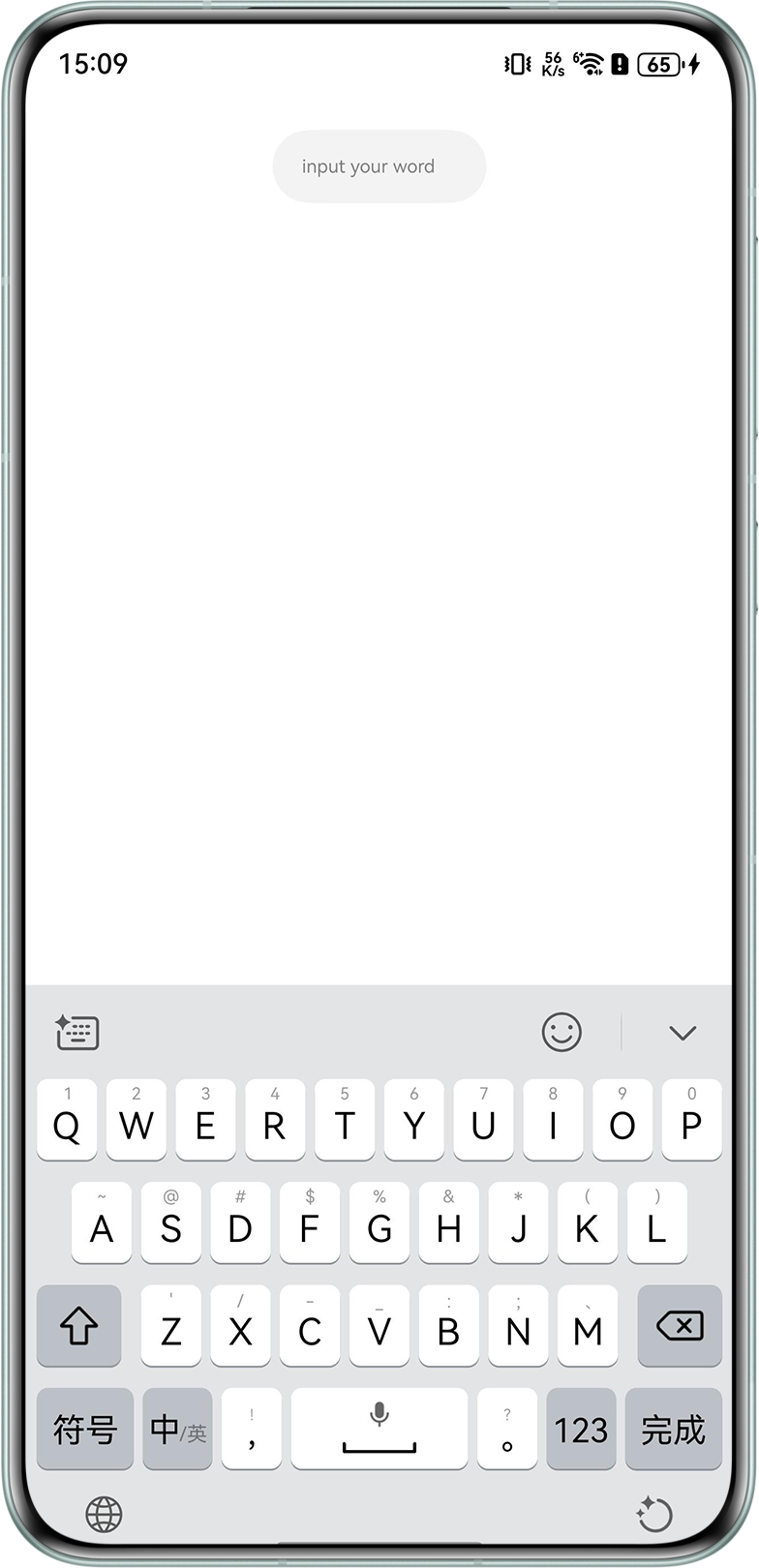
- 方案三:placeholder文本大小默认为16fp,可通过placeholderFont将placeholder文本大小设置小一点,如10fp。
@Entry
@Component
struct TextInputExample3 {
  @State text: string = '';
  controller: TextInputController = new TextInputController();

  build() {
    Column() {
      TextInput({ text: this.text, placeholder: 'input your word', controller: this.controller })
        .placeholderColor(Color.Grey)
        .placeholderFont({ size: 10, weight: 400 })
        .caretColor(Color.Blue)
        .width('30%')
        .margin(20)
        .fontSize(14)
        .fontColor(Color.Black)
        .inputFilter('[0-9]', (e) => {
          console.error(e);
        })
        .onChange((value: string) => {
          this.text = value;
        })
    }
    .width('100%')
    .backgroundColor(Color.White)
  }
}
效果预览:
- 方案四:可设置TextInput的style为Inline,文本选中底板高度与输入框高度相同,在输入时可显示全部placeholder文本。
@Entry
@Component
struct TextInputExample4 {
  @State text: string = '';
  controller: TextInputController = new TextInputController();

  build() {
    Column() {
      TextInput({ text: this.text, placeholder: 'input your word', controller: this.controller })
        .placeholderColor(Color.Grey)
        .placeholderFont({ size: 14, weight: 400 })
        .caretColor(Color.Blue)
        .width('30%')
        .margin(20)
        .fontSize(14)
        .fontColor(Color.Black)
        .style(TextInputStyle.Inline)
        .wordBreak(WordBreak.BREAK_WORD)
        .inputFilter('[0-9]', (e) => {
          console.error(e);
        })
        .onChange((value: string) => {
          this.text = value;
        })
    }
    .width('100%')
    .backgroundColor(Color.White)
  }
}
效果预览: