问题现象
当使用Scan Kit扫码服务时,扫描成功或失败都能触发callback回调函数。但如果用户手动侧滑返回,不会触发任何回调,扫码相关资源不知何时被销毁导致内存泄漏。
问题代码如下:
 try
   scanBarcode.startScanForResult(this.getUIContext().getHostContext(), options).then((result: scanBarcode.ScanResult) => {
      // 处理扫描结果
   }).catch((error: BusinessError) => {
      if (error.code === 1000500001) {
         // 处理扫码结果错误事件
       }
   });
 } catch (error) {
 }
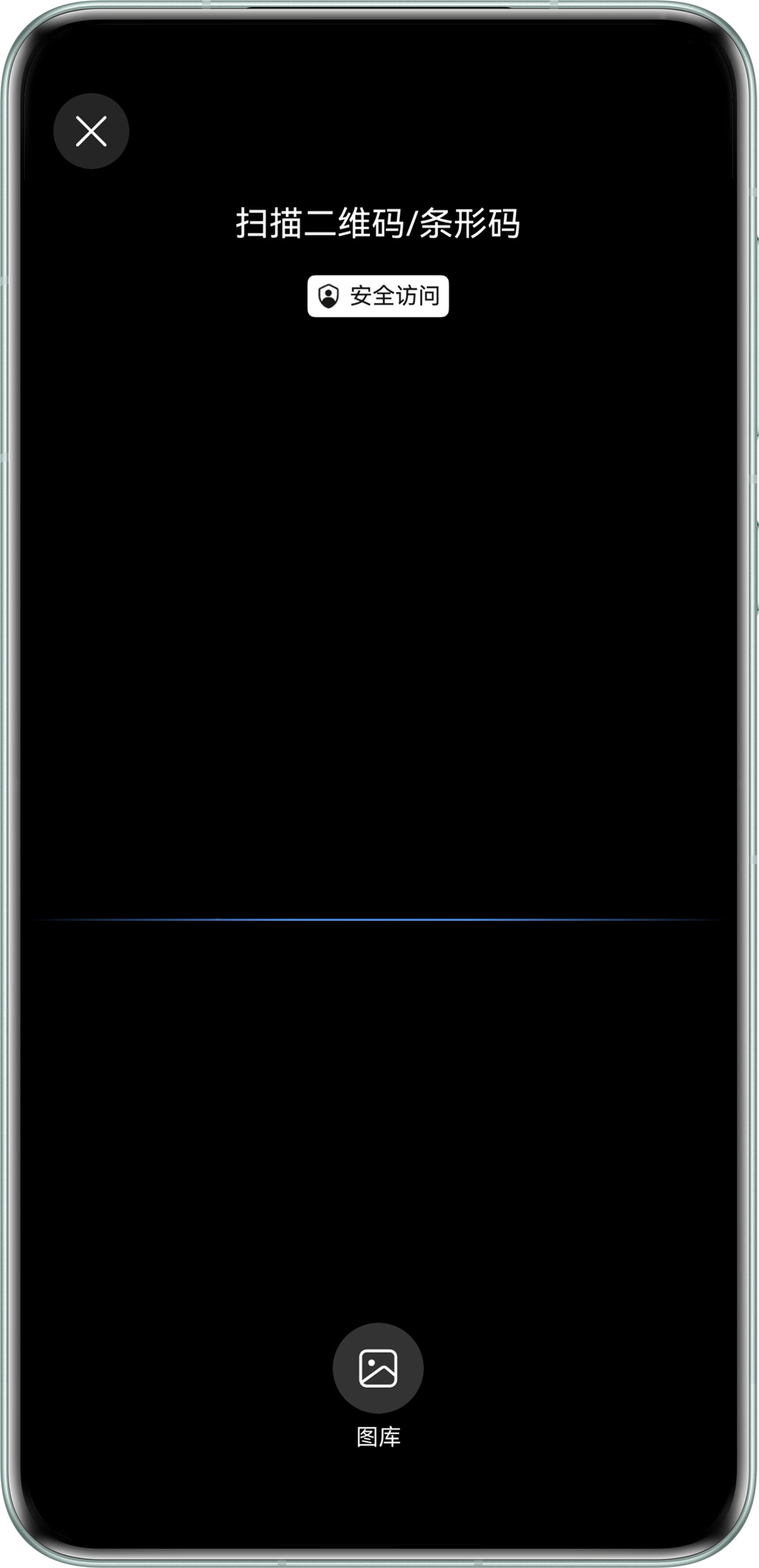
默认界面扫码效果:
背景知识
Scan Kit:扫码主要分为默认界面扫码和自定义界面扫码。
默认界面扫码:提供系统级体验一致的扫码界面,Scan Kit对系统相机权限进行了预授权,调用接口时,无需开发者再次申请相机权限。
自定义界面扫码:提供了相机流控制接口,可根据自身需求自定义扫码界面,适用于对扫码界面有定制化需求的应用开发。同时需要开发者自己请求相机的使用权限。
修改建议
- 默认扫码页面直接用回调的错误码1000500002判断。
使用scanBarcode.startScanForResult函数,并在回调函数error中判断错误码是否为1000500002,如果是则处理无操作返回事件。
import { scanCore, scanBarcode } from '@kit.ScanKit';
// 导入默认界面扫码需要的日志模块和错误码模块
import { hilog } from '@kit.PerformanceAnalysisKit';
import { BusinessError } from '@kit.BasicServicesKit';

@Entry
@Component
struct DefaultScanCode {
  build() {
    Column() {
      Row() {
        Button('默认扫码界面')
          .fontSize(20)
          .fontColor($r('sys.color.comp_background_list_card'))
          .fontWeight(FontWeight.Normal)
          .align(Alignment.Center)
          .type(ButtonType.Capsule)
          .width('90%')
          .height(40)
          .margin({ top: 5, bottom: 5 })
          .onClick(() => {
            // 定义扫码参数options
            let options: scanBarcode.ScanOptions = {
              scanTypes: [scanCore.ScanType.ALL],
              enableMultiMode: true,
              enableAlbum: true
            };
            try {
              // 可调用getHostContext接口获取当前页面关联的Context
              scanBarcode.startScanForResult(this.getUIContext().getHostContext(), options)
                .then((result: scanBarcode.ScanResult) => {
                  // 解析码值结果跳转应用服务页
                  hilog.info(0x0001, '[Scan CPSample]',
                    `Succeeded in getting ScanResult by promise with options, result is ${JSON.stringify(result)}`);
                })
                .catch((error: BusinessError) => {
                  if (error.code === 1000500001) {
                    // 处理扫码结果错误事件
                    hilog.error(0x0001, '[Scan CPSample]',
                      `Failed to get ScanResult by promise with options. Code:${error.code}, message: ${error.message}`);
                  } else if (error.code === 1000500002) {
                    // 处理无操作返回事件
                    hilog.info(0x0001, '[Scan CPSample]',
                      `没有扫描结果但是页面将要返回上一级页面`);
                  }
                });
            } catch (error) {
              hilog.error(0x0001, '[Scan CPSample]',
                `Failed to get ScanResult by promise with options. Code:${error.code}, message: ${error.message}`);
            }
          });
      }
      .height('100%');
    }
    .width('100%');
  }
}
- 自定义界面扫码没有1000500002错误码进行判断,但是手动侧滑返回会触发onBackPress/onBackPressed方法,可以在该方法内判断是否进行了扫码操作,如果没有操作,在该方法内进行无操作返回事件处理。