问题现象
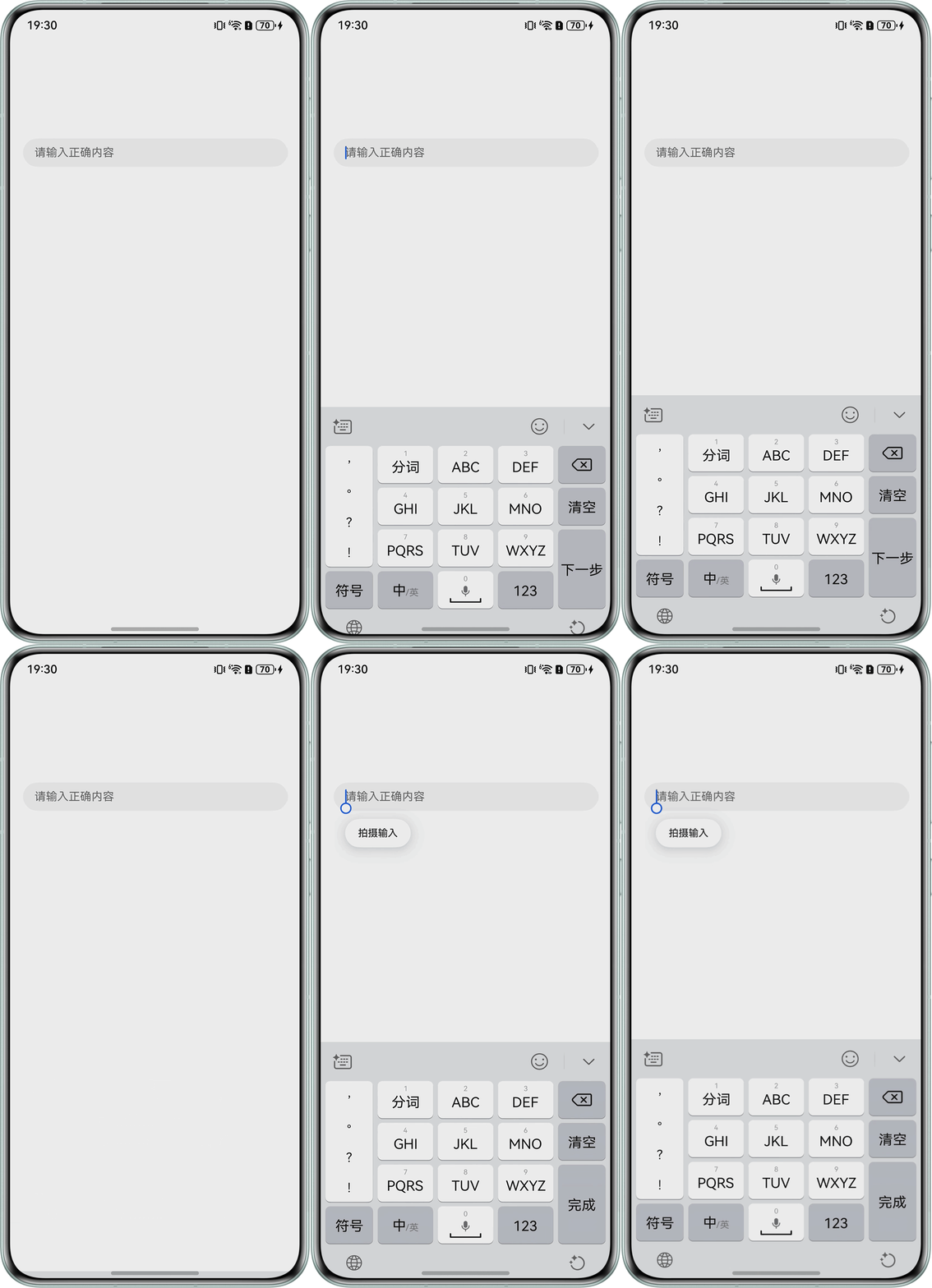
inputAttribute属性用于设置enter键的功能类型,enterKeyType:5表示"下一步"。TextInput使用attach方法唤起的软键盘,设置的inputAttribute属性初次生效,enter键的功能为"下一步",关闭键盘后再拉起键盘,inputAttribute属性失效,enter键的功能为"完成"。
问题代码示例参考如下:
onFocus(() => {
  let textConfig: inputMethod.TextConfig = {
    inputAttribute: {
      textInputType: 0,
      enterKeyType: 5
    }
  };
  let inputMethodController = inputMethod.getController()
  inputMethodController.attach(true, textConfig, () => {
  });
})
问题效果预览:

背景知识
- attach:自绘控件绑定输入法。使用callback异步回调。
- updateAttribute:更新编辑框属性信息。使用callback异步回调。当编辑框属性信息更新成功时,err为undefined;否则为错误对象。
解决方案
使用updateAttribute方法设置inputAttribute属性。
import { inputMethod } from '@kit.IMEKit';

@Entry
@Component
struct CustomPopup {
  @State message: string = '';

  build() {
    Column() {
      TextInput({ text: this.message, placeholder: '请输入正确内容' })
        .onChange((value: string) => {
          this.message = value;
        })
        .focusable(true)
        .margin({ top: 100, left: 10, right: 10 })
        .onFocus(() => {
          let inputAttribute: inputMethod.InputAttribute = { textInputType: 0, enterKeyType: 5 };
          let inputMethodController = inputMethod.getController();
          inputMethodController.updateAttribute(inputAttribute, () => {
          });
        });
    }
    .width('100%')
    .height('100%');
  }
}