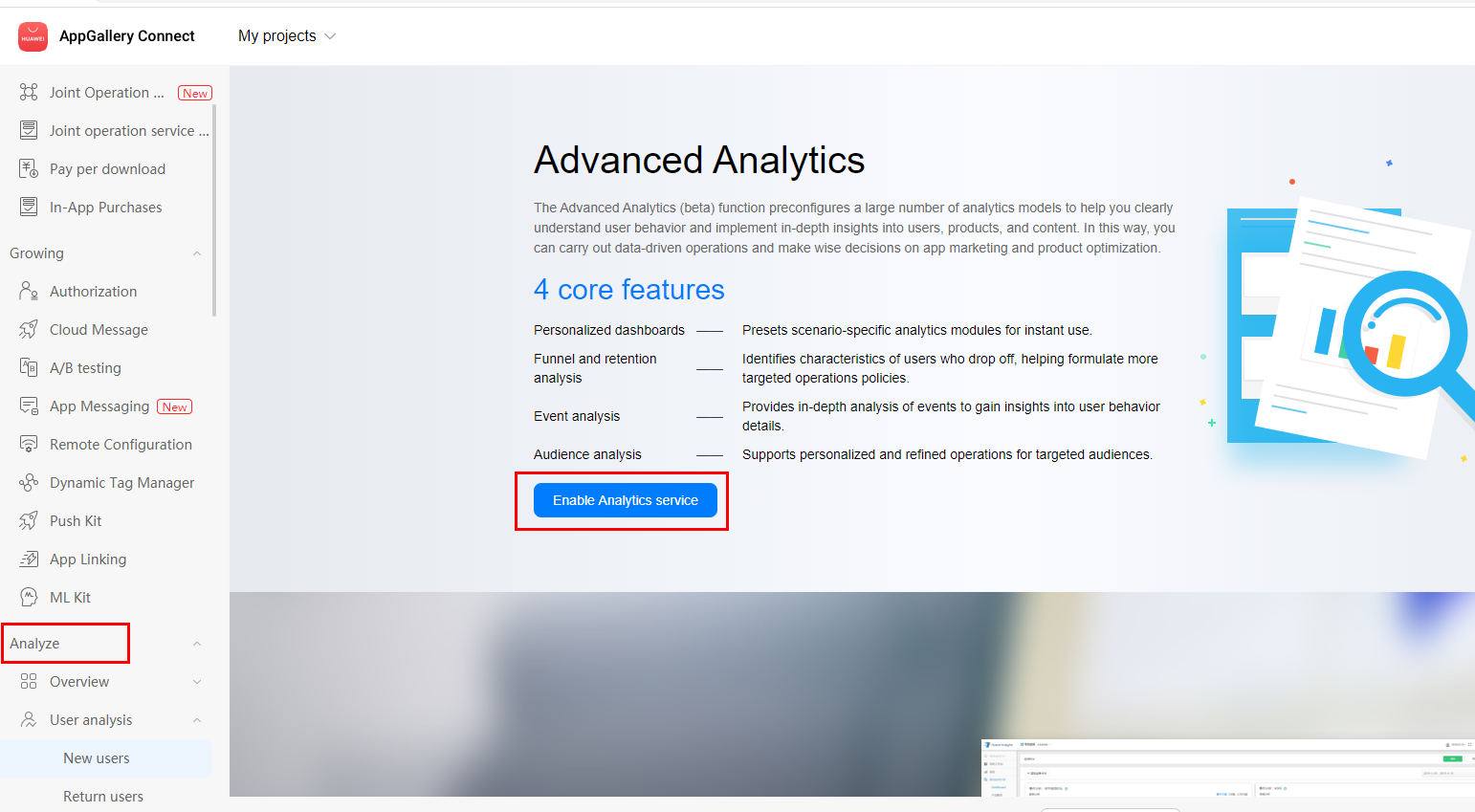
 4. On the Project access settings page, set the data storage location, time zone, currency, user data storage time, and calendar week, and click Finish.
Procedure
1. Sign in to AppGallery Connect and select Analytics.
2. Click the app for which you need to enable HUAWEI Analytics Kit.
3. Select any menu under Analyze and click Enable Analytics service.( You need the required permission to perform this operation.)
4. On the Project access settings page, set the data storage location, time zone, currency, user data storage time, and calendar week, and click Finish.
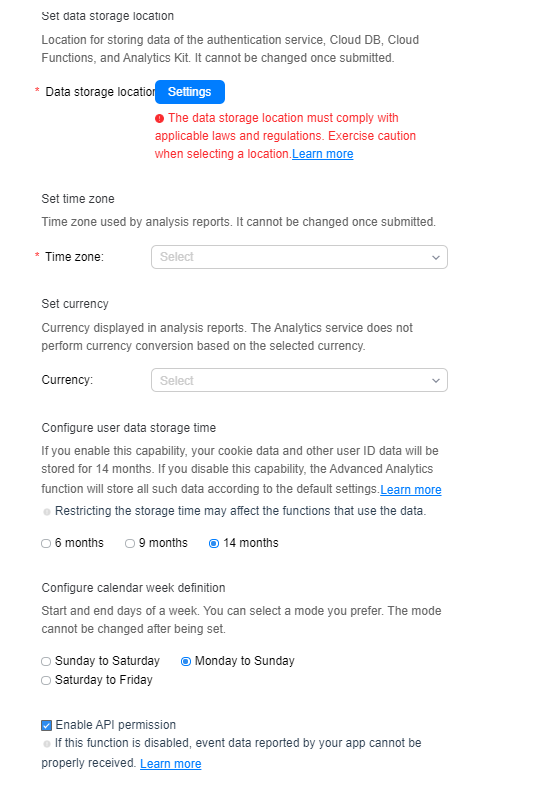
Configure calendar week definition: There are three calendar week options. Select an appropriate option as required. The statistics will be presented based on the specified option in analysis reports.
Enable API permission: This option is selected by default. If you uncheck this option, data will not be reported. If you do not enable the API permission here but the API permission is required later, go to Project Setting > Manage APIs and manually enable the API permission of HUAWEI Analytics Kit. For details, please refer to Enabling Services.
