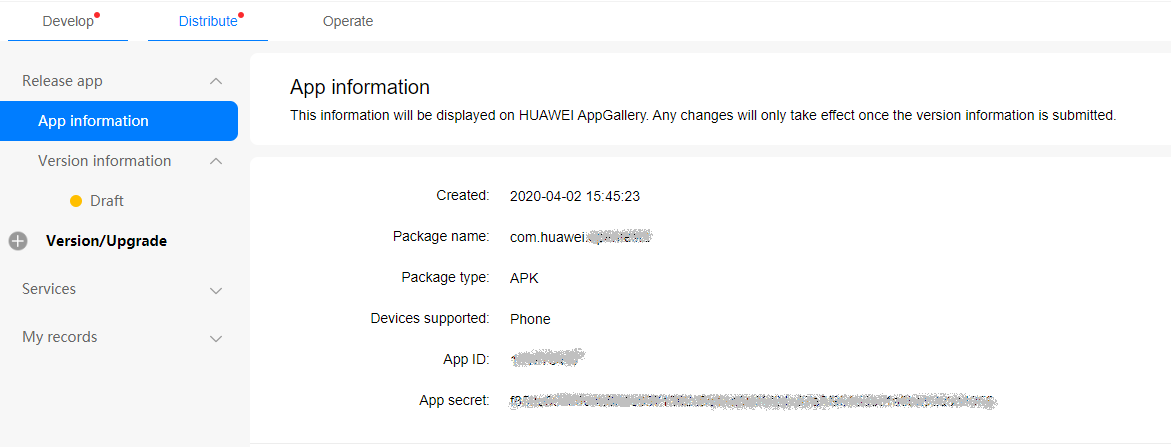
After an app is created, the app ID that is assigned during app creation will be used as the unique identifier of the app on AppGallery Connect. You can query your app information through the following method:
2. Click your app from the list.
3. Click the Distribute tab and choose Release app > App information from the navigation bar to the left. On the page that is displayed, you can find your app ID in App ID , app secret in App secret and package name in Package name.