Generally, when you create a project, Nearby Service has been enabled by default, and you do not need to perform operations in this section. If you do not find Nearby Service under My APIs, perform the following operations to enable it.
To use the capabilities of HUAWEI Nearby Service, enable it on HUAWEI Developer.
Generally, when you create a project, Nearby Service has been enabled by default, and you do not need to perform operations in this section. If you do not find Nearby Service under My APIs, perform the following operations to enable it.
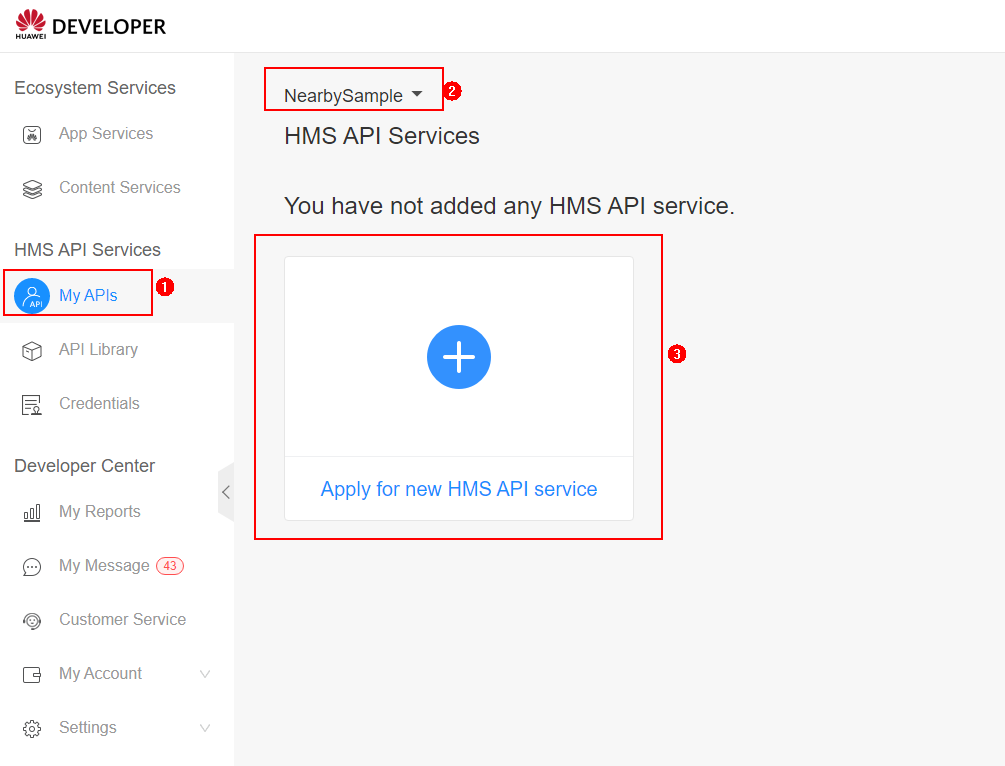
1. Sign in to Console of HUAWEI Developer, go to HMS API Services > My APIs, select the project for which you want to enable HUAWEI Nearby Service, and click Apply for new HMS API service. The API Library page is displayed.
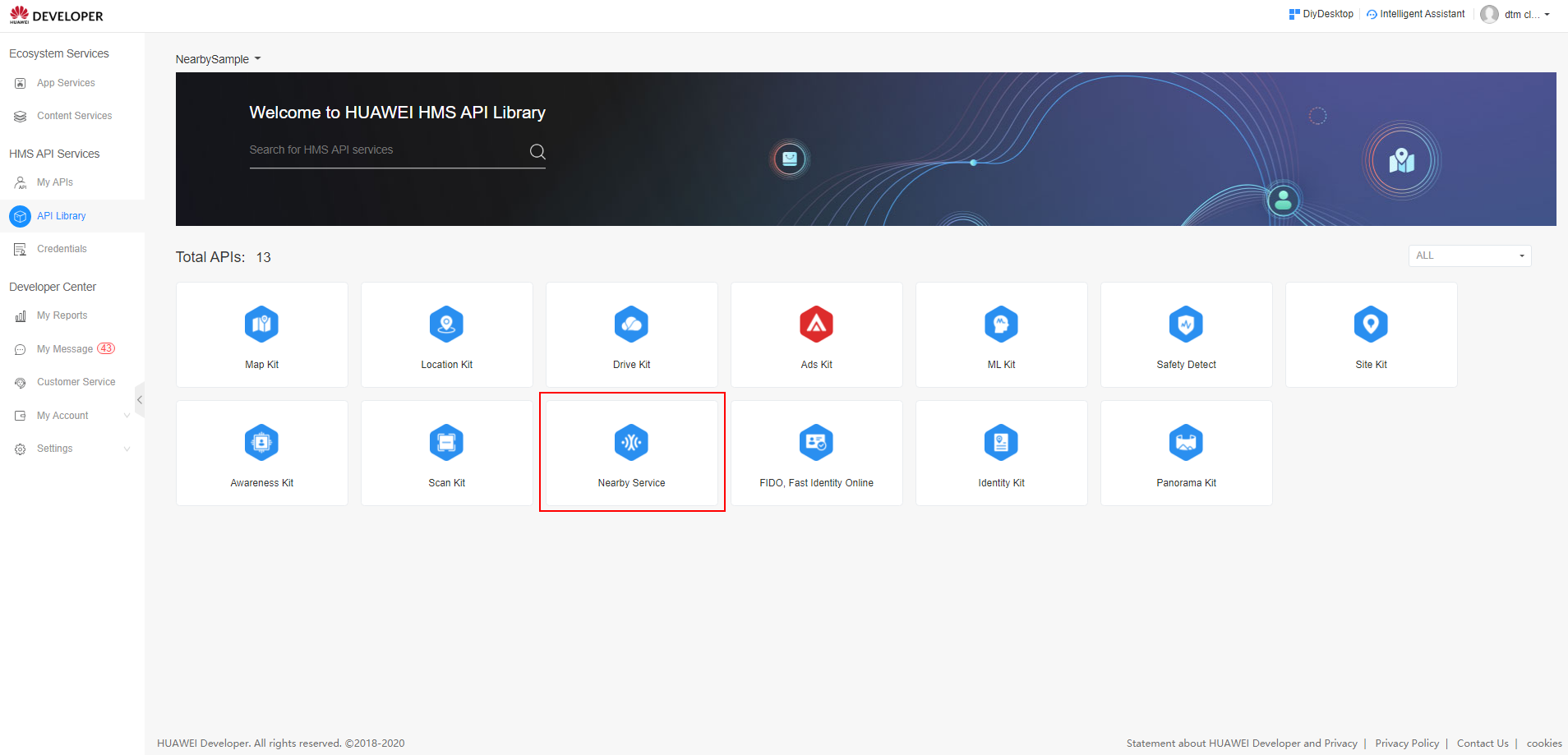
2. Click Nearby Service.
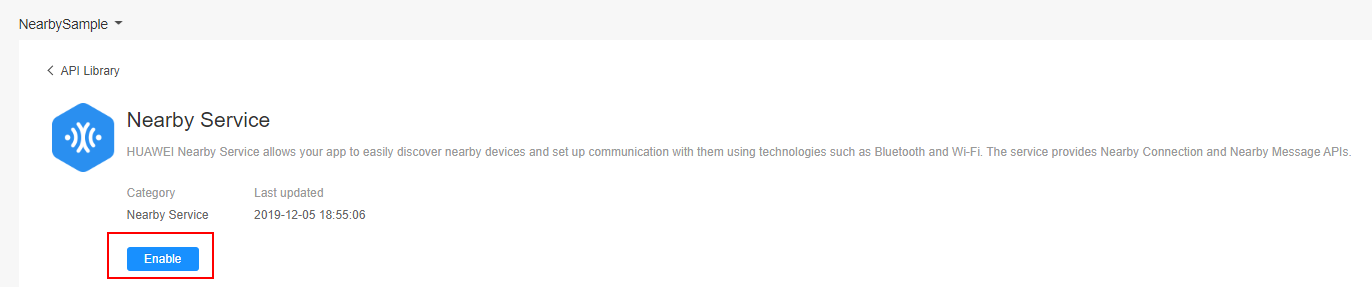
3. On the Nearby Service page, click Enable to enable HUAWEI Nearby Service.
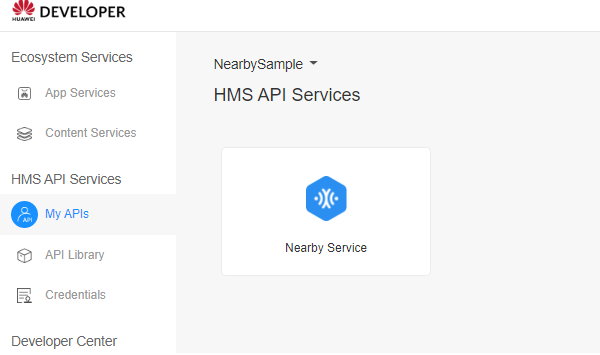
4. Go to HMS API Services > My APIs. The Nearby Service API is displayed.