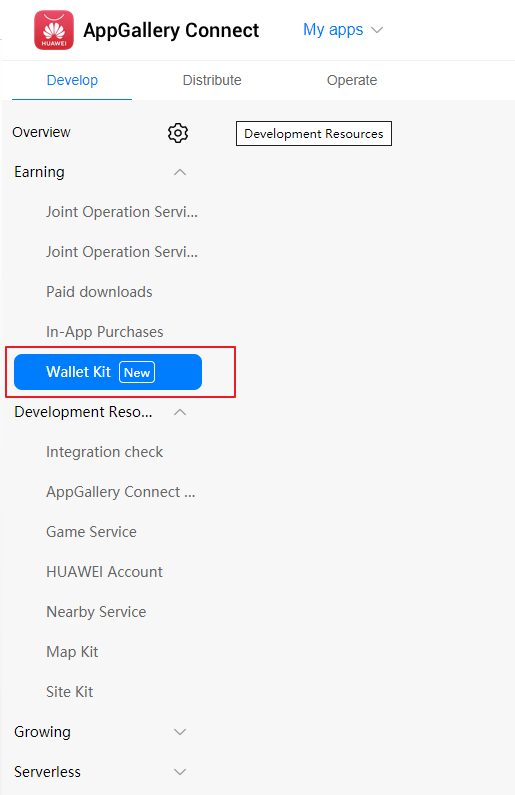
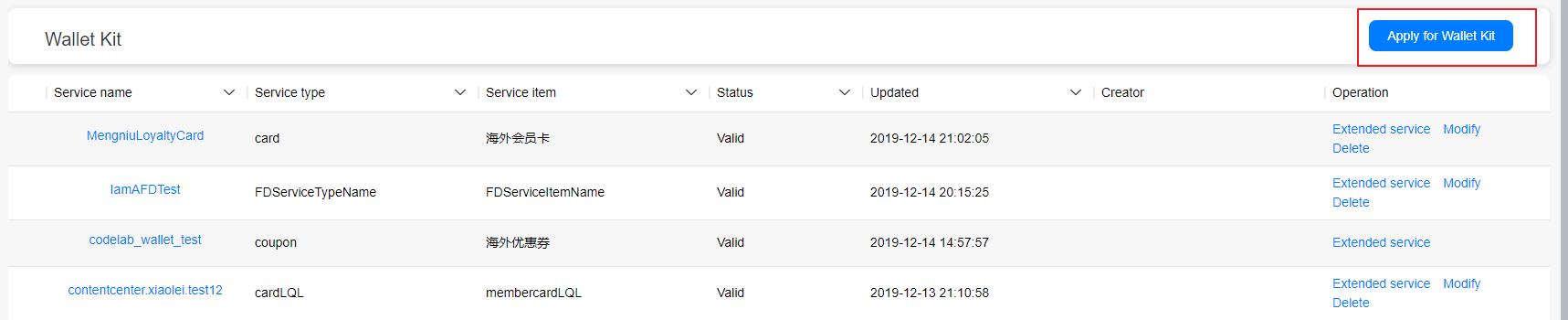
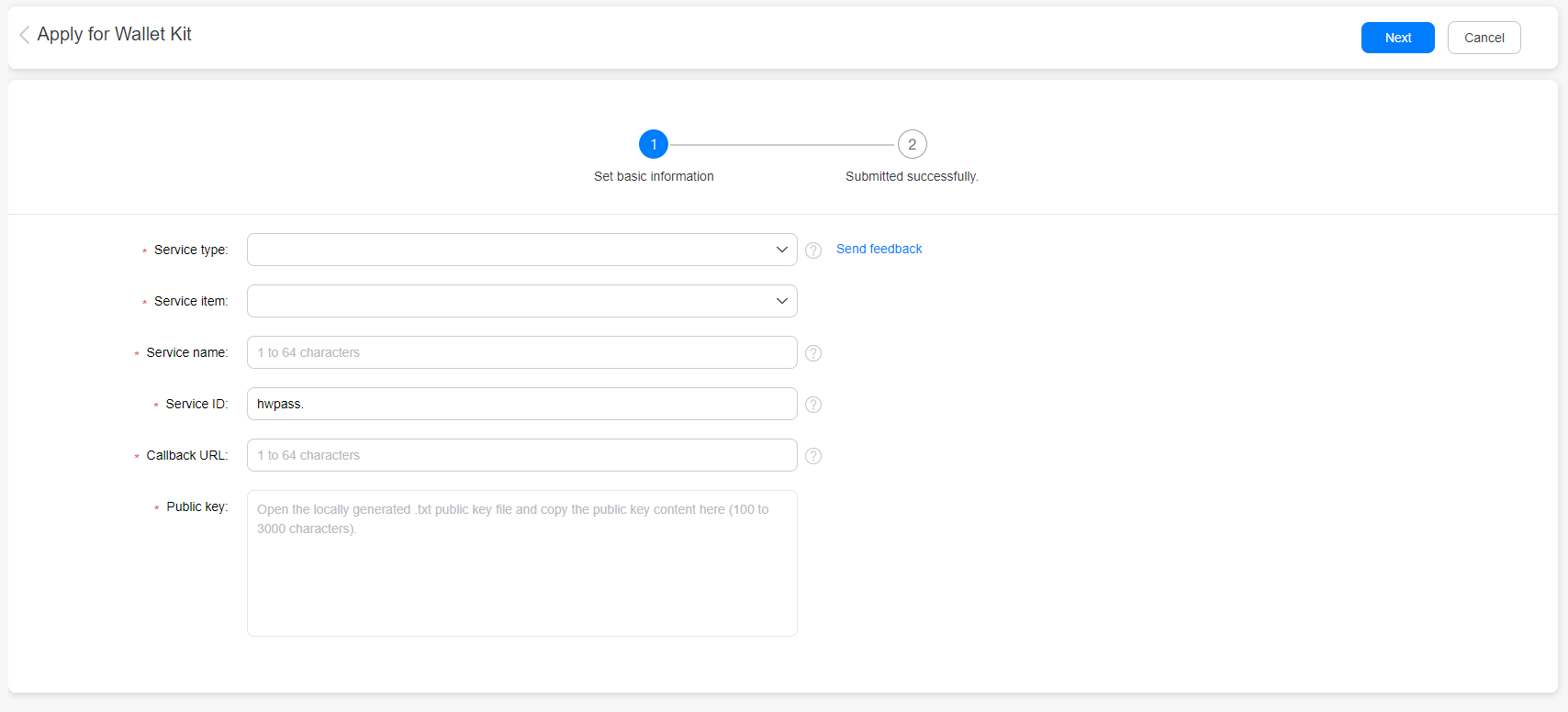
Notes:
Service type: Select card, ticket, or coupon.
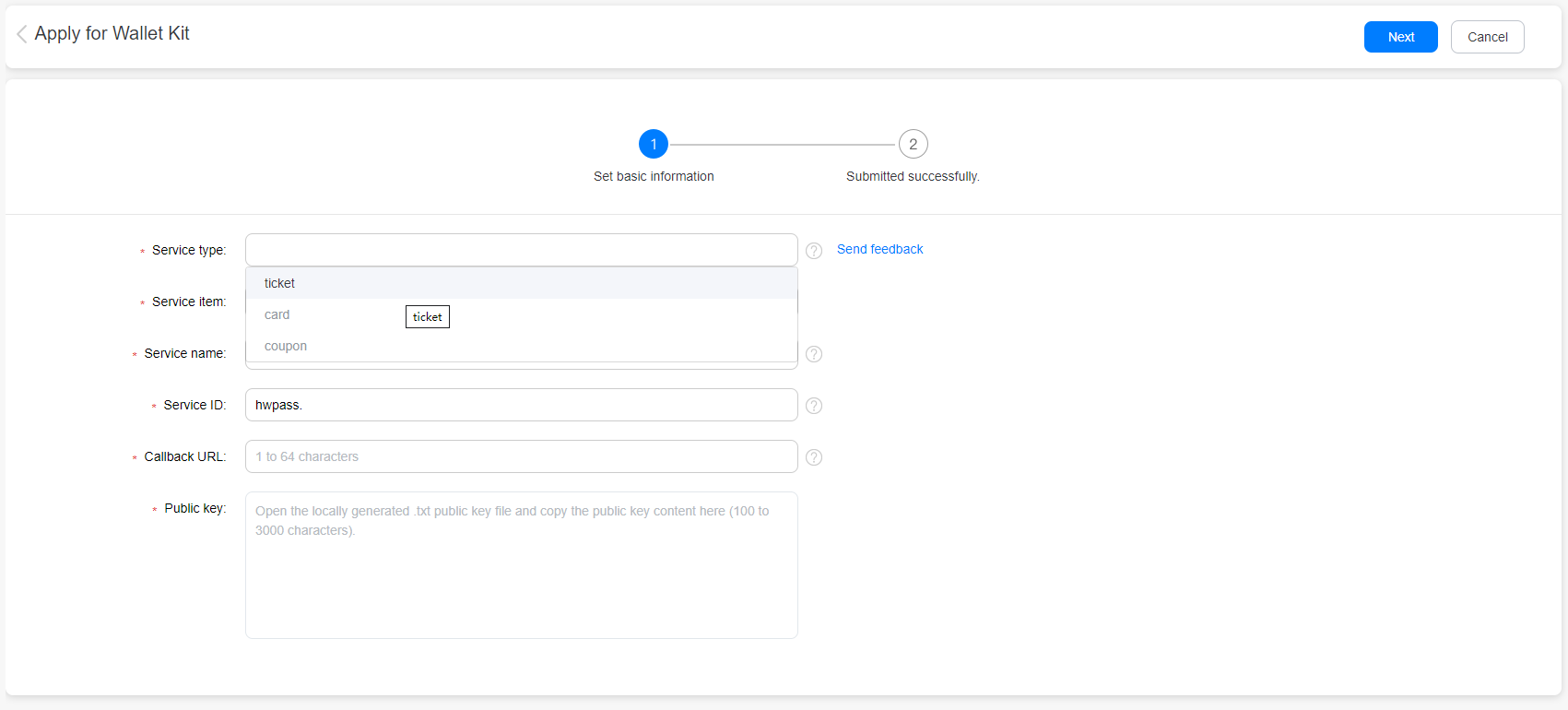
Service item: The options available for Service item depend on the value selected for Service type. For example, if Service type is set to card, the corresponding Service item can be Loyalty Card, Transportation Card, or Gift Card.
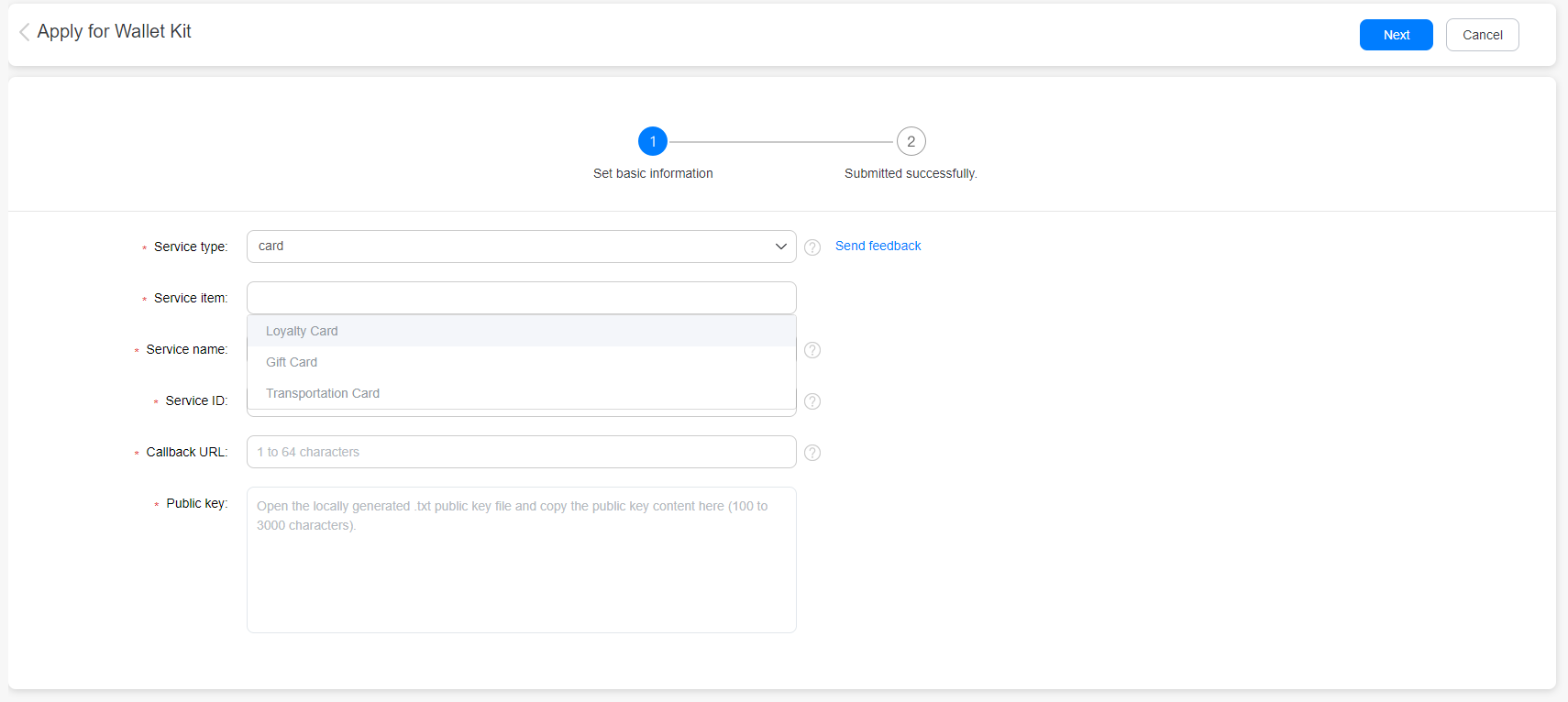
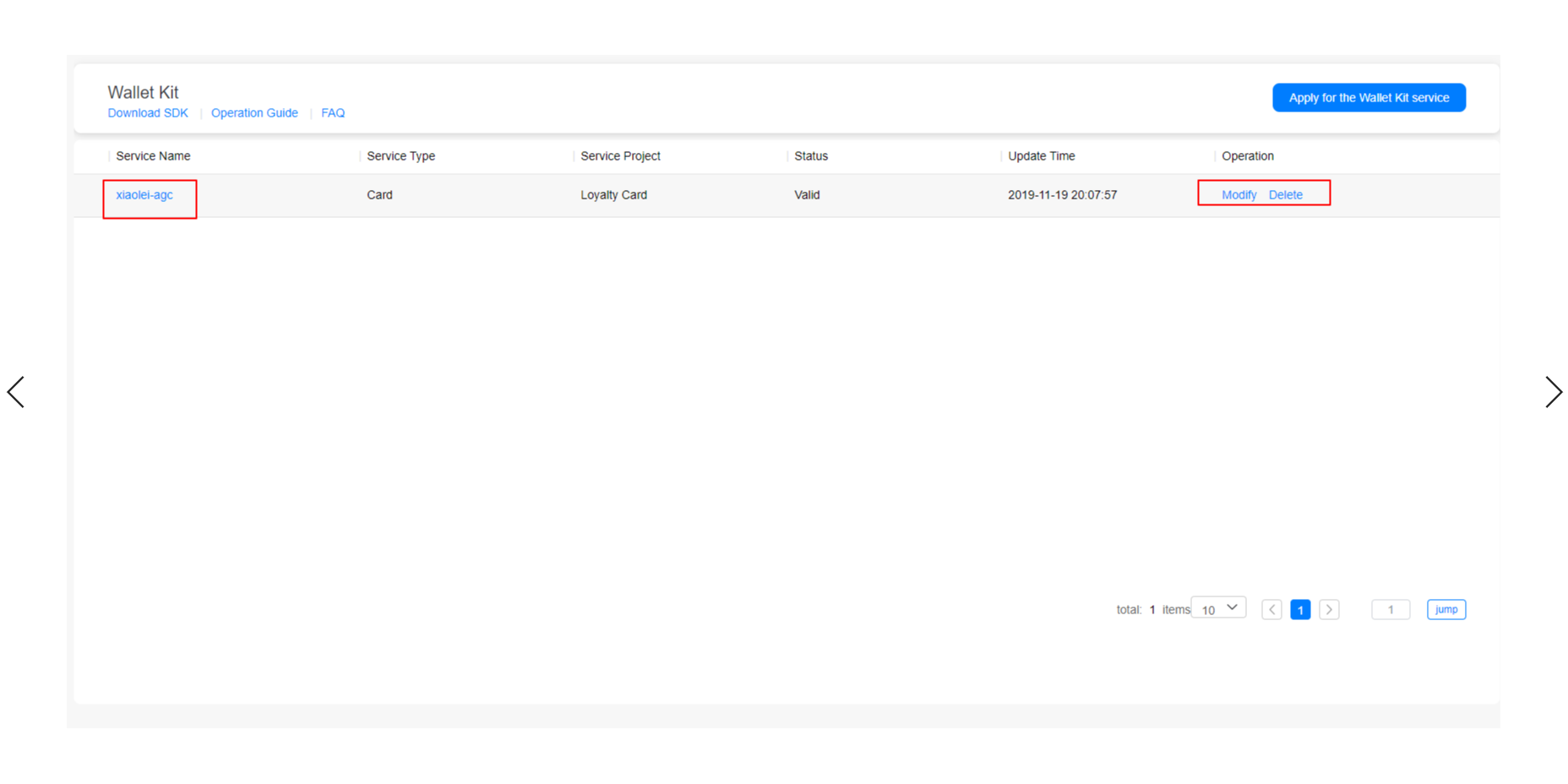
Service name: It is used to distinguish one service from another when all services that you have applied for are displayed on the HUAWEI Wallet Kit service home page.
Service ID: It is used by the Huawei server to distinguish one service from another. It is unique and must comply with format requirements (as shown in the figure below).
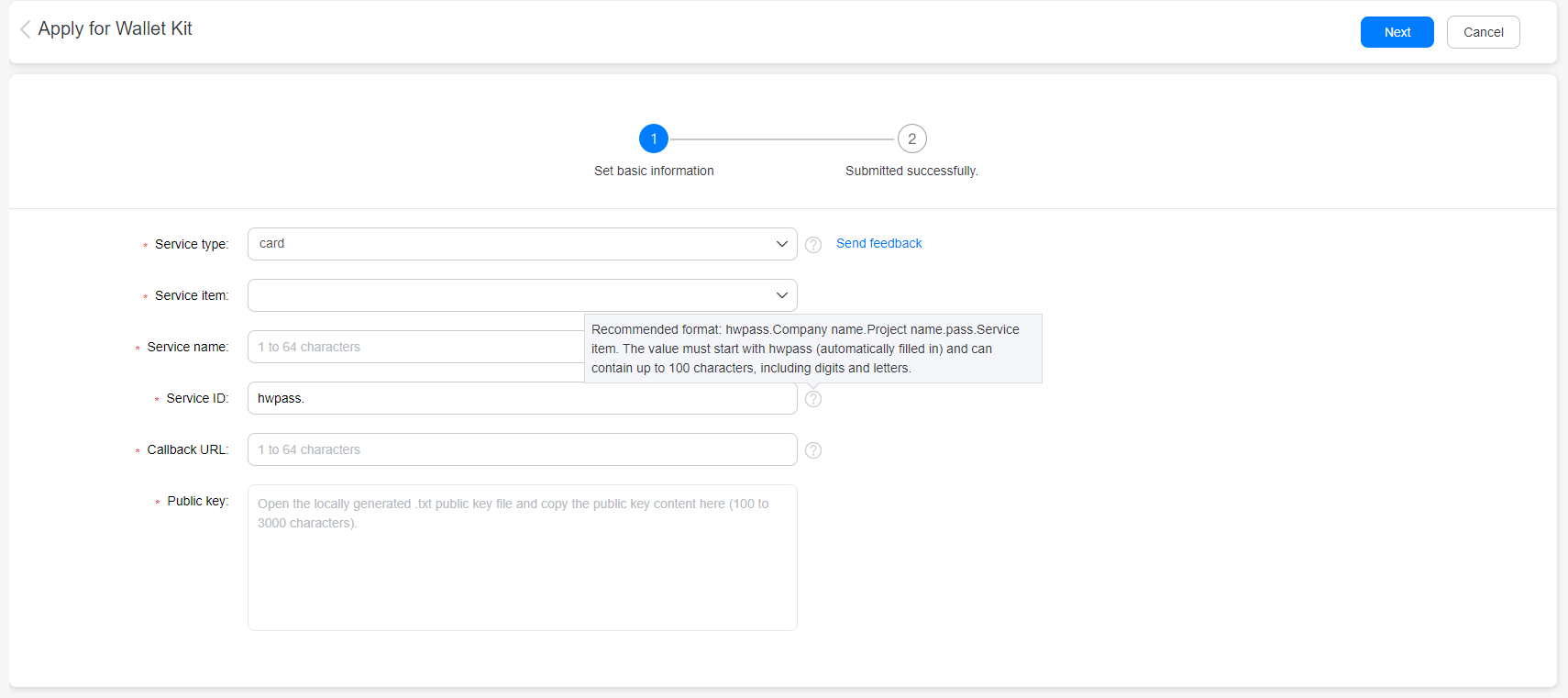
Callback URL: It is the address that you provided for HUAWEI Wallet Kit to call you back.
Public key: Copy the public key generated in Generating the Public and Private Keys (Security Verification Method 1) and paste it here. The public key will be used by the Huawei server to verify your identity.